
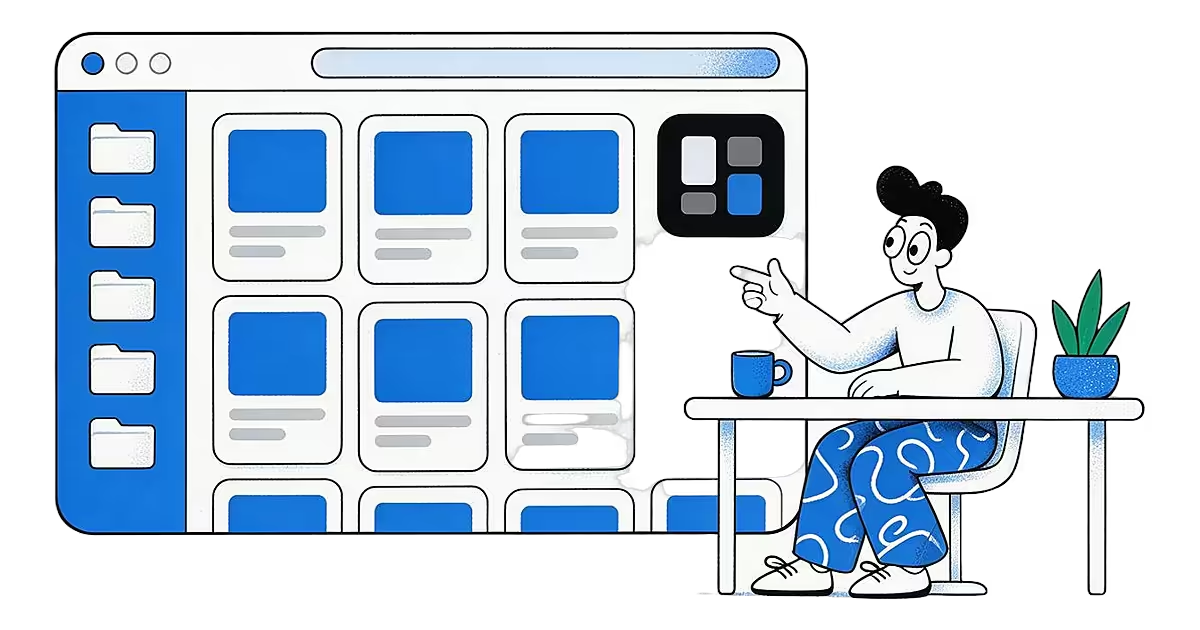
- One wall Your saved ideas in a card grid.
- Search Find an idea by what you saved.
- Same account Shared with the iPhone and Android apps.
The Ideafex web app is the browser version of your wall. Go to app.ideafex.si, sign in and the posts, articles and videos you saved are there on a bigger screen. It is a good fit for sitting down to sort, search and read what you collected on your phone.
What you can do in the Ideafex web app
- Browse your wall. All your ideas show as cards in one grid, with a load more option as the wall grows.
- Add ideas. Use Add idea to paste a link or write a note. A single idea can hold one or many links, and Ideafex detects duplicate links.
- Search. Search runs across your own text and the text fetched from your links.
- Organise. Put ideas in nested folders, with colours and icons, and file one idea in several folders.
- Filter by platform. Show only what came from a given app, such as YouTube or Reddit.
- Open any idea. See its text and links, edit it, delete it, or ask Ideafex to fetch a link again.
- Manage your account. Settings cover your details, password, preferences and plan and billing.
Add ideas and search them
In the browser there is no share sheet, so you add an idea yourself. Open Add idea, paste a link or type a note, and it lands on your wall. You can put several links in one idea, which keeps everything from the same find together.
On Pro, Ideafex then fetches what is behind each link: the caption and author, the media, the article text and the transcript of a downloaded video. Search covers all of that, so you can find an idea by something that was said in a video, not only by its title. On the Free plan, search covers your own text and the basic details of your saved links. Fetching is best-effort. Some sites need a login or block automated access, so not every link returns everything. Each idea keeps its source and platform. For what the fetched text looks like, see the phone view below.

Folders and platform filters
Folders can be nested, and each one can have its own colour and icon. An idea can sit in more than one folder, and the folder list is a tree down the side of the wall. Pick a folder to see only its ideas.
The Free plan includes up to 3 folders. Pro removes the limit. If you go over the Free limit, extra folders become read-only until you upgrade. The platform filter works with folders and search, so you can narrow your wall to, say, only Reddit posts about one topic.
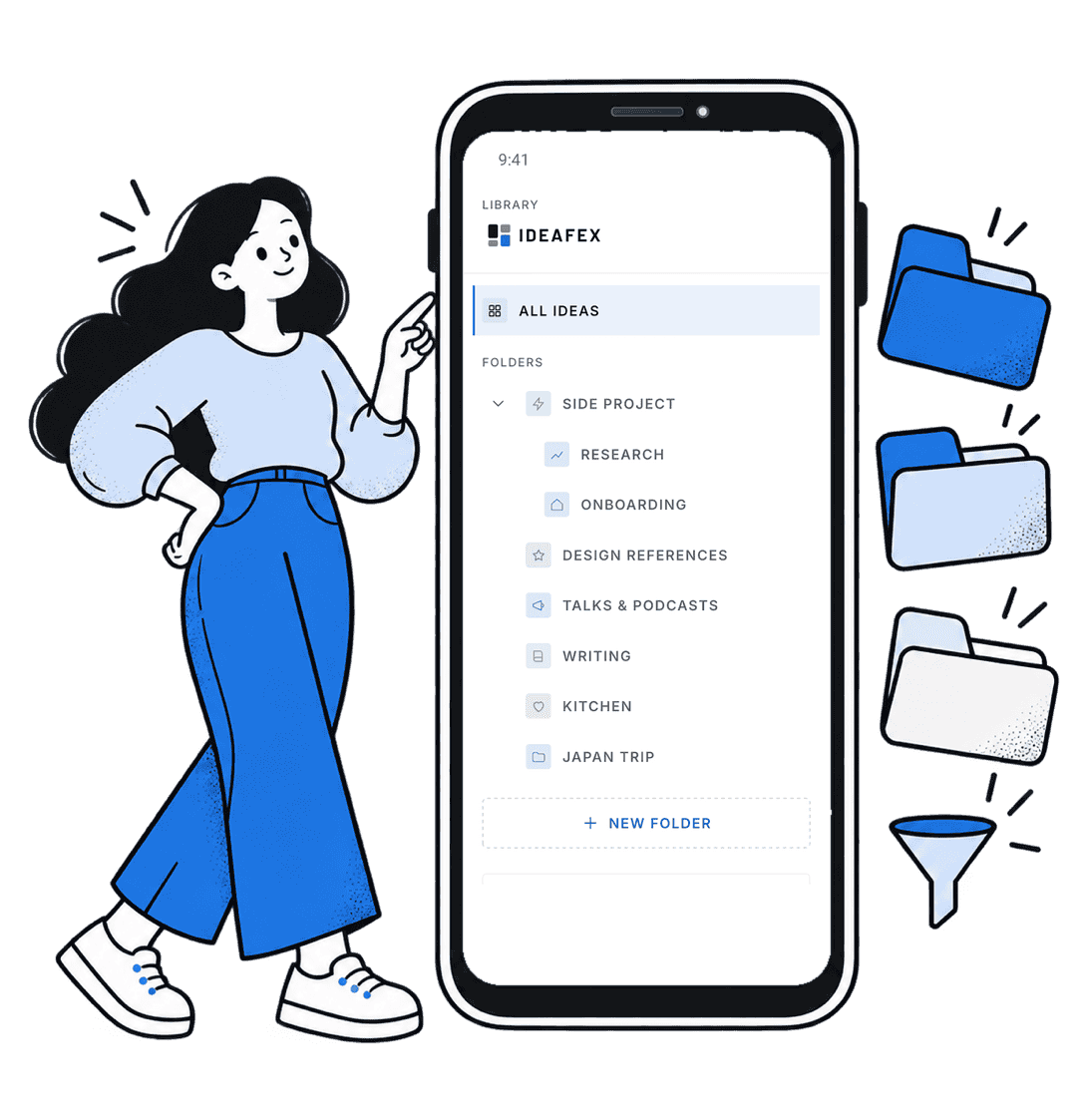
Same account as the mobile apps
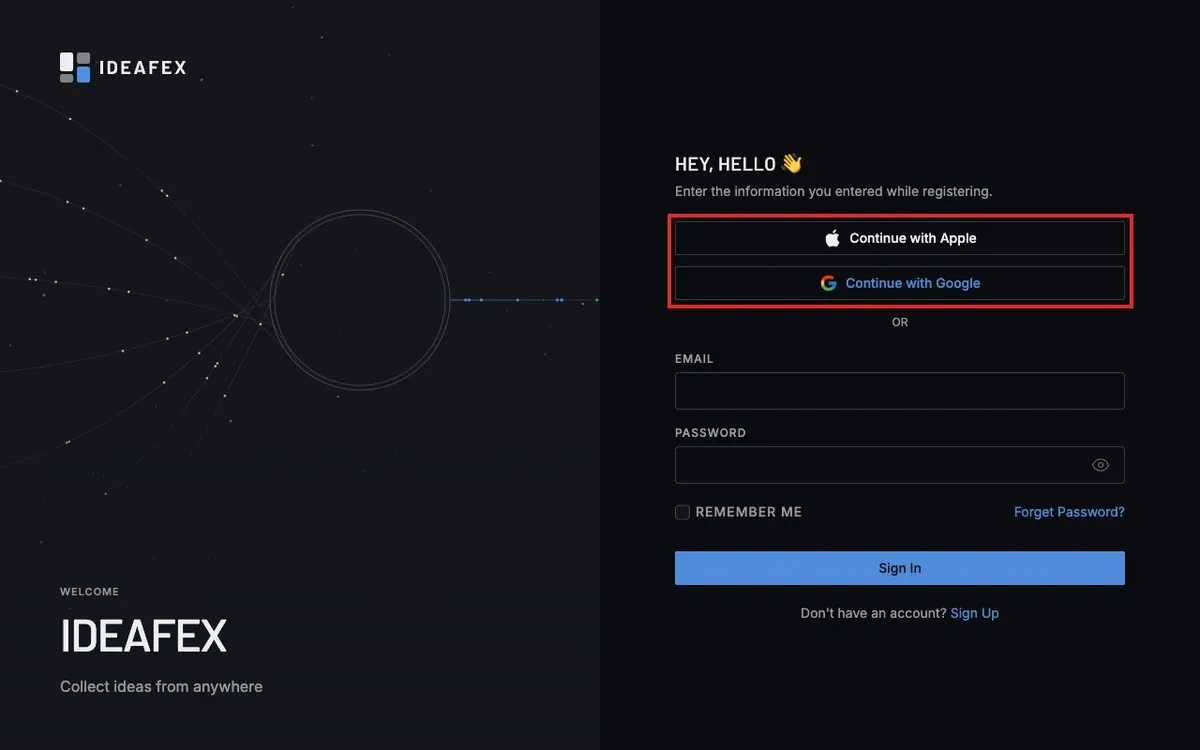
The web app, the iPhone app and the Android app sign in to the same Ideafex account, and one Pro plan works on both. Save from other apps with the share sheet on your phone, then come to the browser to search and organise. The iPhone app is free on the App Store and the Android app is free on Google Play.
Pro also lets you connect an MCP-compatible AI assistant to your saved ideas with read-only access. Read how in Connect your AI.
Settings and plan
The settings page has tabs for personal details, changing your password, preferences, plan and billing, and deleting your account. Ideafex is free to start, with unlimited ideas and search. Pro adds fetched media, article text and transcripts, unlimited folders and the AI connection. See the pricing page for plans. For product updates, see the changelog, and if you are stuck, contact us.
More answers are on the FAQ page. Our privacy policy and terms cover how your data is handled.
Questions about the web app
Yes. Open app.ideafex.si in your browser, sign in and your wall is there. You can add ideas, search, use folders and filter by platform without installing anything.
No. The web app, the iPhone app and the Android app use the same Ideafex account and the same plan, so one Pro plan covers both.
The share sheet is a phone feature, so use the iPhone or Android app to send posts straight from other apps. In the browser, you add an idea by pasting a link or writing a note. In Chrome, Edge and Firefox, the Ideafex extension also saves selected text, screenshots and links from the page you are on.
Those need Pro. On the Free plan the web app saves your link and note. Pro adds the fetched media, article text and transcripts, which are also searchable. Fetching is best-effort, so some sites that need a login or block automated access may not return everything.
The Free plan allows up to 3 folders. Pro has unlimited folders. See the pricing page for current plans.
Yes. The iPhone app is on the App Store, and the web app works in the browser on any device.
Save it once, find it later
Save posts, articles and videos from any app to one searchable wall. Ideafex is free on the App Store, Google Play and the web at app.ideafex.si.

