
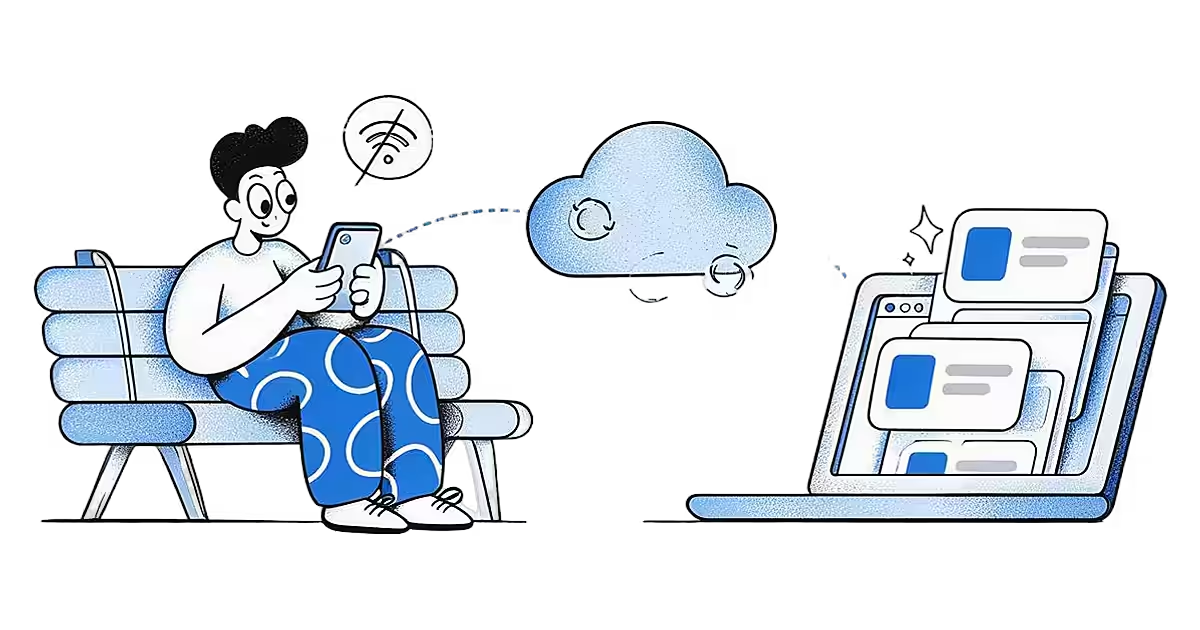
Good ideas turn up in bad places for signal: on the Underground, on a plane, in a basement gym, in a lecture hall with overloaded Wi-Fi. An app that needs a connection to save makes you choose between keeping the idea and waiting. Ideafex is built so you never have to make that choice.
Can you save ideas offline?
Yes, on Android and iPhone. Share a post, link, photo or note to Ideafex with no connection and you still see "Saved". The idea appears on your wall straight away, with the link and the platform's icon. When you are back online it uploads by itself, and the full preview, media and transcript fill in after that.
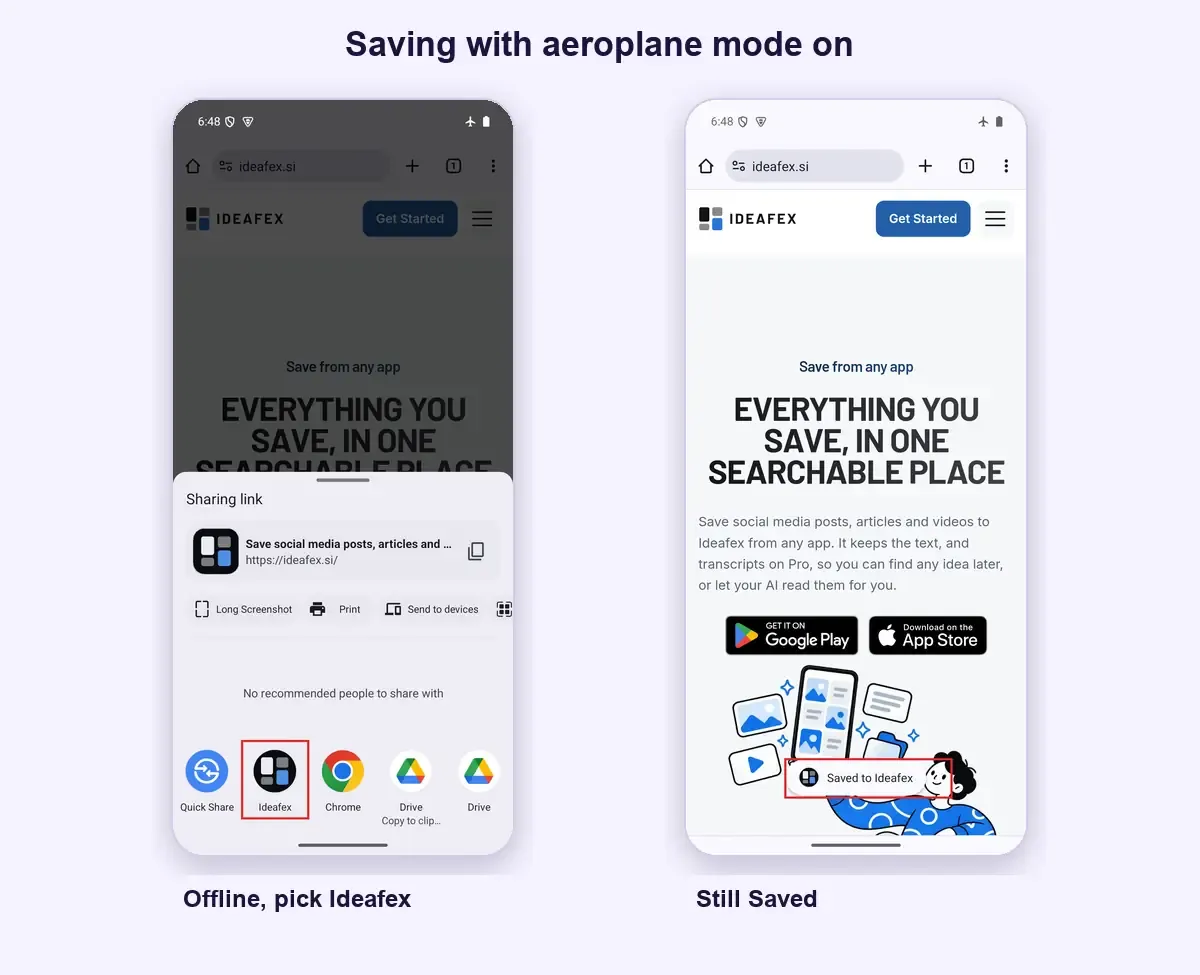
In practice that means you can share a TikTok on a flight, write a note in a tunnel, or sort last week's saves into folders on the Underground, and none of it waits for a signal. Your phone treats the local copy as the truth and catches the server up later.
This approach is often called offline-first. Google's Android guidance defines an offline-first app as one that can perform all, or a critical subset, of its core functionality without internet access, and shows local data immediately instead of waiting for the network (Android Developers: Build an offline-first app).
What works offline in Ideafex?
- Capture: sharing from other apps, notes, pasted links, photos and other attachments.
- Editing: changing an idea's text or source, and deleting an idea with undo.
- Folders: creating, renaming, choosing an icon and colour, reordering, moving, nesting and deleting folders, and adding ideas to folders or removing them. See nested folders.
- Search and filters: full search across your ideas, including article text and transcripts already fetched, plus the platform and folder filters.
All of these happen instantly, because they are written to your phone first.
How does sync work when you reconnect?
Ideafex keeps a queue of your changes on the phone. When a connection returns, it sends the queue in order, then pulls down anything that changed elsewhere, such as an edit you made in the web app or an idea saved on another phone. It also syncs when you open the app and when the server signals that something changed. You do not press a sync button, and there is no progress screen.
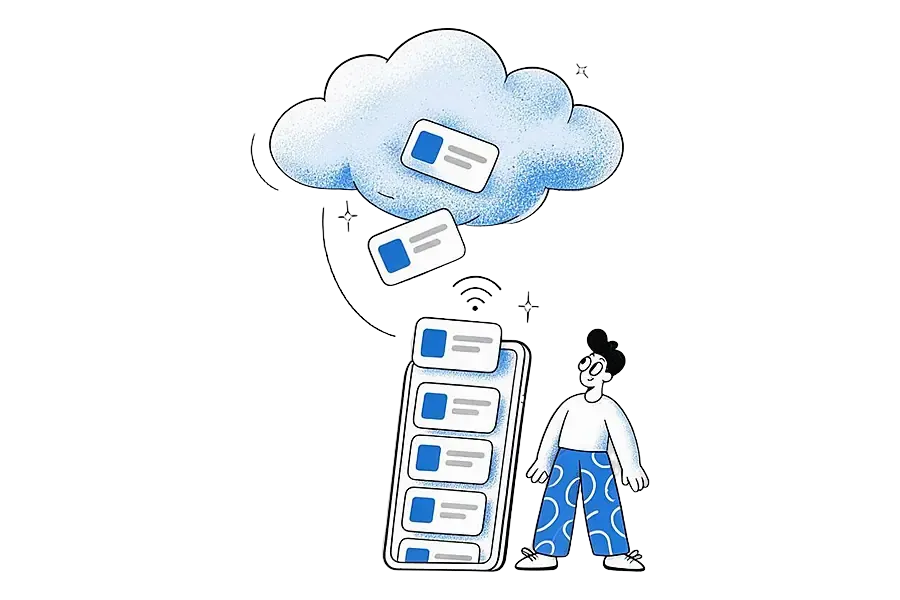
If a change cannot go through yet, Ideafex keeps trying with growing gaps between attempts. Changes are never dropped quietly. When something needs your attention, such as a plan limit, a small marker appears on that idea or folder and tapping it explains why.
What if you edit the same idea on two devices?
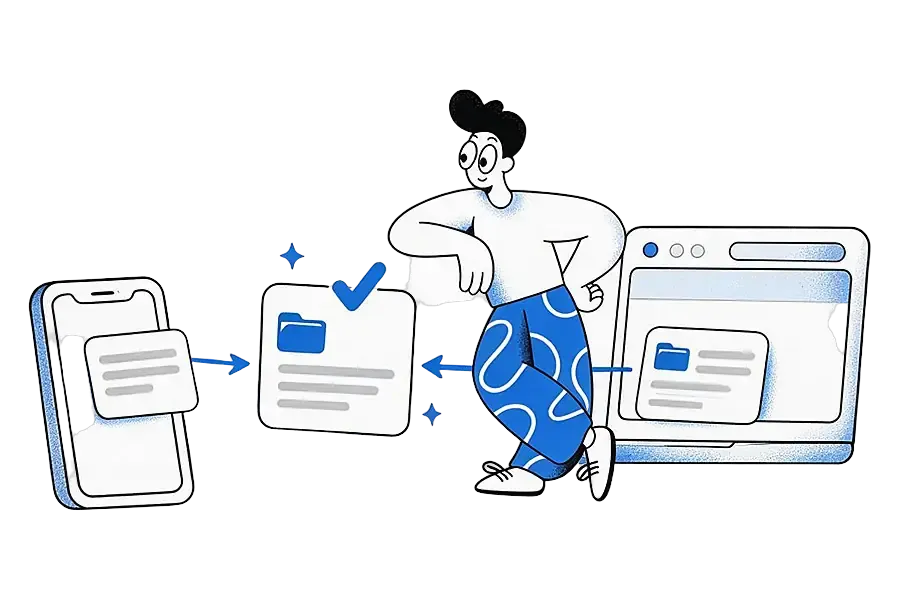
Ideafex merges changes field by field. If you change an idea's text on your phone and its folders on the web, both changes survive. If you change the same field in two places, the later edit wins. This "last write wins" rule is common in mobile apps, and Google's offline-first guide describes it as a typical way to resolve conflicts.
Can you see saved photos and videos offline?
Mostly, yes. Ideafex downloads the media in your ideas to your phone in the background, over Wi-Fi or mobile data. Once a photo or video has downloaded, it opens without a connection. The local media store has a size cap, and when it fills up the files you have not viewed for the longest are removed first to make room. Your own attachments that have not uploaded yet are never removed.
What about plan limits offline?
Offline, Ideafex uses the last plan it knew about. On Free, for example, the 3-folder limit still applies, so a fourth folder is blocked on the phone. If the server later rejects a change, the item stays on your phone with a marker instead of disappearing. Current plans are on the Ideafex pricing page.
What works on the web app?
The web app shows the same wall, folders and search, and receives everything your phone syncs. Offline saving, as described on this page, is a feature of the Android and iPhone apps. The Android app and iPhone app pages have more on each.
What are the limits?
- Previews need a connection. Offline, a saved link shows its address and platform icon. The title, media and transcript are fetched after you reconnect.
- Deleting your account needs a connection.
- Fetching is still best-effort. Coming back online does not guarantee a site will allow the fetch. YouTube links stay a preview, with no transcript.
- The media store has a cap. Videos you have not opened for a long time may need a connection to play again.
Why does offline saving matter when choosing an app?
Some save apps need a connection to save new items. The Ink & Switch essay on local-first software lists working offline among its seven ideals for software that respects its users' data (Ink & Switch, "Local-first software"). If you often save on the move, test it: switch on aeroplane mode and try saving in each app you are considering. Our Ideafex vs Raindrop comparison covers how offline saving differs between the two, with sources. For how sharing works in the first place, see share from any app.
Save it now, sync it later
Ideafex keeps saving, editing and search working with no signal, then syncs in the background.


Questions about offline use and sync
Yes, on Android and iPhone. The idea shows "Saved", appears on your wall and uploads automatically when you reconnect.
Yes. Your phone keeps a copy of your ideas, including article text and transcripts already fetched, so search and the platform and folder filters work without signal.
Ideafex merges field by field. Edits to different fields both survive, and if the same field changed in both places, the later edit wins.
You have changes that have not synced yet. Connect to the internet so they can upload, then sign out. This stops unsynced ideas from being lost.
No. Offline saving and sync are part of every plan, including Free. See the Ideafex pricing page for what each plan includes.
Save it once, find it later
Save posts, articles and videos from any app to one searchable wall. Ideafex is free on the App Store, Google Play and the web at app.ideafex.si.
Related reading
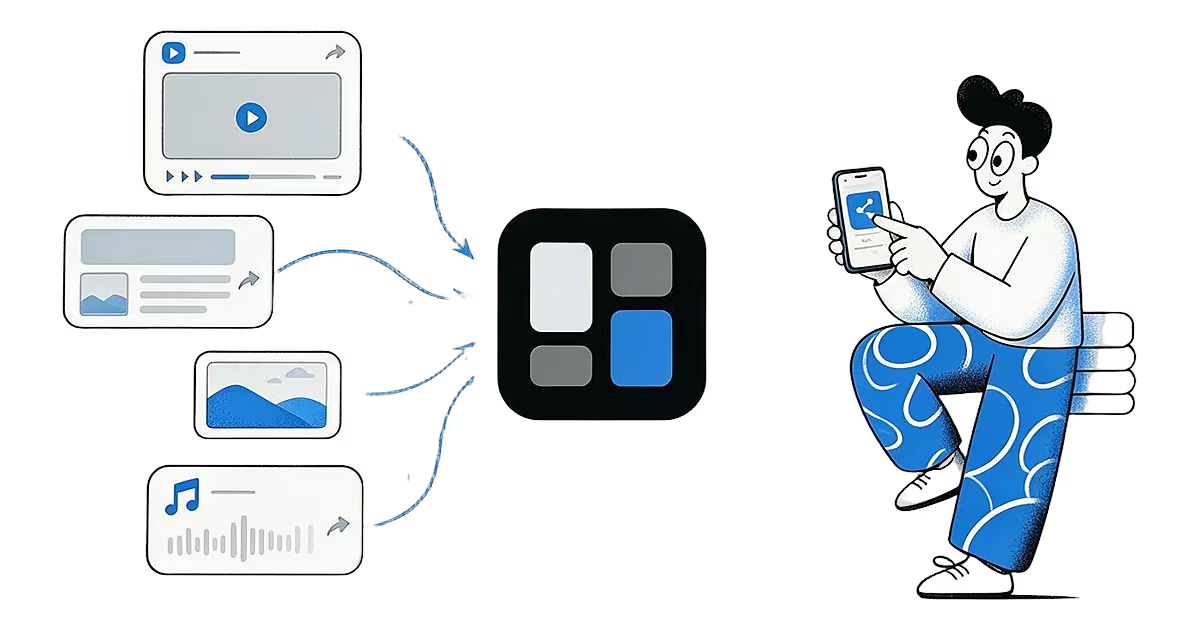
Share from any app: save to Ideafex from the share sheet
Tap Share in any app, pick Ideafex, and the post, link, text or file is saved without leaving the app, even offline.
Read more →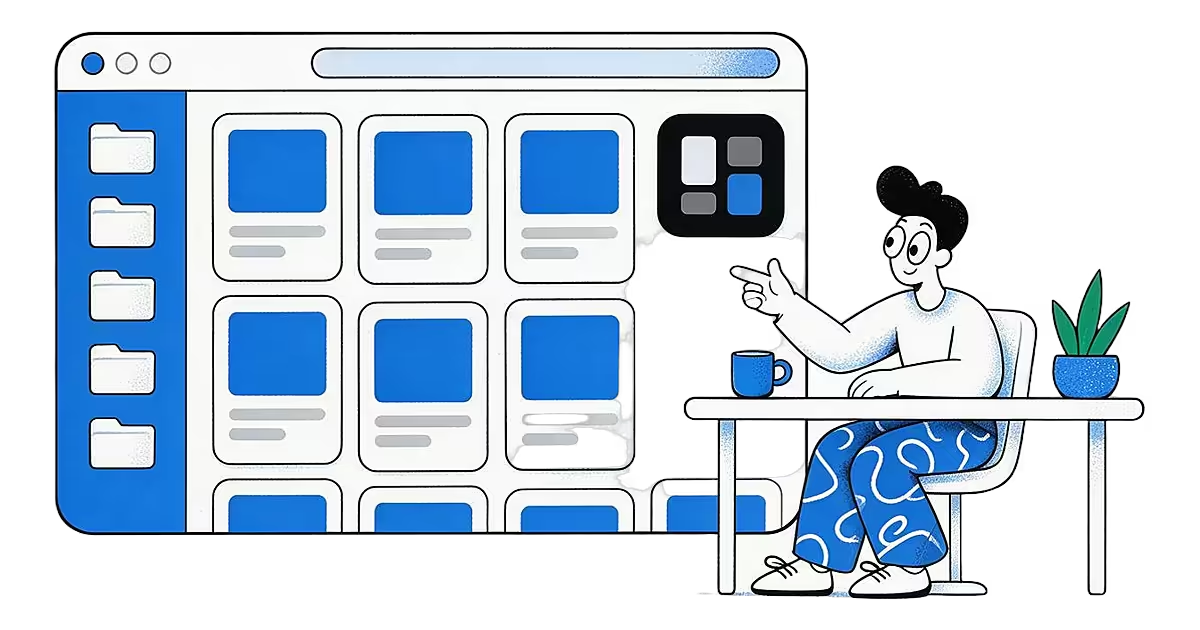
Ideafex Web App: Your Saved Ideas on Any Computer
The Ideafex web app opens your wall in any browser: add links and notes, search, sort into folders, filter by platform and manage your plan.
Read more →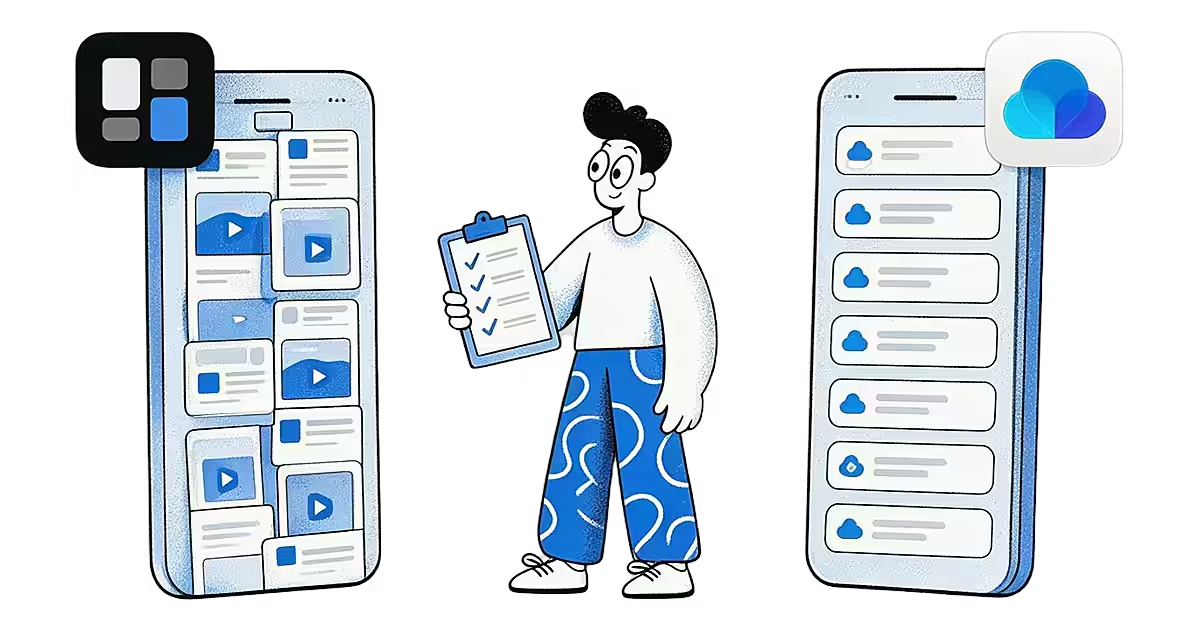
Raindrop vs Ideafex: Bookmark Manager or Save-Anything Wall?
Raindrop.io is a bookmark manager for every platform. Ideafex is a phone-first save button for posts, articles and videos. A fair comparison.
Read more →