
Ideafex saves posts, articles and videos from any app to one searchable wall. Free on the App Store and Google Play.


What is a bookmark manager?
Every browser has a basic one: the star or bookmark icon that saves the page you are on. A bookmark manager is anything that lets you keep those saved links in order and find them again. Some are built into the browser. Others are standalone apps that work across browsers and devices and add features the browser does not have.
What types of bookmark manager are there?
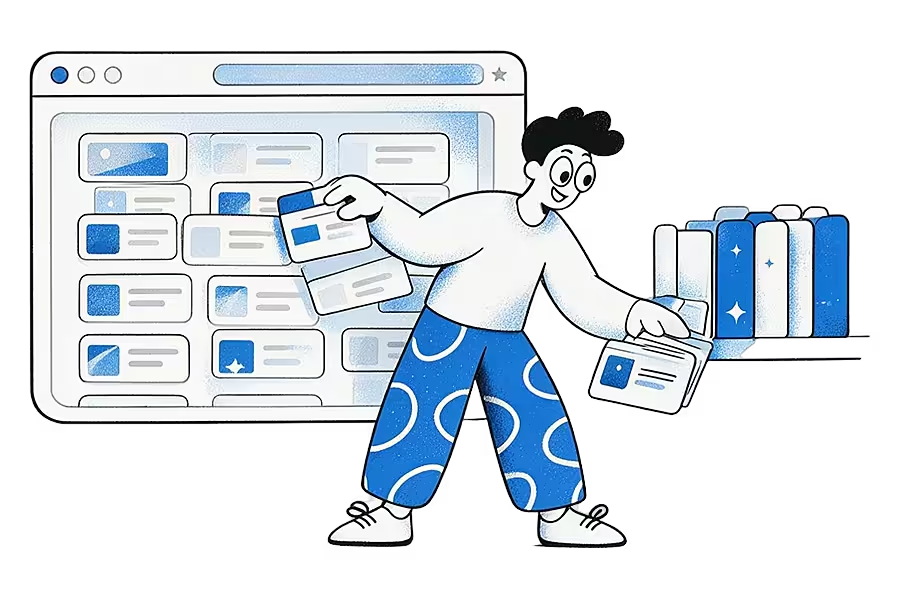
- Browser bookmarks. Free and already there. Chrome, for example, lets you create, find and edit bookmarks and sort them into folders (Google Chrome Help). Signing in syncs them across devices that use the same browser.
- Standalone bookmark managers. Apps such as Raindrop.io work in any browser, show visual previews, support tags and shared collections, and on paid plans can search the full text of saved pages.
- Read-it-later apps. Built for articles you plan to read, with a clean reading view. See read it later.
- Save-anything apps. Built for links, posts, videos, images and notes together, often phone-first and visual.
How does a bookmark manager work?
You save a link with a browser extension, a button in the app or your phone's share sheet. The manager fetches the page title, a description and a preview image. Some go further and store a copy of the page or its text, which makes search better and protects you if the page disappears later. You then sort links into folders, collections or tags, and search across them by title, address or, in some apps, the words on the page.
An example
You are planning a kitchen renovation. Over a month you save product pages, a few how-to articles, an Instagram post with the tiles you like and a YouTube review of a tap. In browser bookmarks, the Instagram post and the video live in other apps' saved lists. In a manager that captures from your phone, they all end up in one Kitchen folder you can search when you finally meet the builder.
How do you choose a bookmark manager?
- Where do you save from? Mostly a desktop browser points to an extension-first tool. Mostly a phone points to one with a good share sheet.
- What do you save? Plain links, or also social posts, videos and notes?
- How do you find things? Folders and tags, or full-text search of what the page actually said?
- Which devices? Check iPhone, Android and web if you switch between them.
- Do you need to share? Some tools offer shared collections for teams or families.
- Does it keep a copy? Tools that store the page text let you search it and keep it if the page goes.
- Can you leave? Check import and export before you invest years of links. Old links also break over time, a problem called link rot: Pew Research Center found that 38% of pages that existed in 2013 were gone a decade later (Pew Research Center).
For specific tools, our Raindrop.io alternatives guide compares several on these points.
Bookmark manager vs read-it-later app
A bookmark manager is a library: you keep links for reference, possibly for years. A read-it-later app is a queue: you save to read soon, then archive. Many people use both, or one tool that does a bit of each.
How Ideafex relates
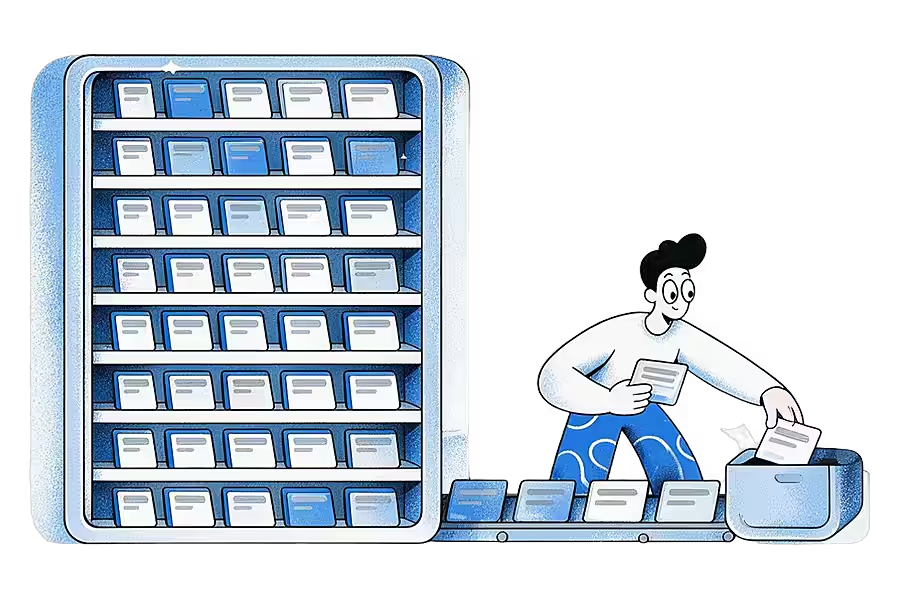
Ideafex is closer to a save-anything app than a classic bookmark manager. You share from any app on your phone, and the link, post or video becomes an idea on one searchable wall with its source kept. Ideas sit in nested folders, and one idea can live in several. On Pro it also keeps article text and video transcripts where it can fetch them. Its browser extension is on Chrome, Edge and Firefox, so if you mostly save from Safari, Raindrop.io may fit better, and our Ideafex vs Raindrop.io page sets out where each one is stronger. There is an Android app, an iPhone app and a web app. To see how saving and search fit together, start with the Ideafex app overview.
Related terms
Sources
- Google Chrome Help, Create, find and edit bookmarks in Chrome
- Pew Research Center, When Online Content Disappears (2024)
Quick answers
A bookmark is one saved link. A bookmark manager is the tool that stores many of them, keeps them in folders or tags, and helps you search them later.
Not always. Browser bookmarks are fine for a few links in one browser. A separate manager helps when you use several browsers or devices, save from phone apps, or want to search page text.
Yes. Raindrop.io is a bookmark manager with an Android app. If you save posts and videos as well as links, Ideafex is a save-anything app on Android that works from any app's share sheet; see the Ideafex Android app.
Save it once, find it later
Save posts, articles and videos from any app to one searchable wall. Ideafex is free on the App Store, Google Play and the web at app.ideafex.si.
Related terms and reading
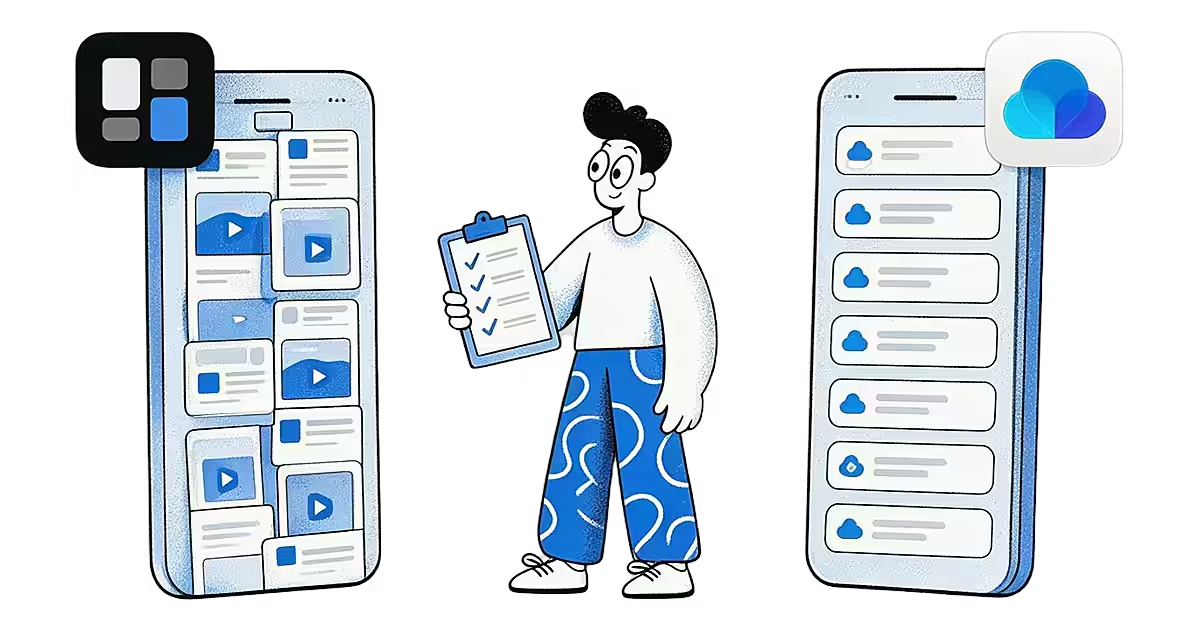
Raindrop vs Ideafex: Bookmark Manager or Save-Anything Wall?
Raindrop.io is a bookmark manager for every platform. Ideafex is a phone-first save button for posts, articles and videos. A fair comparison.
Read more →
Raindrop Alternatives: 5 Apps to Try Instead of Raindrop.io
Five Raindrop.io alternatives matched to why you might switch: offline saving, a visual space, open source, a reader, or social posts.
Read more →
What Does Read It Later Mean? How the Apps Work
Saving an article now so you can read it properly later, often offline and without clutter.
Read more →