
Ideafex saves posts, articles and videos from any app to one searchable wall. Free on the App Store and Google Play.


What is a web clipper?
A bookmark saves where a page is. A clipper saves what is on it. Notes apps made the idea popular:
- Evernote has long offered a Web Clipper (Evernote).
- Notion has one that saves pages into your workspace (Notion).
- Obsidian's Web Clipper saves pages as Markdown files in your vault (Obsidian).
How does a web clipper work?
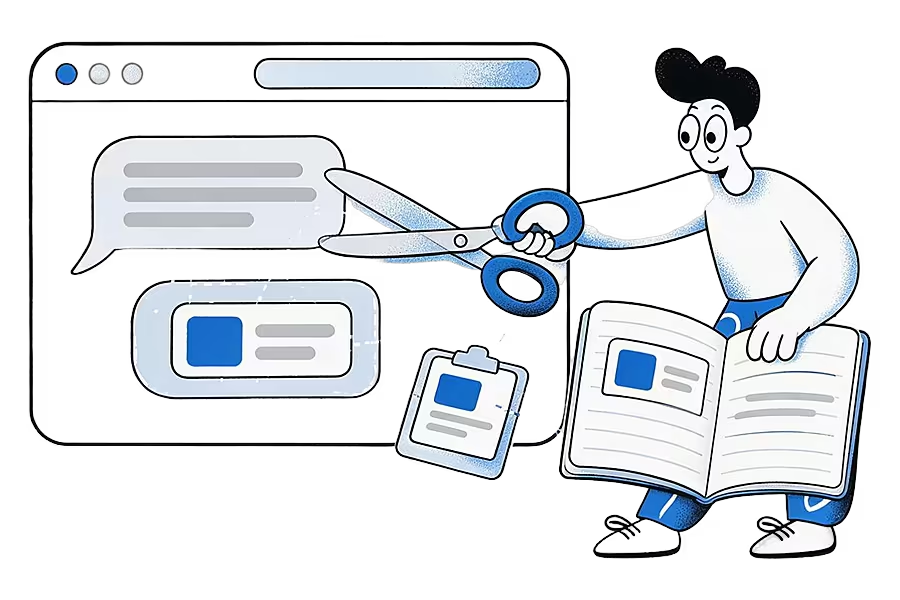
- You click the clipper's button in your browser toolbar while on a page.
- It reads the page and pulls out the main content, dropping menus, ads and footers.
- You choose what to keep: the full article, a selection, a screenshot or a simple link with a preview.
- You pick a destination, such as a notebook, folder or database, and sometimes add a note.
- The clip is saved to your account and syncs to your other devices.
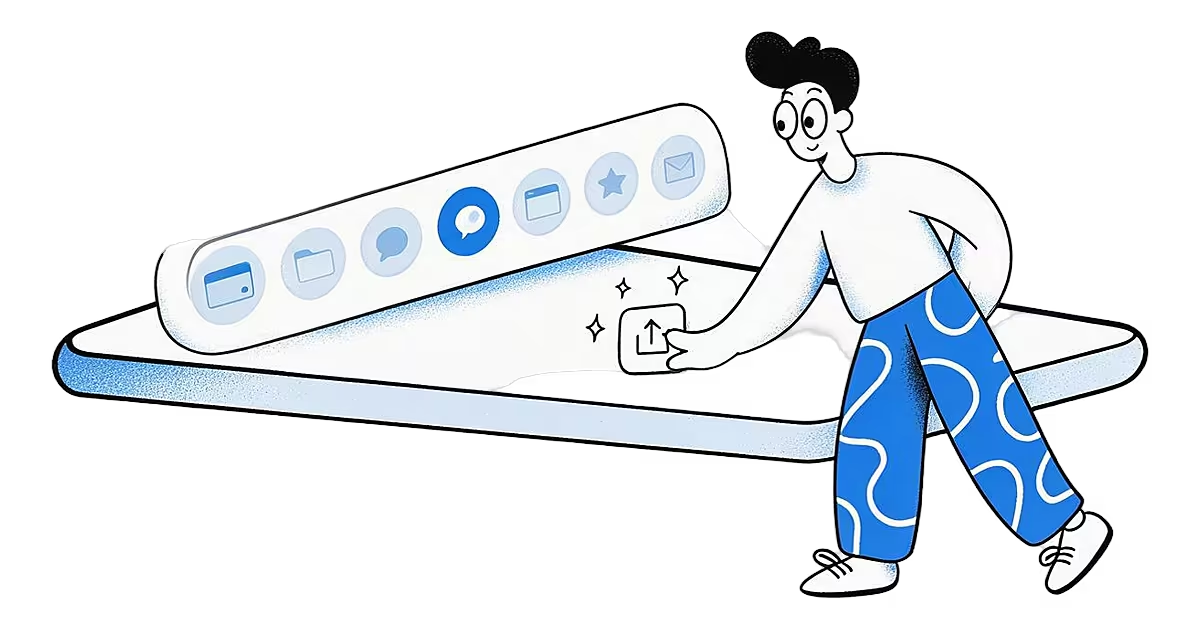
On phones, browser extensions are limited, so the share sheet does most of the clipping: you tap Share and pick the app that should receive the page.
An example
A journalist researching housing policy clips a council report summary, a paragraph from a think-tank article and a chart from a news site into one notebook. Weeks later, the text is still there to quote, even though one of the pages has been taken down.
Why clip instead of bookmark?
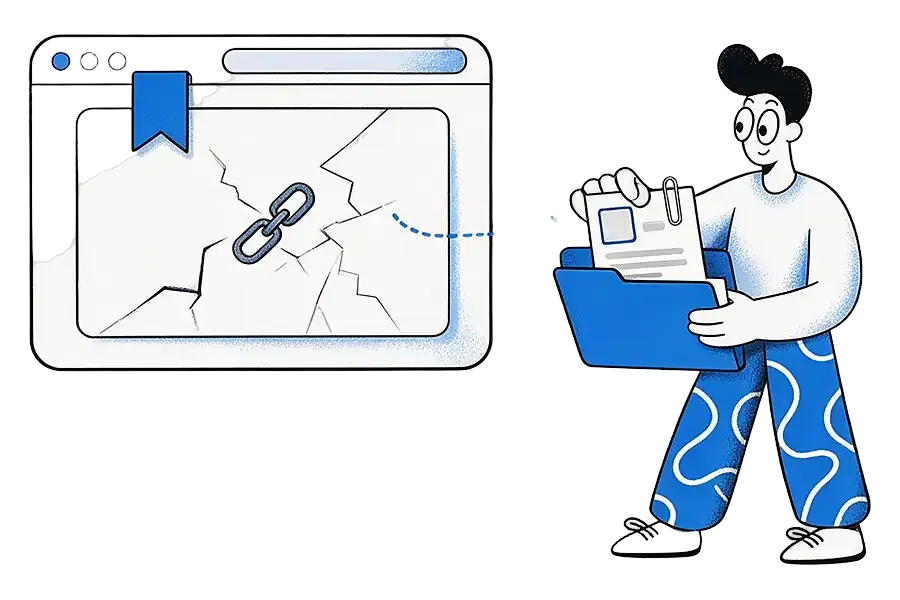
Clipping keeps the words, so you can search them and quote them, and you still have them if the page vanishes, a common problem known as link rot.
How Ideafex relates
Ideafex has a browser extension for Chrome, Edge and Firefox that saves selected text, screenshots and the addresses of images, videos, audio and links from the page you are on, and it queues saves while you are offline. On your phone, the share sheet does the clipper's job: share a page from any app and it is saved as an idea with its source, even offline. On Pro, Ideafex fetches and keeps the article text where the site allows, so search covers what the page said. On a computer you can also add a link in the web app. If you mainly clip in Safari, a tool with a Safari extension will suit you better for now. More on phone capture in share from any app.
Related terms
Sources
Quick answers
It saves the content of a web page, such as the article text, a selection or a screenshot, into a notes or saving app, instead of only saving the link.
Mobile browsers have limited extension support, so most phone clipping happens through the share sheet: tap Share and choose the app that should save the page.
Yes, for Chrome, Edge and Firefox. The Ideafex extension saves selected text, screenshots and the addresses of images, videos, audio and links from the page you are on, even offline. On a phone you save through the share sheet, and on a computer you can also add links in the web app at app.ideafex.si.
Save it once, find it later
Save posts, articles and videos from any app to one searchable wall. Ideafex is free on the App Store, Google Play and the web at app.ideafex.si.
Related terms and reading
What Is a Share Sheet? iPhone and Android Explained
The panel your phone shows when you tap Share, listing the apps and actions that can receive what you are looking at.
Read more →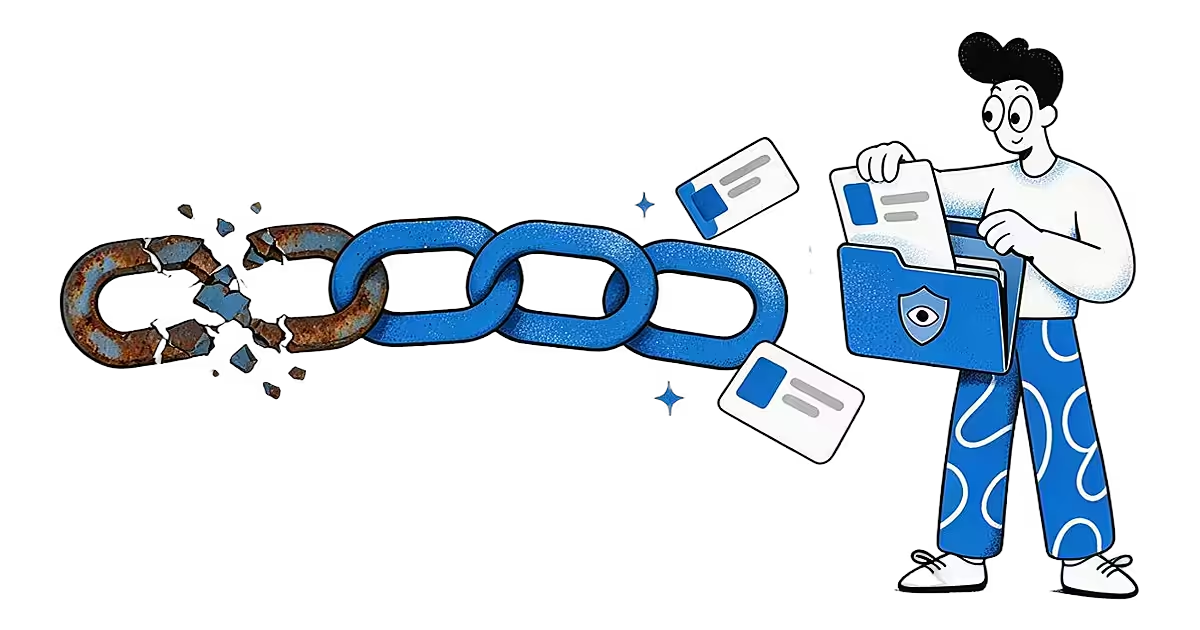
What Is Link Rot? Why Saved Links Stop Working
When a link that once worked stops leading to the page it pointed to.
Read more →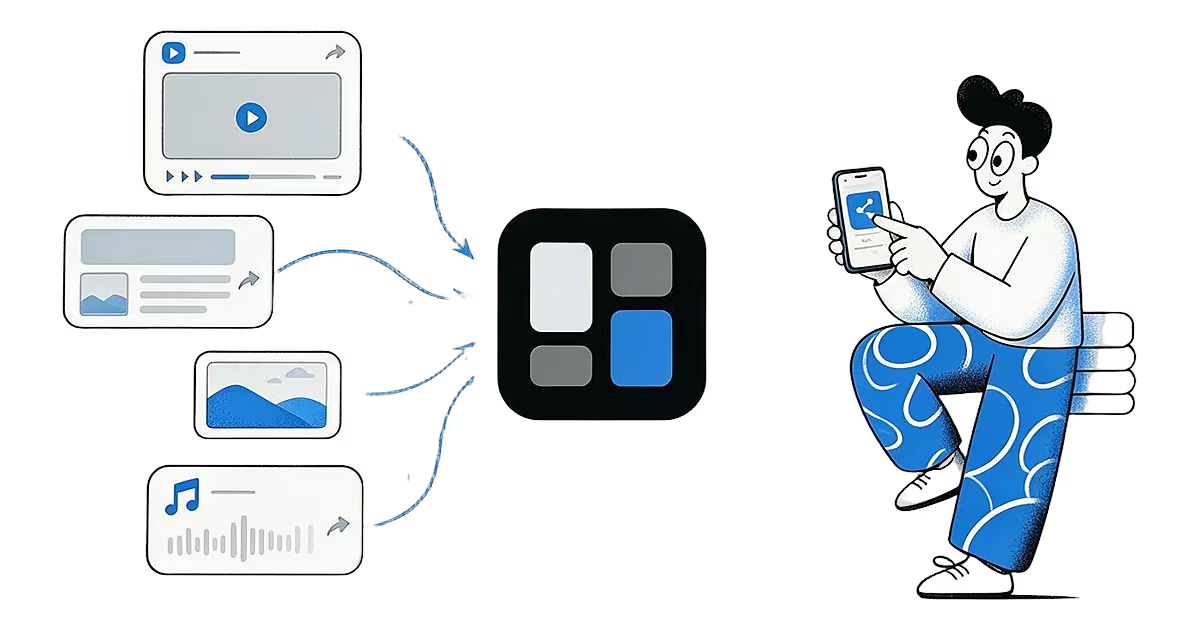
Share from any app: save to Ideafex from the share sheet
Tap Share in any app, pick Ideafex, and the post, link, text or file is saved without leaving the app, even offline.
Read more →