
Ideafex saves posts, articles and videos from any app to one searchable wall. Free on the App Store and Google Play.


What is an MCP connector?
"Connector" is the word AI apps use for an MCP server once you have added it to your account. The server is the program that offers tools. The connector is your side of the arrangement: the address of that server, the sign-in you completed and the switch that lets the assistant use it.
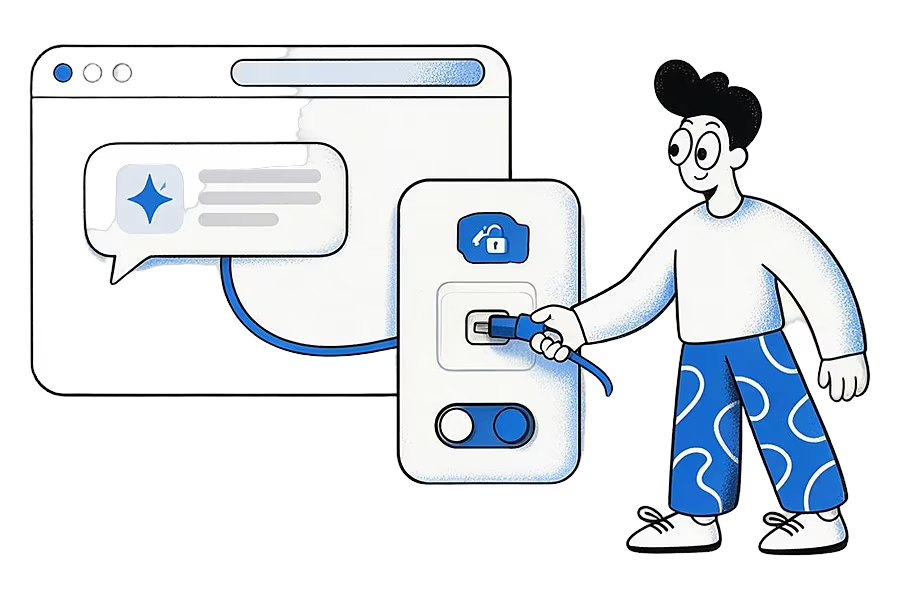
Claude calls them custom connectors and lets you connect to existing remote MCP servers or build your own (Claude Help Center). OpenAI's documentation uses "connectors" for its built-in integrations and describes MCP servers that plug into ChatGPT and Codex (OpenAI MCP docs). Names vary by app, but the idea underneath is the same Model Context Protocol.
How does a connector work?
- You paste the server's address into your AI app's connector settings.
- The app sends you to the service to sign in, usually with OAuth, and you approve access.
- The app asks the server which tools it offers and lists them under the connector.
- In a chat, the assistant calls those tools when your question needs them.
- You can switch the connector off or remove it at any time, which stops further access.
Connector vs server
One server can sit behind thousands of connectors, one per person who added it. Removing your connector does not touch the server; it only ends your app's link to it. If you see "MCP connector" and "MCP server" used as if they meant the same thing, that is common, and usually harmless.
An example
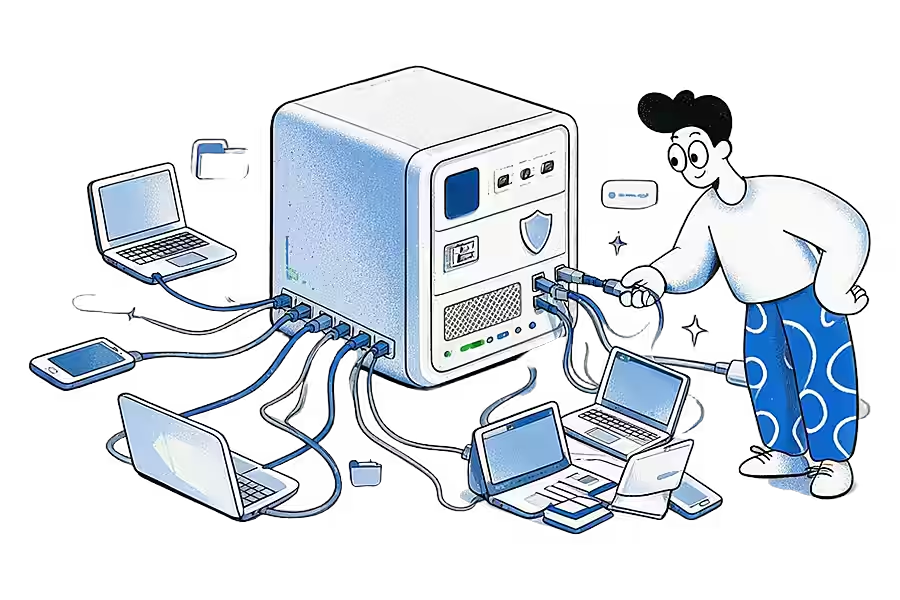
A student adds a notes app as a connector in Claude. From then on, asking "what did my notes say about the French Revolution?" lets Claude search those notes and answer from them, instead of guessing from the web.
How Ideafex relates
Ideafex can be added as a connector so Claude, ChatGPT, Cursor or another MCP client can search and read your saved ideas. The connection is read-only, you approve it by signing in, and it needs Pro. For the step-by-step setup in each app, see Connect your AI.
Related terms
- MCP server: the program a connector points to.
- RAG: retrieval for AI, and how it compares with MCP.
- AI second brain: what a connector to your saved library makes possible.
Sources
- Claude Help Center, Custom connectors using remote MCP
- OpenAI, MCP servers and connectors
- Model Context Protocol, What is MCP?
Quick answers
Not quite. The server is the program that offers tools. The connector is the saved connection to that server inside your AI app, including your sign-in.
They are as safe as the server behind them and the access you grant. Prefer connectors you approve with a sign-in you can revoke, and check whether the tools can change data or only read it.
Follow the steps to connect Claude, ChatGPT or Cursor to Ideafex. You sign in to Ideafex to approve read-only access, and the tools need a Pro plan.
Save it once, find it later
Save posts, articles and videos from any app to one searchable wall. Ideafex is free on the App Store, Google Play and the web at app.ideafex.si.
Related terms and reading
What Is an MCP Server? A Plain-English Explanation
A program that lets AI assistants such as Claude and ChatGPT use outside tools and data through one open standard.
Read more →
Connect Claude or ChatGPT to saved ideas (MCP)
A read-only MCP connection that lets your AI assistant search and read the posts, articles and videos you saved in Ideafex.
Read more →
A second brain AI can read: use Claude with what you save
Turn the posts, articles and videos you save into a second brain that Claude, ChatGPT or Cursor can search and read, with read-only access you approve.
Read more →