

The idea of a second brain is older than AI assistants. Tiago Forte describes it as a central digital store for the things you learn and where they came from, built in four steps: Capture, Organise, Distil and Express (Forte Labs, "Building a Second Brain"). Our glossary has a plain-English summary of what a second brain is.
What changes with AI is the last two steps. You no longer have to distil everything by hand before it is useful. If your assistant can read what you saved, you can ask it questions and let it pull the right pieces together. That only works if capture is easy, which is where most second brains fail.
What is a second brain AI?
A second brain AI is an assistant such as Claude or ChatGPT that can reach into your own saved material and use it to answer you. The usual way to connect the two today is MCP, the Model Context Protocol, which its documentation calls an open-source standard for connecting AI applications to external systems (What is the Model Context Protocol?). An app offers an MCP server, and your assistant connects to it. Our glossary explains what an MCP server is.

How does a Claude second brain work with Ideafex?
It has two halves: capture on your phone and reading in your assistant.
- Capture. You save as you go. Tap Share in Instagram, TikTok, X, Reddit, a browser or any other app, choose Ideafex, and the idea is saved without leaving that app, even offline. See share from any app.
- Fill in. On Pro, Ideafex fetches what it can from each link: captions, article text, media and transcripts of videos it can download. The wall fills in by itself.
- Connect. With Connect your AI, you add the Ideafex MCP server to Claude, ChatGPT, Cursor or another MCP client and approve access by signing in to Ideafex.
- Ask. In a chat you ask things like "find the videos I saved about sourdough and list what each one recommends" and the assistant searches your ideas to answer.
The setup steps for each assistant live on the Connect your AI page, so they stay current in one place.
What can Claude or ChatGPT do with your saved ideas?
The Ideafex MCP server gives your assistant four read-only tools:
- Search ideas by words in your notes, captions, titles, article text and transcripts.
- List ideas so it can look through recent saves.
- List folders so it understands how you have organised things.
- Get an idea with its source, text and transcript.
That covers most second-brain questions:
- What did I save about X
- Which of these sources disagree
- Summarise the recipes in my Dinner folder
- What was the tool that video recommended
What can it not do?
Access is read-only. Your assistant cannot add, edit, move or delete ideas or folders. That is a deliberate choice: you stay in charge of what is in your second brain, and a confused prompt cannot rearrange it. Some other save apps offer MCP tools that can change your library; if you want an assistant to organise things for you, Ideafex will not do that.
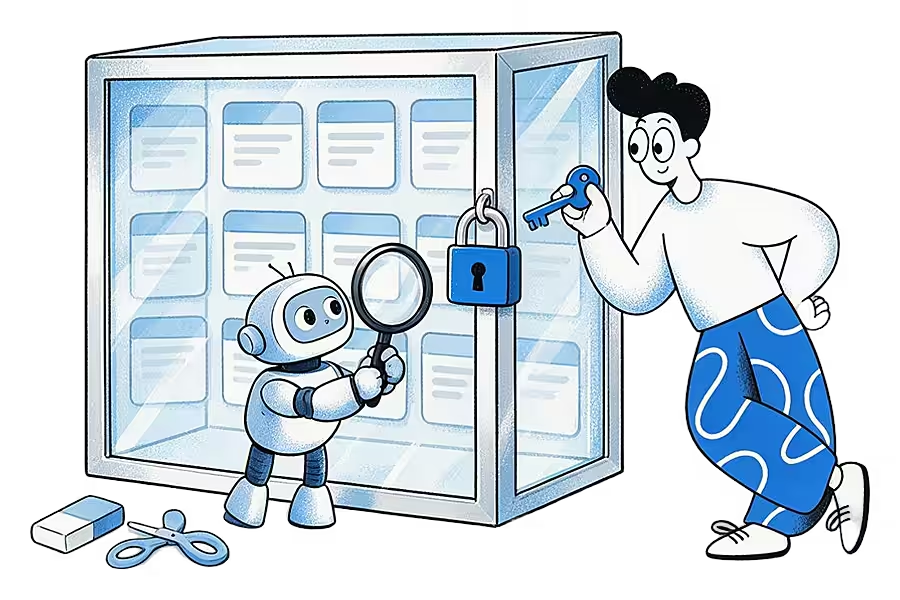
The assistant also only sees what Ideafex holds. For a YouTube link that means the title and preview, since YouTube is saved without a transcript. For a post whose media could not be fetched, it sees the link, the preview and your note.
Is a second brain AI free?
Partly. Saving, search, link previews and up to 3 folders are on the Ideafex Free plan with unlimited ideas. Connect your AI is part of Pro, along with media, article text, transcripts and unlimited folders. A Free account can start the connection, but the tools reply that Pro is needed. Current plans are on the Ideafex pricing page.
Your assistant has its own rules too. Anthropic's help centre says custom connectors using remote MCP are available on Claude's Free, Pro and Max plans and on Team and Enterprise, with Free users limited to one custom connector (Claude Help Center: custom connectors using remote MCP). Check your assistant's own help pages for its current terms.
Is a second brain worth it?
It is worth it if you already save things and struggle to use them. Many second brains stall because capture takes effort: copying links into a notes app, tagging, filing. If saving takes longer than a second, people stop.

An AI second brain built on Ideafex keeps capture to one tap and leaves the organising optional. You can add folders when they help, and let search and your assistant do the rest. If you prefer to write long notes and build links between them, a full workspace such as Obsidian or Notion may suit you better, and Ideafex can still sit in front of it as the place you save to first.
What should you save so your AI is useful?
- Save with a note. One line on why you saved something gives your assistant context the post does not.
- Prefer sources with words. Articles and videos Ideafex can download give your assistant text and transcripts to read. A bare link gives it a title.
- Use a few folders. Folders like "Thesis", "Recipes" or "Business ideas" let you ask about one area at a time.
- Save the disagreement too. A second brain that only holds what you agree with gives one-sided answers.
Students will find a worked example on the students and researchers page, and the video transcripts page explains what your assistant can read from a saved video.
Start your second brain with one share
Save a post, article or video to Ideafex, then connect Claude or ChatGPT on Pro to search what you saved.


Questions about an AI second brain
An AI assistant, such as Claude or ChatGPT, that can search and read your own saved material when you ask. With Ideafex, the assistant connects through MCP and reads your saved ideas, read-only.
Save posts, articles and videos to Ideafex as you find them, then on Pro add the Ideafex MCP server to Claude using the steps on the Connect your AI page. Claude can then search and read your ideas.
Saving and search are free in Ideafex. Connect your AI needs Pro. Your assistant may have its own plan rules for connectors. See the Ideafex pricing page for current Ideafex plans.
No. Connect your AI is read-only. Claude can search ideas, list ideas and folders, and read an idea, but it cannot add, edit, move or delete anything.
Yes. Connect your AI works with Claude, ChatGPT, Cursor and other MCP-compatible assistants. Setup steps for each are on the Connect your AI page.
Save it once, find it later
Save posts, articles and videos from any app to one searchable wall. Ideafex is free on the App Store, Google Play and the web at app.ideafex.si.
Related reading

Connect Claude or ChatGPT to saved ideas (MCP)
A read-only MCP connection that lets your AI assistant search and read the posts, articles and videos you saved in Ideafex.
Read more →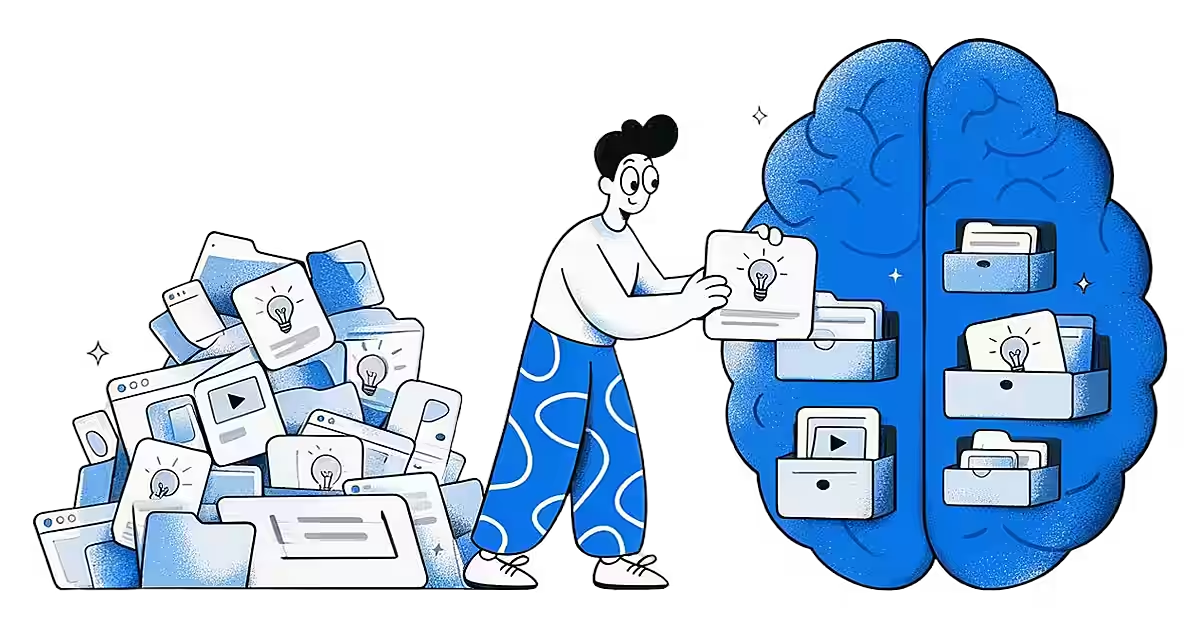
What Is a Second Brain? Meaning, Method and Tools
A personal system, usually an app, where you keep what you learn so you can find and reuse it later.
Read more →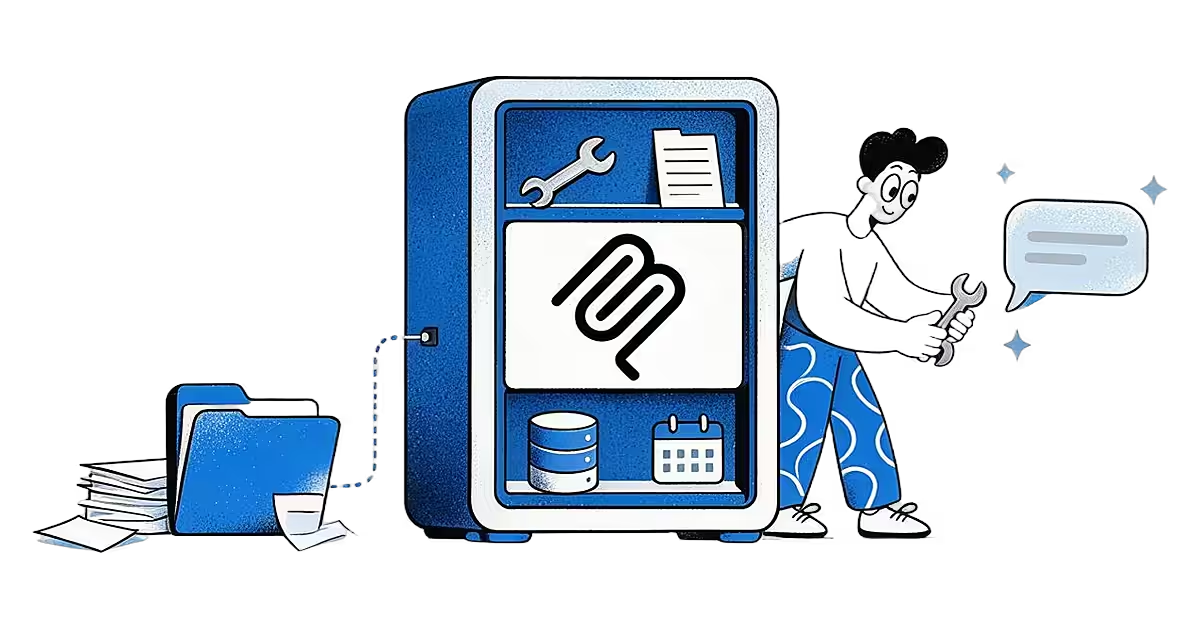
What Is an MCP Server? A Plain-English Explanation
A program that lets AI assistants such as Claude and ChatGPT use outside tools and data through one open standard.
Read more →