
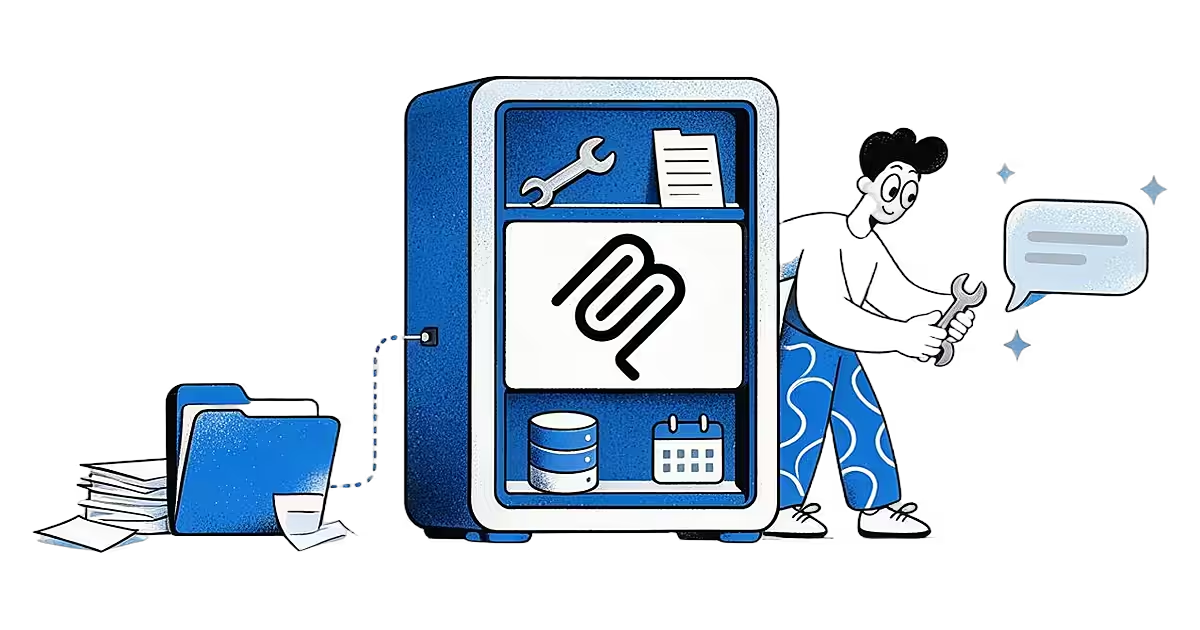
Ideafex saves posts, articles and videos from any app to one searchable wall. Free on the App Store and Google Play.


What is an MCP server?
MCP stands for Model Context Protocol. Anthropic introduced it on 25 November 2024 as an open standard for connecting AI assistants to the systems where data lives (Anthropic announcement). The official documentation compares it to a USB-C port for AI applications: one standard plug instead of a custom cable for every device (What is MCP?).
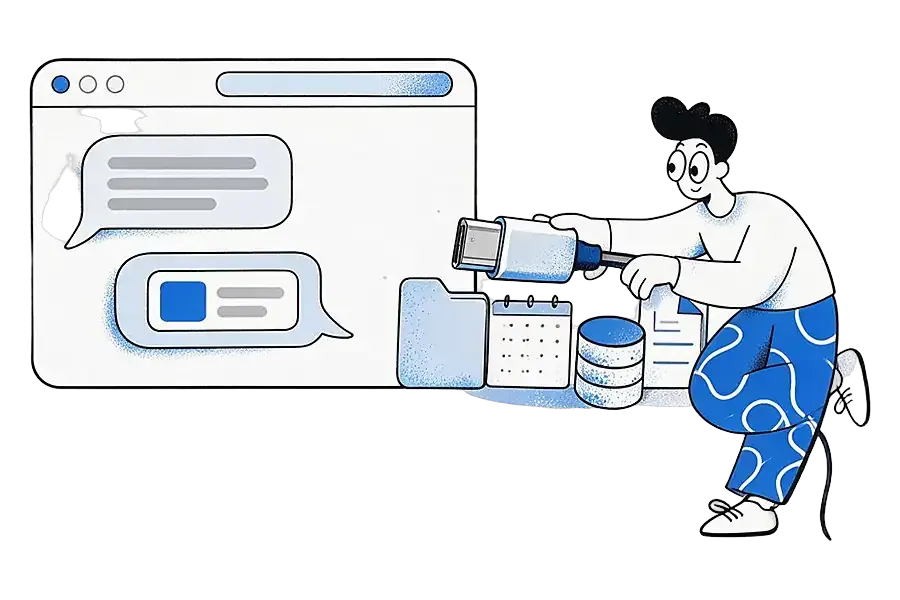
An MCP server is the thing on the other end of that plug. It wraps a service, such as a folder of files, a database, a calendar or an app, and describes in a standard format what an AI may do with it. Any assistant that speaks MCP can then use it, without someone writing a separate integration for each pairing.
The server does not think. There is no language model inside it. It waits for requests, runs the matching function and sends back the result. The intelligence stays in the assistant, which decides when a tool is worth calling and what to do with the answer.
How does an MCP server work?
MCP has three roles:
- The host is the AI application you use, such as Claude Desktop, ChatGPT or the Cursor code editor.
- Inside the host, an MCP client holds a connection to one server.
- The server offers capabilities.
A host can run several clients at once, one per server, so a single assistant can talk to your files, your calendar and your saved reading in the same conversation (MCP architecture overview).
A server can offer three kinds of things (server concepts):
- Tools: functions the model can call, such as "search my notes" or "create a calendar event".
- Resources: data the application can read, such as a file or a database record.
- Prompts: reusable templates a person can pick, such as "summarise this week's tickets".
MCP has two layers:
- The data layer is the conversation itself: messages in JSON-RPC 2.0, as set out in the MCP specification.
- The transport layer is how those messages travel. A local server uses standard input and output (stdio) on your own machine, which is how Claude Desktop runs the reference filesystem server. A remote server uses Streamable HTTP, like the official Sentry server, and the docs recommend OAuth for getting the sign-in token.
The message format is the same on both transports, so the same tools can be offered either way.
A typical exchange runs in four steps:
- Discovery. In the current version of the protocol, every request carries the protocol version and the client's capabilities, and the client can ask a server up front which versions and features it supports. That way neither side attempts something the other cannot handle.
- Listing tools. The client sends a
tools/listrequest. Each tool in the reply has a name, a human-readable title, a plain-language description and an input schema written in JSON Schema, which says which arguments are required. - Calling a tool. When your question needs one, the model asks the host to call it. The client sends
tools/callwith the tool's exact name and arguments that match its schema. The server runs the function and returns an array of content, such as text or images, which the model reads before it replies. - Staying current. A server can tell clients that have asked for updates when its list of tools changes, so the host refreshes what the model can use without restarting.
The three kinds of capability are controlled by different parties:
- Tools are model-controlled: the assistant decides when to use them.
- Resources are application-controlled: the host decides what to read and pass along.
- Prompts are user-controlled: you pick them, often as a slash command.
Because the model can call tools on its own, the docs suggest hosts keep people in charge with approval dialogs for individual calls, permission settings for operations you have pre-approved, and activity logs that show every call and its result.
Is an MCP server a real server?
Sometimes. "Server" describes its role in the conversation, not a machine in a data centre: a local server is a small program on your computer, and a remote one runs online and usually asks you to sign in. What that means for connecting Ideafex is answered on Connect your AI.
What is the difference between an API and MCP?
An API is the set of endpoints one service exposes for developers to write code against. MCP is a shared way for AI assistants to discover and call tools from many services, and an MCP server often wraps an ordinary API so any MCP client can use it without custom code. Our page on read-only MCP access to your saved ideas shows how this works in Ideafex.
Does ChatGPT use MCP?
Yes. OpenAI documents remote MCP servers as tools in its Responses API (OpenAI: MCP servers) and explains how to build MCP servers for ChatGPT and Codex (OpenAI: building MCP servers). Which assistants work with Ideafex, and how to add it to each, is in the setup steps for Claude, ChatGPT and Cursor.
An example: asking your AI about something you saved
Say that over a few months you saved a dozen articles and videos about sourdough. You ask your assistant, "What did I save about starter hydration?"

Without MCP, the assistant can only search the open web or ask you to paste text in. With an MCP server for your saved library connected, the exchange looks like this:
- When you connected the server, the host fetched its tool list and saw a tool such as
search_ideas, described as searching your saved ideas, with a search phrase as its required input. - Your question matches that description, so the model asks the host to call the tool with "starter hydration". Depending on your settings, the host may show you the call and ask you to approve it first.
- The client sends
tools/callover Streamable HTTP with the sign-in token from when you approved the connection. The server uses that token to search only your account. - The server returns the matching items as text content: titles, sources and the passages that matched. If one result looks promising, the model can call a second tool to read that item in full.
- The assistant writes its answer from your own material and points to what you saved.
You approved that connection once. You did not copy or upload anything for this question, and the server received only the tool call and its arguments, not the rest of your conversation.
What should you check before connecting one?
- What the tools can do. Read only, or can the server also write, delete or send things?
- Who runs it. A company you already trust with the data, or an unknown project?
- How it signs you in. An OAuth sign-in you can revoke is easier to manage than a long-lived key pasted into a config file.
- Whose data it returns. It should only ever return what belongs to your account.
Anthropic's help article on custom connectors makes the same point: custom connectors can reach services Anthropic has not verified, so add only servers you trust.
How Ideafex relates
Ideafex runs a remote MCP server so your AI assistant can search and read the ideas you have saved. It has four tools: search_ideas, list_ideas, list_folders and get_idea. All four are read-only, so an assistant can look but cannot add, change or delete anything. You connect by signing in to Ideafex and approving access, and the tools need a Pro plan. It works with Claude, ChatGPT, Cursor or any client that supports remote MCP, and the steps to let Claude or ChatGPT search your saved ideas are on one page. Other saving apps offer MCP servers too, some of which can also edit your library, so choose the one that matches how much access you want to give.
Related terms
- MCP connector: the saved connection your AI app creates when you add a server.
- RAG: another way to give a model outside knowledge, and how it compares with MCP.
- Second brain: the personal library an MCP server can open up to your assistant. See also using Ideafex as an AI second brain.
Sources
- Anthropic, Introducing the Model Context Protocol (25 November 2024)
- Model Context Protocol, What is MCP?
- Model Context Protocol, Architecture overview
- Model Context Protocol, Understanding MCP servers
- Model Context Protocol, Specification
- OpenAI, MCP servers in the Responses API
- OpenAI, Building MCP servers
- Claude Help Center, Custom connectors using remote MCP
Quick answers
No. An MCP server has no language model. It lists what it can do and runs the function your assistant asks for. The assistant decides when a tool is worth calling and what to do with the result.
It asks. The client requests the server's tool list, and each tool comes with a name, a plain-language description and a JSON Schema for its inputs. The model reads those to decide when to call a tool.
They are the three things a server can offer. Tools are functions the model can call, resources are data the app can read, and prompts are templates you pick yourself, often as a slash command.
It depends on the server. Check what its tools can do, who runs it and how it signs you in. Read-only servers you approve with a revocable sign-in carry less risk than ones that can change or send data.
Save it once, find it later
Save posts, articles and videos from any app to one searchable wall. Ideafex is free on the App Store, Google Play and the web at app.ideafex.si.
Related terms and reading

What Is an MCP Connector? A Short Definition
The saved connection an AI app creates when you add a remote MCP server, so the assistant can use that service.
Read more →
Connect Claude or ChatGPT to saved ideas (MCP)
A read-only MCP connection that lets your AI assistant search and read the posts, articles and videos you saved in Ideafex.
Read more →
What Is RAG? Retrieval-Augmented Generation vs MCP
A technique where an AI looks up relevant text first, then answers using it.
Read more →