
Ideafex makes this page; we've tried to be fair.
What makes a good second brain app?
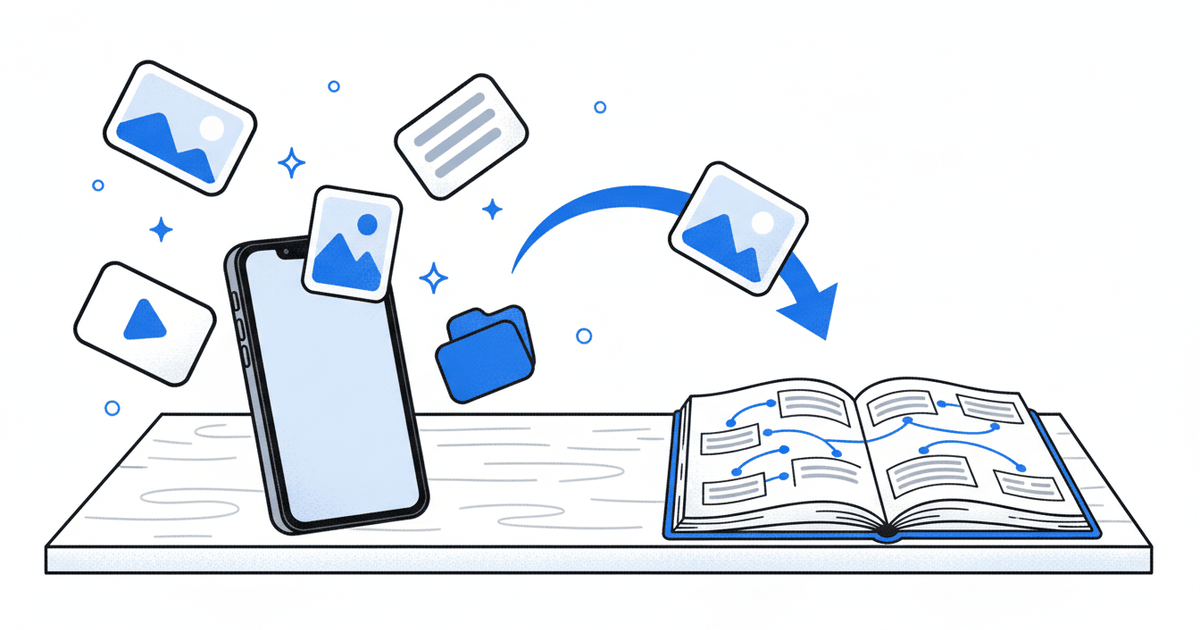
A second brain is a system outside your head where you keep what you learn so you can find it and use it later. Our glossary covers what a second brain is and where the idea comes from, so this post skips the theory and goes straight to the tools.
The useful way to judge an app is by which part of the work it does well. Every second brain has to do two jobs:
- Capture: getting a post, an article, a video or a passing thought into the system quickly, from wherever you found it.
- Thinking and writing: linking ideas, distilling notes in your own words and turning them into an essay, a plan or a decision.
Few apps are equally good at both. Notes apps tend to shine at the second job and make the first one slow, especially from a phone. Saving apps make capture quick and leave the long-form thinking to something else.
So we split this roundup in two: six thinking and writing tools, then three capture tools. Pick from the group that matches the job you struggle with most.
How did we choose these apps?
We started from the apps that appear most often for "second brain app" searches and in second brain discussions, then kept the ones that are actively offered and suit an individual rather than a company team. For each one we read the official website and pricing page on 30 October 2026 and recorded:
- The job it is built for, in the maker's own words.
- Platforms, as the official site lists them. Where a site does not name a platform, we say so.
- AI and MCP access, where the official pages describe it.
- Free option and paid plans, from the official site as of 30 October 2026. We link each pricing page instead of printing prices, which change often; "not stated" means the site did not say.
We did not use star ratings, review scores or download counts, and we have not run long-term trials of every app, so the notes below describe what each app is for rather than ranking them against each other. Prices change often, so we do not print them; check the linked pricing page before you buy. One disclosure: we make Ideafex, which is the ninth app on the list. We have tried to describe it with the same plainness as the others, limits included.
How do the best second brain apps compare?
The table sums up each app's job, platforms, AI access and paid plans. Plan details come from each official site as of 30 October 2026; "not stated" means the official site did not list it when we checked.
| App | Job | Best for | Platforms (official site) | AI / MCP | Free option | Paid plans (as of 30 October 2026) |
|---|---|---|---|---|---|---|
| Obsidian | Thinking and writing | Linked notes stored as local Markdown files | Windows named on its homepage, with other desktop and mobile apps linked | No official MCP server on obsidian.md; community plugins add one | Yes: the app is free | Paid add-ons Sync and Publish, billed monthly or yearly |
| Notion | Thinking and writing | Docs, wikis and databases in one workspace | Mac and Windows desktop apps, plus mobile | Notion AI trial on Free and Plus; Notion Agent on Business; official hosted MCP server | Yes: Free plan | Paid Plus and Business plans, priced per member |
| Tana Outliner | Thinking and writing | Outlining with supertags and views | Mac, Windows, Linux, iOS and Android (Tana Mobile), plus browser | AI credits included with paid plans; official MCP server (local free, hosted beta on paid plans) | Yes: Free tier | Plus and Pro plans; Outliner prices not stated (tana.inc/pricing covers the meeting platform) |
| Capacities | Thinking and writing | Notes organised as linked objects | Mac, Windows, Linux, iOS, Android | AI assistant on Pro; official MCP server on Pro | Yes: Basic plan | Paid Pro and Believer plans |
| Logseq | Thinking and writing | Open-source outlining | Not stated on logseq.com | Not stated; no official MCP server found | Open source | Not stated |
| Reflect | Thinking and writing | Daily notes, backlinks, local Markdown files | Mac; iPhone and iPad | Optional, with your own API key; MCP server for Claude and Codex (per its blog) | Yes: the Mac app | iPhone and iPad subscription; price not stated on its site |
| mymind | Capture | Saving images, articles, notes and links with no filing | iOS, Android, macOS, Chrome, Edge and Safari extensions | AI that recognises and enriches saves; MCP not stated on its site | Guest plan free up to 100 cards (per its help article) | Paid plans: The Bookmarker, Student of Life and Mastermind |
| Readwise Reader | Capture | Reading and highlighting articles, PDFs, newsletters and more | iOS, Android, web, browser extensions, Mac, Windows | MCP server that can read and change your library | No: 30-day free trial | Reader only or Full Readwise, both billed yearly |
| Ideafex | Capture | Saving posts, articles and videos from any app on your phone | Android, iPhone, web, Chrome, Edge and Firefox extensions | Read-only MCP server (Pro) | Yes: Free plan with unlimited ideas | See the Ideafex pricing page |
Which are the best second brain apps for thinking and writing?
These six are where you distil and connect ideas. They are workspaces: you write in them, link notes together and come back to build on what is there.
1. Obsidian: linked notes in plain Markdown files
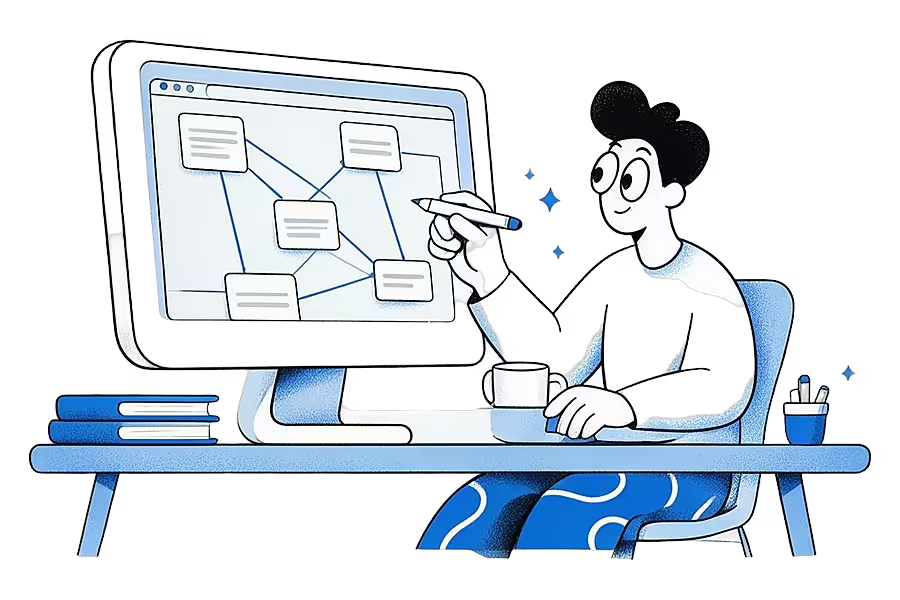
Obsidian stores your notes on your own device as plain text Markdown files, which means you keep them even if you stop using the app. You link notes to each other, browse a graph of those links and extend the app with what its homepage calls "thousands of plugins". Its pricing page describes the app as free without limits, with paid add-ons for Sync and Publish.
Good fit: writers and researchers who want to own their files and enjoy shaping their own setup. Watch out for: the blank-page feeling. Obsidian gives you a lot of freedom and little structure until you build it.
2. Notion: an all-in-one workspace with databases
Notion combines documents, wikis and databases, so a second brain can be a set of linked pages, a reading database or a project tracker. Its desktop page offers Mac and Windows apps and says Notion is also on mobile. On the pricing page, Free and Plus include a trial of Notion AI, and Business adds Notion Agent and AI meeting notes. Notion also runs its own hosted MCP server, which lets assistants such as Claude Code, Cursor or Codex read and update pages you can access after you approve the connection with OAuth (Notion MCP docs).
Good fit: people who like databases and templates, or who already use Notion at work. Watch out for: building the system can turn into the project. Many second brain templates are elaborate, and a simpler setup is easier to keep using.
3. Tana Outliner: an outliner built on supertags
Tana's main site now presents an agentic meeting platform. The note-taking tool most people mean by "Tana" in second brain discussions is Tana Outliner, which its page describes as built on an infinite outliner with supertags, views and AI features, with Free, Plus and Pro plans and apps for desktop and mobile. Supertags let you turn a plain bullet into a typed item, such as a book or a person, with its own fields. Its docs describe a free local MCP server inside the desktop app and a hosted one in beta on paid plans, both able to read and edit your workspace (Tana Outliner API and MCP).
Good fit: people who think in outlines and want structure without building databases by hand. Watch out for: the product split. Check which Tana you are signing up for, because the plans on tana.inc/pricing are for the meeting platform.
4. Capacities: notes as connected objects
Capacities calls itself "a studio for your mind". Instead of files in folders, you create objects such as people, books and projects, each with properties, and link anything to anything, with backlinks showing every connection. Its daily note works as an inbox for quick thoughts. The Capacities pricing page lists a free Basic plan with unlimited objects, sync, full-text search and offline support, and Pro features such as the AI assistant. Pro also includes a hosted MCP server, so Claude and other assistants can search and create objects in a space you choose (Capacities MCP docs).
Good fit: people who want linked notes with more structure than Obsidian and less setup than Notion. Watch out for: the object model takes a little learning before it feels natural.
5. Logseq: an open-source outliner
Logseq describes itself as an open-source knowledge base, and it is best known as an outliner. Being open source suits people who care about inspecting the code and keeping control of their notes. Its homepage did not state prices or platforms when we checked, so the table marks those as not stated.
Good fit: outliners who value open source. Watch out for: check how you will sync between devices before you commit, since the official homepage does not set that out.
6. Reflect: daily notes and backlinks
The Reflect website describes an open-source note-taking app with daily notes, backlinks and local Markdown files. It opens on today's note, so you start writing without deciding where things go. The Mac app is free to download, the iPhone and iPad app needs a paid subscription through the App Store, and AI is optional: you connect your own API key and pay your AI provider directly. In March 2026 Reflect added an MCP server so Claude and Codex can search your notes (Reflect blog).
Good fit: Apple users who journal daily and like linked notes. Watch out for: the site lists Apple platforms only.
Which are the best second brain apps for capturing what you find?
These three are built around the capture job. You use them in the moment, often on your phone, and come back to search. None of them is a long-form writing tool, and each pairs well with one of the apps above.

7. mymind: save first, no folders
mymind's homepage says "Remember everything. Organize nothing." You save notes, links, articles and images, and its AI recognises what each one is and enriches it so you can find it later without filing anything. The site describes folders as dead and calls mymind a personal search engine. It lists iPhone, Android and macOS apps plus Chrome, Edge and Safari extensions. The mymind pricing page lists paid plans from The Bookmarker upwards, with no card limits on paid plans, and its guest plan is free up to 100 cards (per its help article).
Good fit: visual savers who never want to sort anything. Watch out for: if you like folders, mymind deliberately does not offer them. Our Ideafex and mymind comparison covers the differences in detail.
8. Readwise Reader: reading and highlighting
Readwise Reader calls itself a read-it-later app built for power readers. It saves articles, PDFs, EPUBs, newsletters, RSS feeds, YouTube videos with highlightable transcripts and X threads, then lets you highlight and annotate them. It runs on iOS, Android, the web, Mac and Windows. Readwise also runs an MCP server covering highlights and Reader documents, with tools that can create documents and highlights and change tags. The Readwise pricing page offers a 30-day free trial and no free plan.
Good fit: heavy readers whose second brain is built from highlights. Watch out for: it is article-first. For more reading apps, see the best read-it-later apps, and for a head-to-head, Ideafex and Readwise.
9. Ideafex: save from any app on your phone
Ideafex is the capture layer for things you find in other apps on your phone. Tap Share in Instagram, TikTok, X, Reddit, a browser or any other app, pick Ideafex, and the idea is saved with its source without leaving the app you were in, even offline (see share from any app). Ideas land on one searchable wall, with nested folders and a filter by platform, on Android, iPhone and the web. The Free plan covers unlimited ideas and search. On Pro, Ideafex also fetches media, article text and transcripts of videos it can download, so search finds what was said; fetching is best-effort and YouTube is kept as a preview. Pro also adds Connect your AI, which lets Claude, ChatGPT or Cursor search your ideas, read-only. Plans are on the Ideafex pricing page.
Good fit: people whose ideas come from social apps and video. Watch out for: Ideafex is not a note-taking or linking tool. It has no backlinks, long documents, tags or export. If you write a lot, keep one of the thinking tools above alongside it.
Should you use one app for capture and another for thinking?
For many people, yes. The most common reason a second brain stalls is slow capture: if saving a post means opening a notes app, pasting a link and choosing a page, you stop doing it after a week. A capture app on your phone removes that cost, and a thinking app on your desk is where you sit down to connect and write.
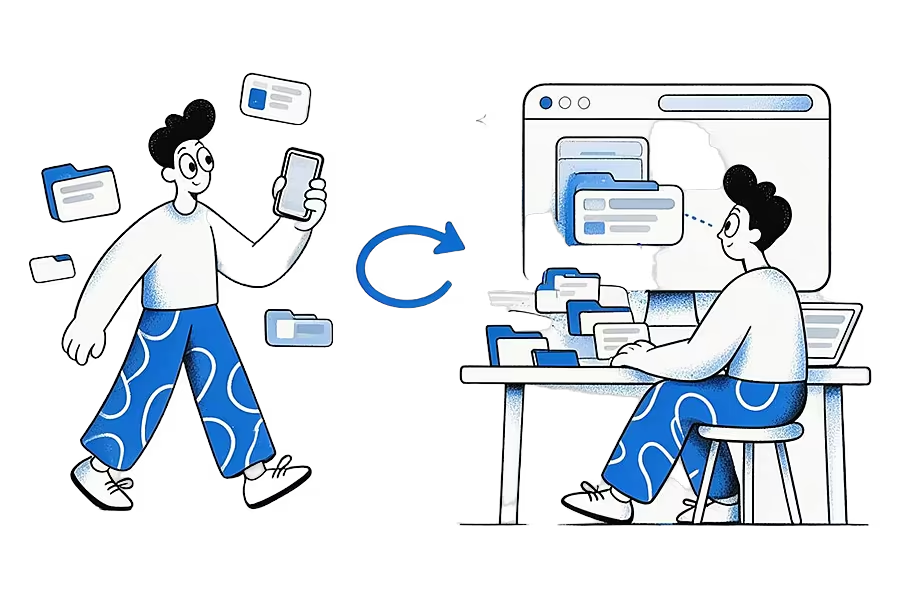
A typical pairing looks like this:
- Save posts, articles and videos to a capture app all week.
- Once a week open your notes app.
- Search the capture app for the topic you are working on.
- Write up what matters in your own words.
If your capture app can be read by an AI assistant, that weekly step gets faster, because you can ask it to gather everything you saved on a topic first. The broader practice behind this is personal knowledge management.
One app can be enough if your sources are mostly your own thoughts and articles read on a computer. Obsidian, Capacities or Notion with a web clipper can cover both jobs for that kind of work.
Which second brain app should you pick?
- You want to own plain files and customise everything: Obsidian.
- You think in databases and templates: Notion.
- You think in outlines and like typed structure: Tana Outliner or Logseq, the latter if open source matters to you.
- You want linked notes with structure but little setup: Capacities.
- You journal daily on Apple devices: Reflect.
- You save visually and never want to file anything: mymind.
- You read long articles and live by highlights: Readwise Reader.
- Your ideas come from Instagram, TikTok, Reddit and video on your phone: Ideafex, paired with a thinking tool if you write.
If you are unsure, start with the job that hurts most today. If you keep losing things you saved, fix capture first. If you have plenty saved but never use it, pick a thinking tool and set aside a weekly hour.
Can a second brain app work with AI assistants?
Increasingly, yes, in two different ways:
- Some apps build an assistant in: Notion has Notion AI and Notion Agent on its paid tiers, Capacities has an AI assistant on Pro, mymind uses AI to recognise and enrich what you save, and Reflect lets you bring your own AI key.
- Others let an outside assistant connect through an MCP server, so Claude or ChatGPT can search your saved material from the chat.
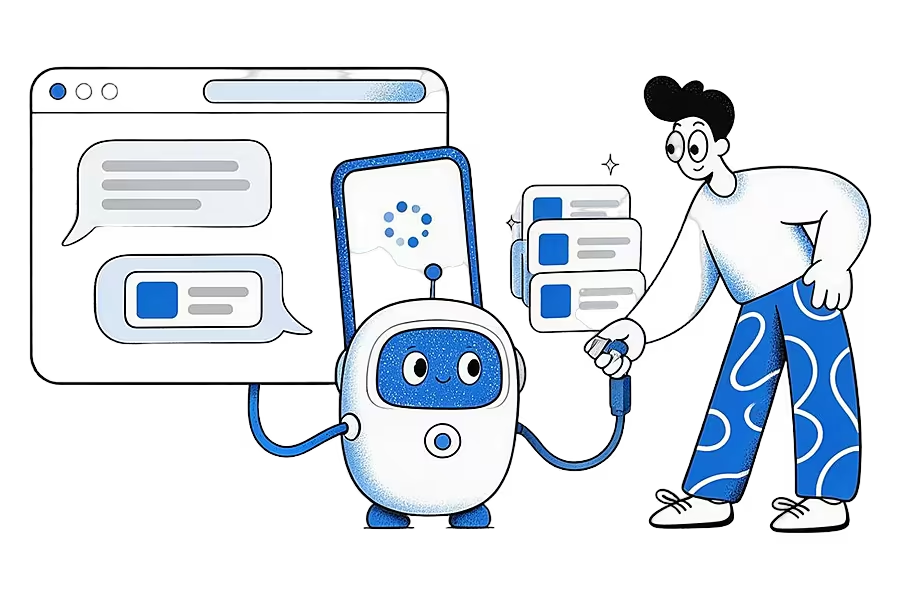
Notion, Tana Outliner, Capacities, Reflect, Readwise and Ideafex all offer an official one, per their own docs. Notion, Tana, Capacities and Readwise describe tools that can also create or change content, while Ideafex's are read-only. Obsidian and Logseq have community-built MCP servers but no official one that we found, and mymind does not mention MCP on its site.
We cover the Claude side in detail on building an AI second brain with Claude, and the worked prompts are in how to let Claude search the posts and articles you saved. Whatever you choose, the assistant can only use what you captured, which is why fast capture still comes first.
Quick answers
It depends on the job. For linked notes and writing, Obsidian, Notion, Capacities, Tana Outliner, Logseq and Reflect are strong choices. For capturing what you find, look at mymind, Readwise Reader and Ideafex. Many people use one of each.
Several have free options, per their official pages on 30 October 2026: the Obsidian app is free, Notion and Tana Outliner have free plans, Capacities has a free Basic plan, Logseq is open source, the Reflect Mac app is free, mymind's guest plan is free up to 100 cards (per its help article) and Ideafex has a Free plan with unlimited ideas. Readwise offers a 30-day trial rather than a free plan.
Obsidian suits people who want local Markdown files, links between notes and a customisable setup. Notion suits people who like databases, templates and shared pages. Both are better at thinking and writing than at quick capture from a phone.
Ideafex handles the capture side: saving posts, articles and videos from any app into one searchable wall with folders. It has no backlinks or long documents, so if you write and link notes a lot, pair it with a tool such as Obsidian, Notion or Capacities.
Give your second brain a save button
Save posts, articles and videos from any app on your phone to one searchable wall. Free on Android, iPhone and the web.


Keep reading
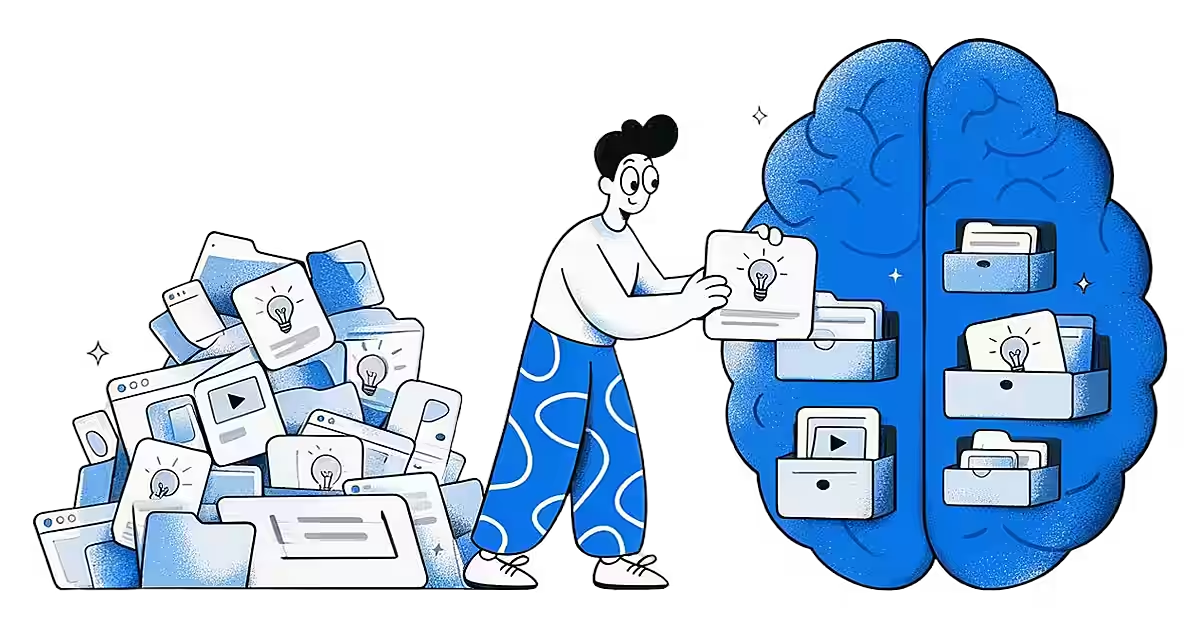
What Is a Second Brain? Meaning, Method and Tools
A personal system, usually an app, where you keep what you learn so you can find and reuse it later.
Read more →
A second brain AI can read: use Claude with what you save
Turn the posts, articles and videos you save into a second brain that Claude, ChatGPT or Cursor can search and read, with read-only access you approve.
Read more →
Best Read-It-Later Apps in 2026: 8 Apps Compared
Eight read-it-later apps compared on platforms, free plans, search, offline reading and paid plans, with dated sources and a best-for pick for each kind of reader.
Read more →