
Ideafex saves posts, articles and videos from any app to one searchable wall. Free on the App Store and Google Play.


What is a share sheet?
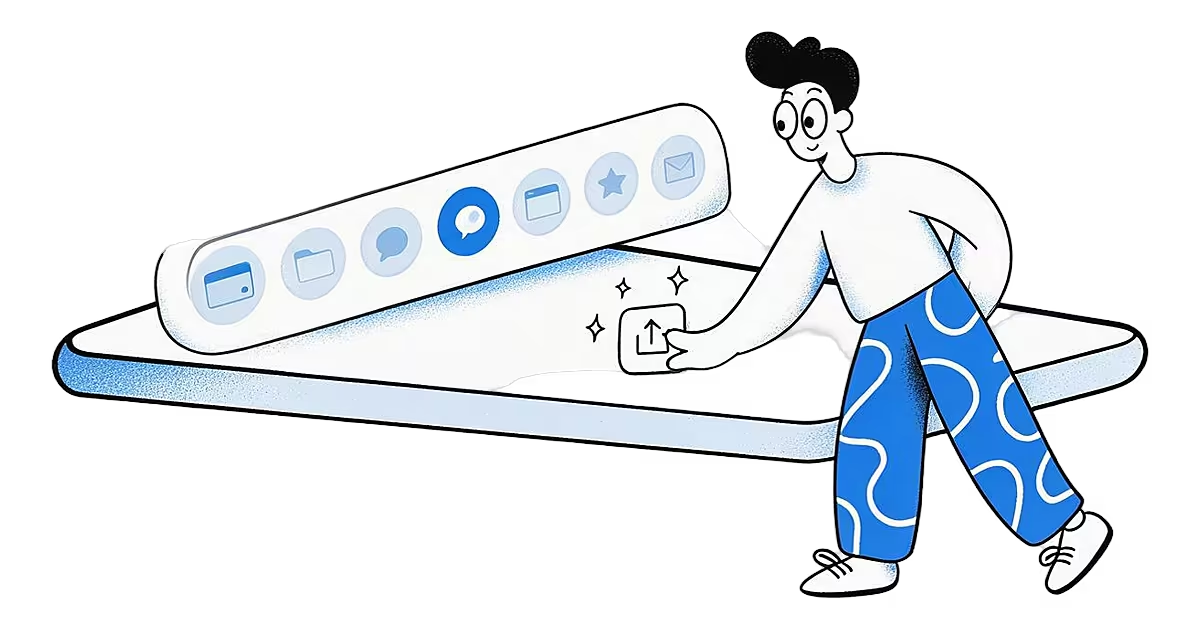
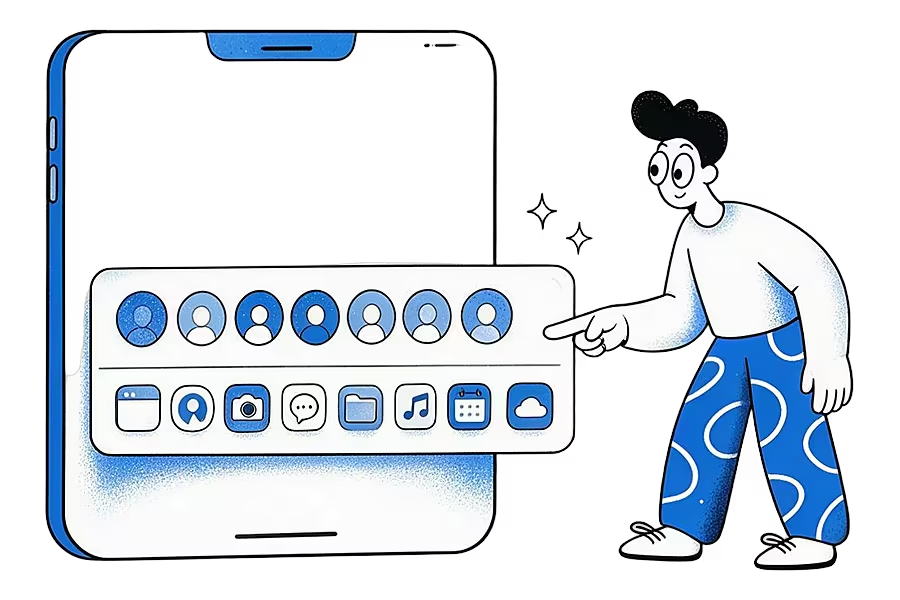
Tap Share in Safari, Instagram, TikTok, YouTube or almost any app, and a panel slides up with a row of contacts, a row of apps and a list of actions such as Copy or Add to Notes. That panel is the share sheet. It belongs to the phone's operating system, not to the app you are in, which is why it looks much the same everywhere.
How does a share sheet work?
On iPhone, an app opens the share sheet with a system component Apple calls an activity view controller (Apple developer docs). Other apps join the list by including a share extension, a small part of the app that receives what you share and handles it without opening the full app (Apple: share extensions).
On Android, the sending app creates a "send" intent and the system shows the Android Sharesheet (Android: sending content). Apps that want to receive content declare which types they accept, such as plain text, links or images, and appear in the list when those types are shared (Android: receiving content).
Websites can open the same panel with the Web Share API, which calls the device's native sharing (MDN: navigator.share).
An example
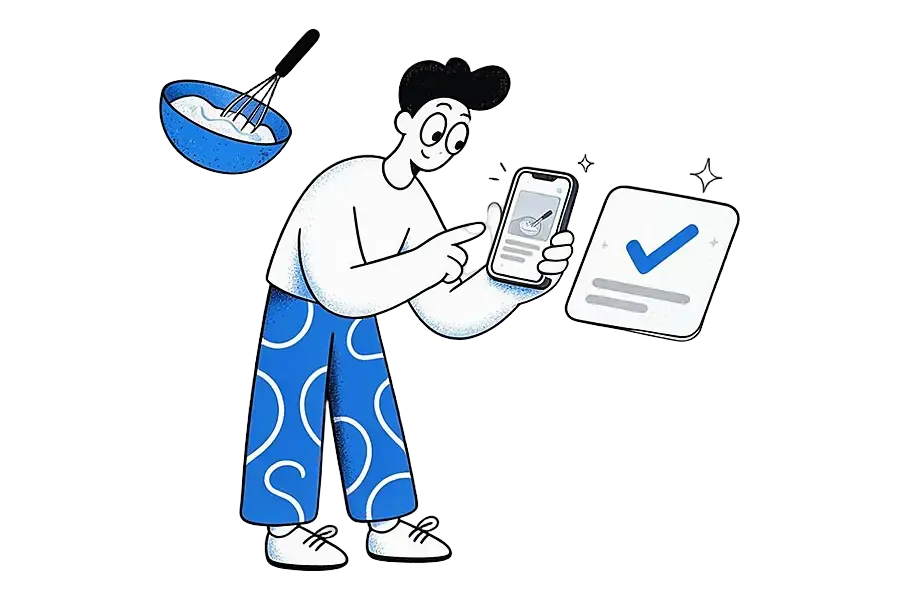
You are scrolling TikTok and find a recipe you want to keep. You tap Share, scroll the app row to a saving app, tap it, and a small card confirms the save. You never left TikTok. That one gesture is the quickest way to save social media posts outside each app's own saved list.
Tips
- On both systems you can reorder the app row so the apps you share to most come first.
- What gets shared depends on the sending app. Some send a link, some send text with a link, and some send the media itself.
How Ideafex relates
The share sheet is how most people save to Ideafex. It has a share extension on iPhone and a share target on Android, so Ideafex shows up when you tap Share in any app. The idea is saved without opening Ideafex, and capture works offline: it syncs when you are back online. More on that in share from any app, or get the iPhone app or Android app.
Related terms
Sources
- Apple Developer, UIActivityViewController
- Apple Developer, App Extension Programming Guide: Share
- Android Developers, Send simple data to other apps
- Android Developers, Receive simple data from other apps
- MDN Web Docs, Navigator.share()
Quick answers
Tap the Share button in any app, usually a square with an arrow pointing up. The share sheet slides up from the bottom of the screen.
The app may not accept the type of content you are sharing, or it may be hidden further along the app row. Scroll to the end and tap More (iPhone) to find and reorder apps.
It depends on the receiving app. Ideafex saves offline and syncs once you are connected again.
Save it once, find it later
Save posts, articles and videos from any app to one searchable wall. Ideafex is free on the App Store, Google Play and the web at app.ideafex.si.
Related terms and reading
Share from any app: save to Ideafex from the share sheet
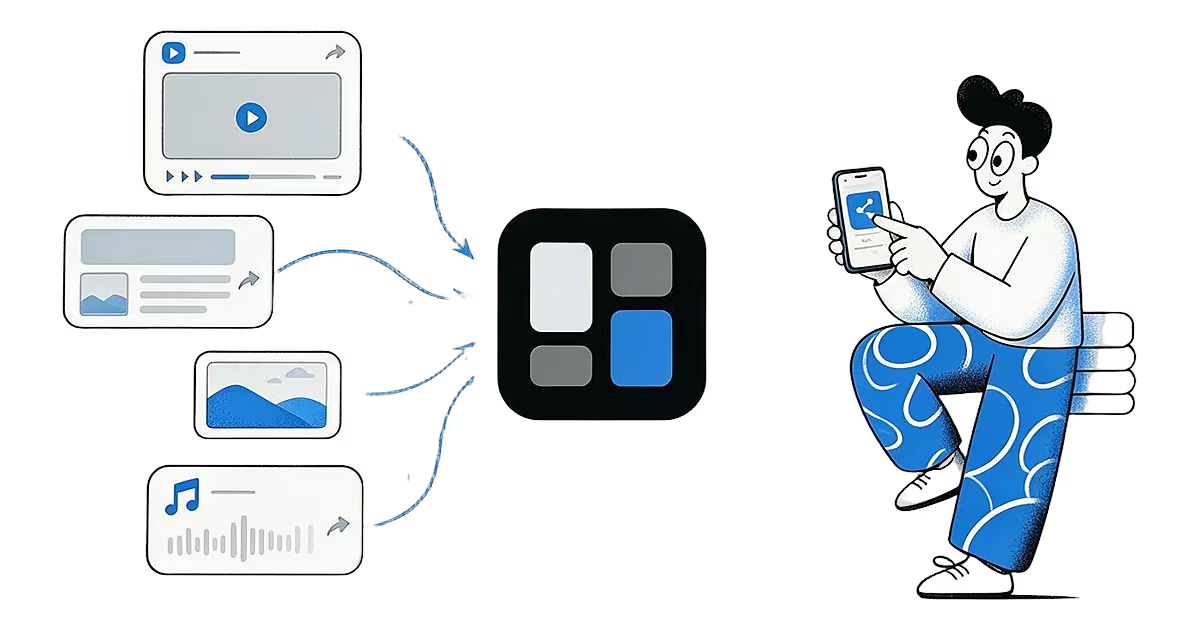
Tap Share in any app, pick Ideafex, and the post, link, text or file is saved without leaving the app, even offline.
Read more →
Save social media posts from every app in one searchable place
Share posts from Instagram, TikTok, X, Reddit or any other app to one searchable wall, then find them again by platform, folder or what they said.
Read more →
What Is a Web Clipper? How Clipping Tools Work
A browser extension or app feature that saves the content of a web page, not just its address.
Read more →