
Saving a post on Instagram feels a little more personal than liking it. You might save a recipe, a workout, a flat you like the look of or a post from an ex, and it is fair to wonder who else can see that. Your saves are private, but a few details are worth knowing, especially if you post content yourself or use shared collections.
Everything below is based on what Instagram and its parent company Meta say in their own help pages, announcements and developer documentation, checked on 30 October 2026.
Does a person know when you save their Instagram post?
No. Instagram does not send a notification when someone saves a post, and the person who posted it cannot see that you, specifically, saved it. The Instagram Help Center page on saving posts says only you can see the posts you have saved.
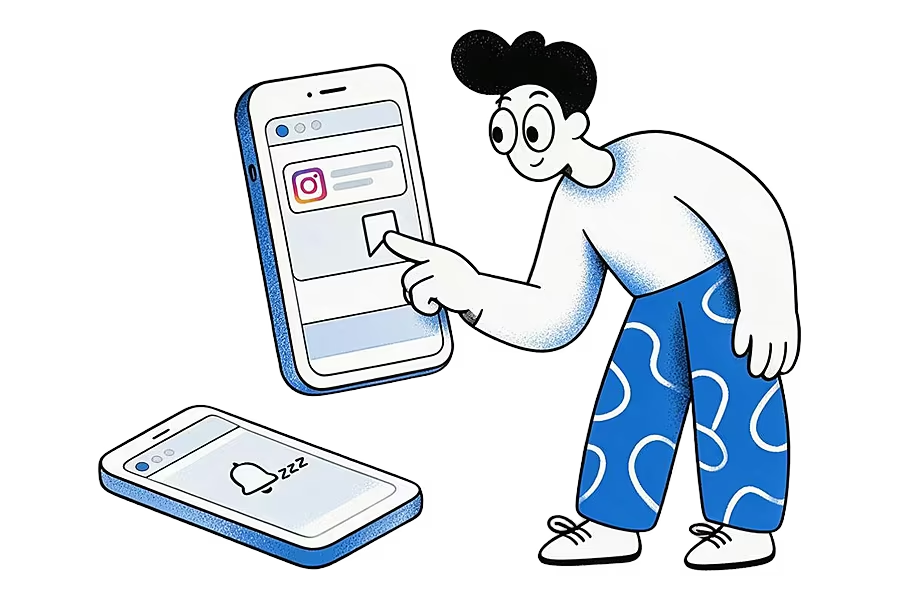
This has been the rule since saving launched. When Instagram added collections in 2017, it said collections, like all saved posts, "are also private" and that "only you can see them" (Instagram's announcement of collections). Unsaving works the same way: there is no alert when you remove a post from your Saved list.
So you can save a post from anyone, whether you follow them or not, and they will not be told. The one exception is a collaborative collection, which we cover below, because that is a list you choose to share.
Can you see who saved your Instagram post?
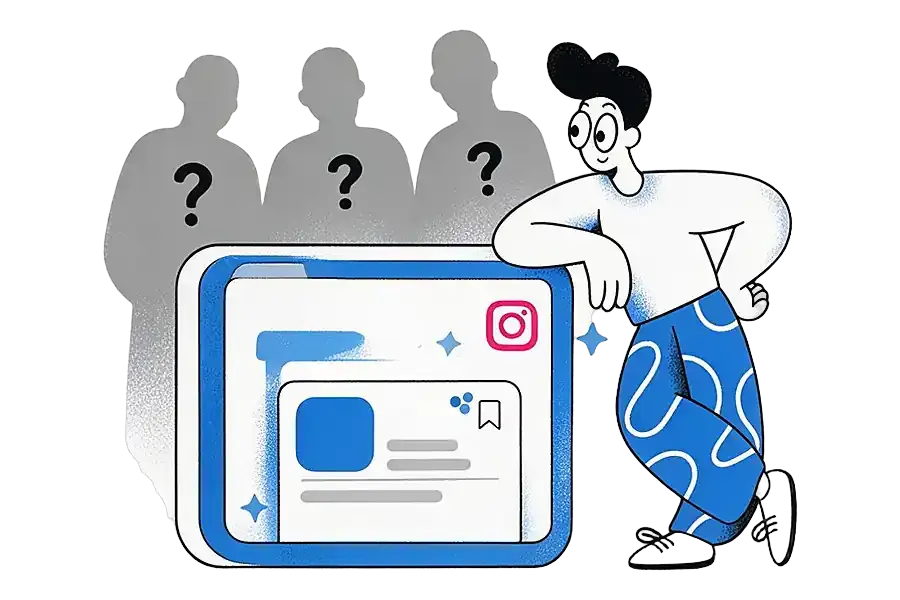
No, but you may be able to see how many people saved it. Instagram shows save counts, never names.
- On a personal account, you do not see who saved your posts.
- On a professional account (a creator or business account), you can tap View insights under a post and see a number of saves alongside likes, comments and shares. That number is a total.
Meta's developer documentation for Instagram media insights shows the same thing from the data side. It defines the "saved" metric as the "number of time your app user's Instagram media was saved by an Instagram user" (Meta for Developers: Instagram media insights). Every metric on that page is a count. None of them returns a list of the accounts that saved a post.
The same page shows what a business or creator account gets for each post, and every figure is a total: likes, shares, saves, reach (the number of unique accounts that saw it, which Meta marks as an estimate) and views. A total interactions figure adds up likes, saves, comments and shares, minus unlikes, unsaves and deleted comments. So if you save a creator's post and later unsave it, their numbers can drop by one, but nothing tells them it was you.
Switching your own account to professional gives you these totals for the posts you publish. It does not reveal the names of the people who saved them, and it does not change who can see your own Saved list.
That means apps and websites that claim to show "who saved your Instagram post" cannot get that information from Instagram. At best they guess from other signals. Be careful about giving any of them your Instagram password.
Can anyone see your saved collection on Instagram in 2026?
Not unless you share it. Your Saved list and your regular collections are visible only to you, and that is still the case in 2026. They do not appear on your public profile, your followers cannot open them, and they are not shown to the people whose posts you saved.
To find your own saves:
- Go to your profile.
- Tap the menu icon (three lines).
- Tap Saved.
If you are not sure where something went, our guide to how to save Instagram posts and find them again walks through saved posts, Reels and collections step by step.
How do collaborative collections change who can see your saves?
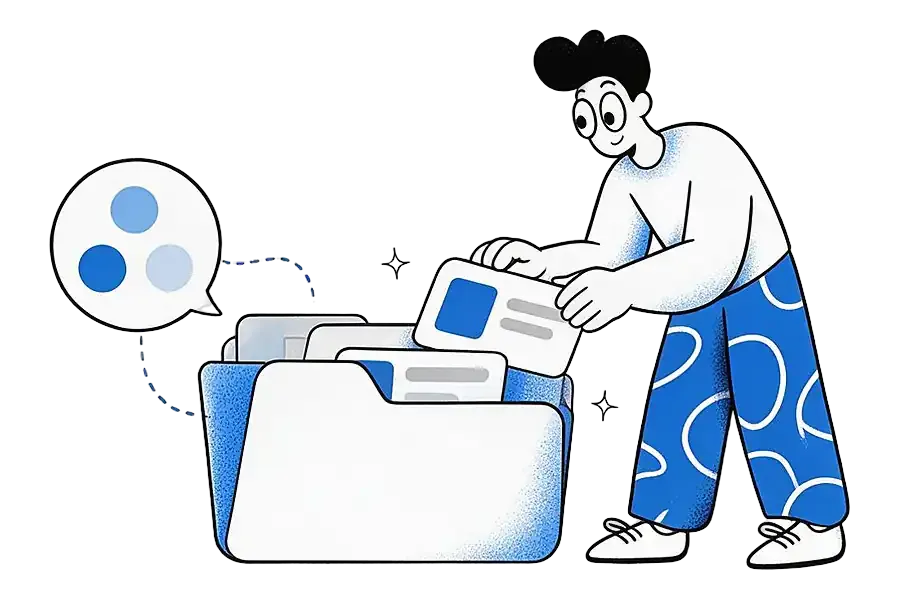
A collaborative collection is the one kind of saved list that other people can see, because you create it with them. Instagram added the feature in 2023. You start it from a group chat or a one-to-one chat, give it a name and share it with the people in that chat. TechCrunch reported at launch that any member of the chat can add or remove posts from the collection (TechCrunch on collaborative collections).
A few practical points follow from that:
- Everyone in the shared collection can see every post in it, including the ones you added.
- Your other saves stay private. Adding a post to a collaborative collection does not expose the rest of your Saved list.
- If you want to keep something to yourself, save it to a normal collection instead.
A regular collection is a private folder inside your Saved list. A collaborative collection is a shared folder you start from a chat. Before you add a post to a shared one, ask whether you would be happy sending that post to the chat directly, because everyone in it will be able to see it either way.
How is saving different from liking or sharing a post?
This is where people sometimes get caught out, because the three buttons sit next to each other but behave very differently.
- Liking is visible to the poster. The account that posted can see that you liked its post or reel. Instagram's Help Center says this holds whatever you pick in the Likes you've made setting, which only controls whether everyone, people you follow, close friends or nobody else can see your likes (Instagram Help Center: manage who can see your likes).
- Commenting is public. Anyone who can see the post can usually see your comment.
- Sharing goes to whoever you send it to. If you send a post in a chat, the people in that chat see it. Creators with professional accounts can see total shares in their insights, without names: the shares metric in Meta's media insights documentation is a count.
- Saving is private. Only you see your Saved list. The poster only ever sees a total number of saves, and only on a professional account.
If you want to keep a post without the poster knowing, save it. Do not like it by accident on the way, since the poster can see who liked their post, whatever your likes setting.
Are there ways someone could still see what you saved?
Instagram itself keeps your saves private, but privacy also depends on who can get into your account or your phone.
- Someone with your phone unlocked can open your profile and tap Saved like you can. A screen lock is the simplest protection.
- Someone logged in to your account on another device can see everything you can. Check where you are logged in from your account settings if you are unsure, and change your password if you see a device you do not recognise.
- Screenshots and screen sharing can show your Saved list to others, so take care when you share your screen.
- Collaborative collections are visible to everyone you added, as covered above.
Outside those cases, there is no setting that makes your Saved list public, and nobody browsing your profile can see it.
How can you keep saved posts private outside Instagram?
Some people want their saves somewhere other than Instagram:
- To keep them if a post is deleted
- To search them
- To put Instagram posts next to things saved from TikTok, Reddit and the web
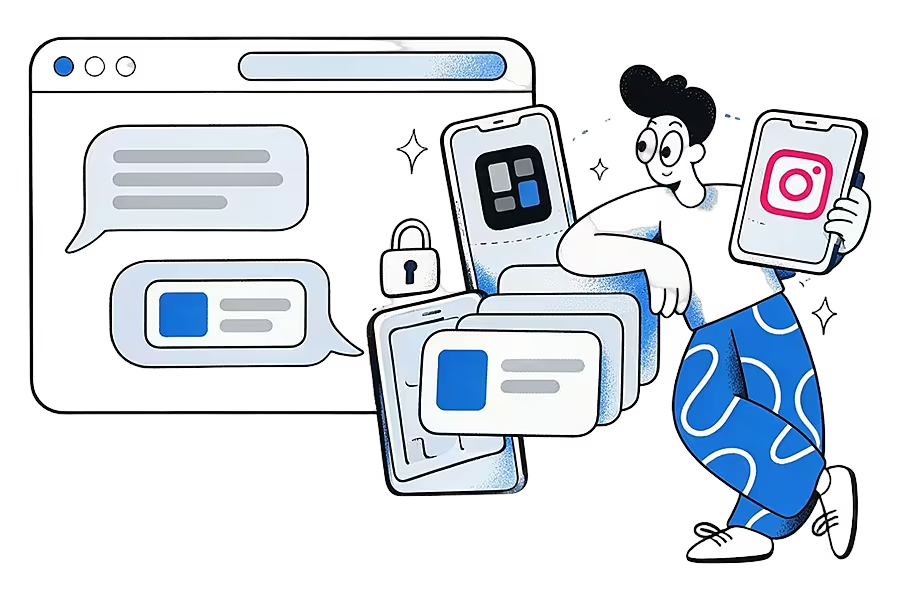
If you go that route, it is worth knowing what is visible.
Ideafex, which we make, saves a post when you tap Share in Instagram and pick Ideafex from your phone's share sheet. That happens on your phone. It does not like, save or comment on anything in your Instagram account, so the person who posted it is not told, and it does not add to their save count. The post joins one searchable wall with its link, author and platform.
- Your ideas are private to your account. Nobody else can browse them, and deleting your account removes your ideas, folders and media.
- Search works across everything you save. On every plan, search covers your notes, source names and page titles. On Pro, Ideafex also fetches captions, images and video where Instagram allows it, best-effort, so search finds posts by what they said.
- No Instagram login needed. Saving works through the share sheet, so Ideafex never asks for your Instagram password and cannot open your Saved list or act on your account.
- AI access is optional and read-only. On Pro, you can choose to let Claude or ChatGPT search your ideas with Connect your AI. It is off until you approve it, and the assistant cannot change anything.
Whatever tool you pick for this, two checks help:
- Does it ask for your Instagram password? A tool that only saves posts you share to it should not need one.
- Can anyone else browse what you saved there, for example through a public profile or a shared board?
If the answer to both is no, your saves stay as private outside Instagram as they are inside it.
The steps for Android and iPhone are on the share from any app page, and the guide to saving social media posts in one place covers other apps too. More questions about privacy and plans are answered in the Ideafex FAQ.
Quick answers
No. Instagram says saved posts and collections are private and only you can see them. The person who posted is not told. The exception is a collaborative collection, which everyone you add to it can see.
No. Saving and unsaving send no notification. Creators with professional accounts can see a total number of saves in their post insights, but never who saved it.
No. With a creator or business account you can see how many times a post was saved under View insights. Instagram does not show the names of the accounts that saved it.
Only if you made a collaborative collection and shared it. Regular collections and your Saved list are visible only to you and do not appear on your profile.
No. Sharing to Ideafex happens on your phone and does not like, save or comment on anything in your Instagram account. Your ideas are private to your Ideafex account.
Keep your saves private and searchable
Share any post to Ideafex and it joins one private, searchable wall. Free on Android, iPhone and the web.


Related reading
How to Save Instagram Posts and Find Them Again
Instagram's save and collections steps, where saved posts and Reels live, the limits of the Saved list, and how to keep saved posts searchable outside Instagram.
Read more →
Save social media posts from every app in one searchable place
Share posts from Instagram, TikTok, X, Reddit or any other app to one searchable wall, then find them again by platform, folder or what they said.
Read more →
Share from any app: save to Ideafex from the share sheet
Tap Share in any app, pick Ideafex, and the post, link, text or file is saved without leaving the app, even offline.
Read more →