
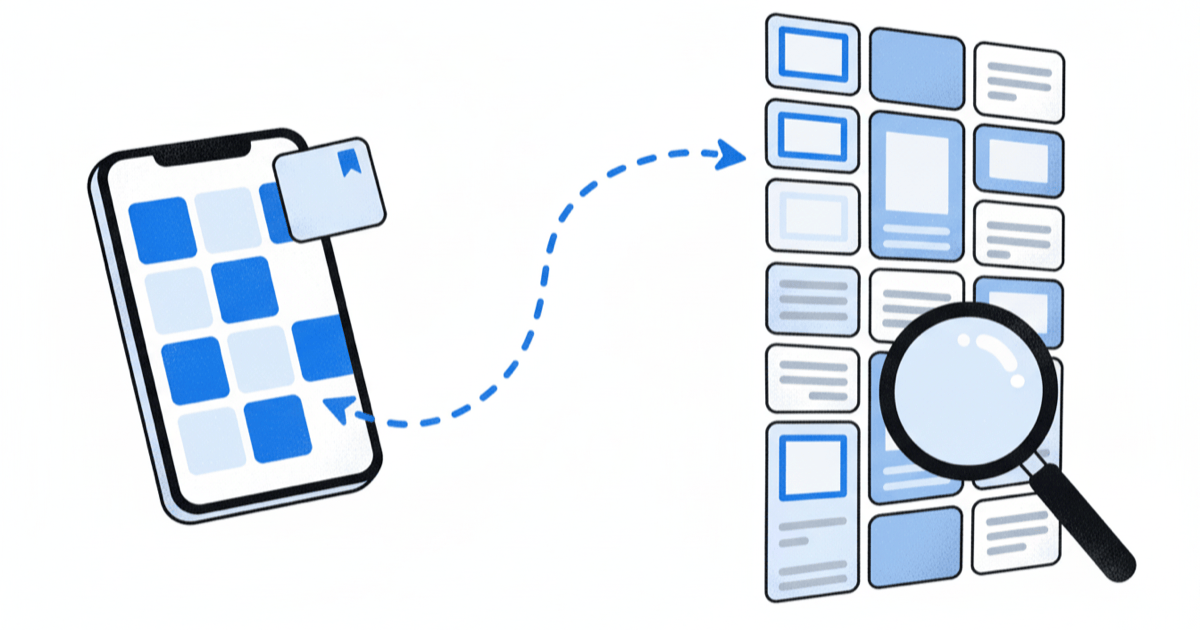
Saving a post on Instagram is quick, but finding a post again weeks later can mean a long scroll. This guide covers Instagram's own steps first, then where saved posts, videos and Reels live, how collections work, what the Saved list cannot do, and how to keep the posts that matter somewhere you can search.
Instagram changes its menus from time to time, so the labels on your screen may differ slightly from the ones here. The steps below were checked on 30 October 2026 against Instagram's own help pages and announcements.
How do you save a post on Instagram?
Saving takes one tap and works the same way for photos, carousels, videos and Reels.
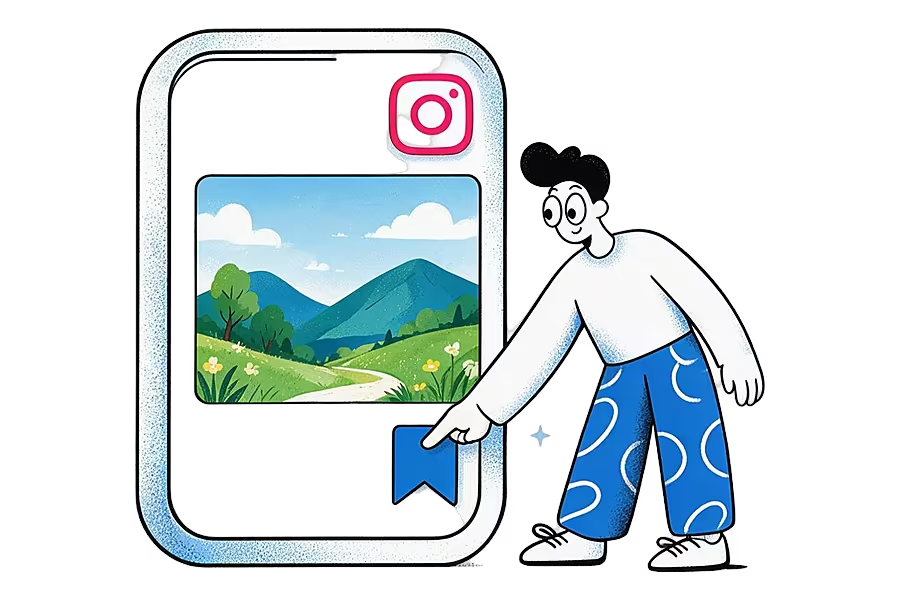
- Find the post in your feed, on a profile, in Explore or in Reels.
- Tap the bookmark icon. Under a feed post it sits on the right, below the photo. On a Reel it is in the column of buttons on the right, or behind the three-dot menu.
- The icon fills in to show the post is saved. Instagram may also offer to add it to a collection straight away.
To unsave a post, tap the filled bookmark again. The Instagram Help Center page on saving posts describes the same flow and notes that saved posts appear in a private section of your profile.
Saving is private. When Instagram launched collections in 2017, it said that collections, like all saved posts, "are also private" and that "only you can see them" (Instagram's announcement of collections). The person who posted is not told who saved it. We go into the detail in can people see what you save on Instagram.
How do I find my saved Instagram posts?
Everything you save goes to one place on your profile.
- Tap your profile picture in the bottom-right corner to open your profile.
- Tap the menu icon (three lines) in the top-right corner.
- Tap Saved.
- Open All posts to see everything you have saved, newest first, or tap a collection to see just that group.
On a computer:
- Open instagram.com.
- Go to your profile.
- Look for the Saved tab next to your posts.
It shows the same list as the app.
How do you view saved Instagram videos and Reels?
Saved videos and Reels sit in the same Saved list as photos. There is no separate video folder.
- Go to your profile, tap the menu icon and tap Saved.
- Open All posts. Videos and Reels show a small video or Reels icon on their thumbnail.
- Tap a thumbnail to play it. Swipe to move through the rest of your saves.
If you save a lot of videos, a collection called something like "Watch later" or "Recipes to try" makes them easier to find than scrolling through All posts, since the main list mixes every type of post together.
How do you organise saved posts into collections?
Collections are Instagram's folders for saved posts. You can sort posts as you save them, or tidy up later. The Instagram Help Center page on collections covers creating, renaming and deleting them.
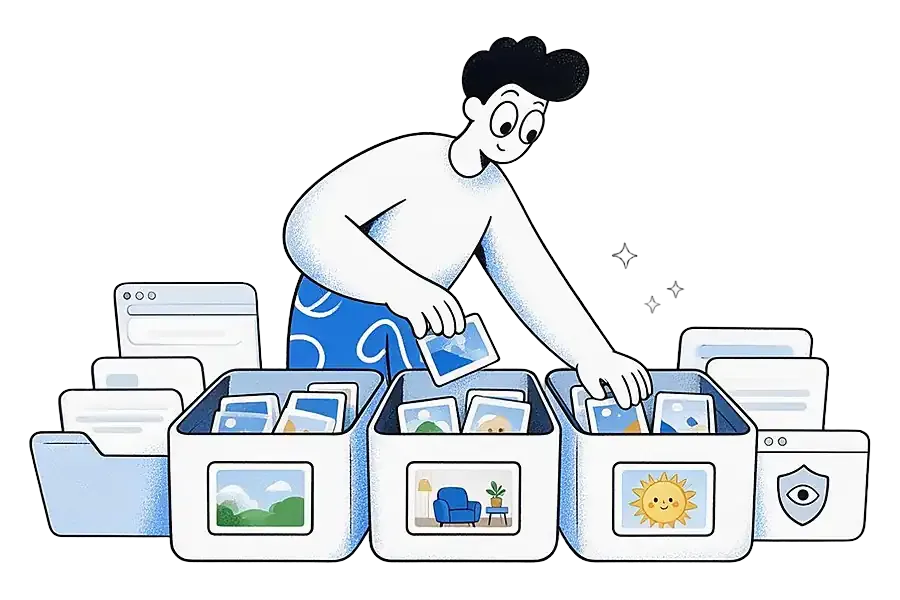
Create a collection while saving
- Tap the bookmark icon on a post to save it.
- When the save prompt appears, choose to add it to a collection, or tap + for a new one.
- Type a name and tap Save or Done.
Create a collection from posts you already saved
- Go to your profile, tap the menu icon and tap Saved.
- Tap + in the top-right corner.
- Name the collection, then tap the saved posts you want to add and tap Done.
A post you add to a collection also stays in All posts, so collections are a way to group saves, not to move them. You can rename a collection, change its cover, remove posts or delete it from the collection's menu.
Instagram also has collaborative collections that you share with friends from a chat. TechCrunch reported in 2023 that any member of the chat can add or remove posts in a shared collection (TechCrunch on collaborative collections). Use one for a group trip or a shared recipe list, and keep a normal collection for anything you want to stay private.
What are the limits of Instagram's Saved list?
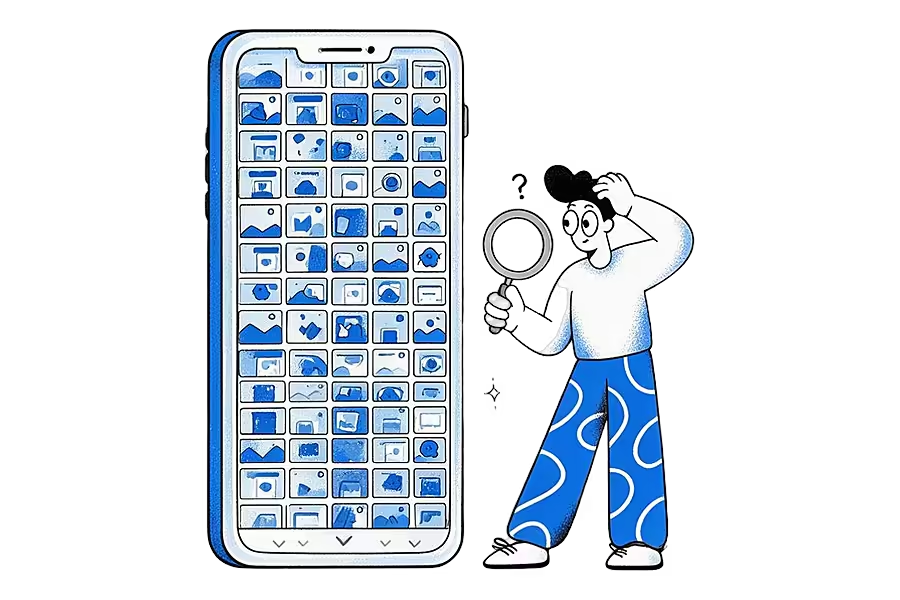
For a handful of posts, Instagram's Saved list works well. Once you have hundreds, its limits start to show.
- Saves stay inside Instagram. Your saved posts live in the app and on instagram.com. They do not sit next to the TikToks, Reddit threads and articles you saved elsewhere, so you have to remember which app you were in.
- There is no search. The Saved list is a grid of thumbnails sorted by date. You cannot type "pasta" or a creator's name to find one post among hundreds. Collections help, but only if you sorted the post when you saved it.
- Posts disappear when they are deleted. A save is a pointer to someone else's post. If the creator deletes or archives it, you can no longer open it from your Saved list, and if the account becomes private and you do not follow it, you may lose access. The wider web has the same problem: Pew Research Center found that 38% of web pages that existed in 2013 were no longer available a decade later (Pew Research Center, "When Online Content Disappears"). Our glossary calls this link rot.
- Screenshots are a poor backup. They keep the picture but lose the link, the caption you might search for later and the creator's name.
How do you keep saved Instagram posts searchable outside Instagram?
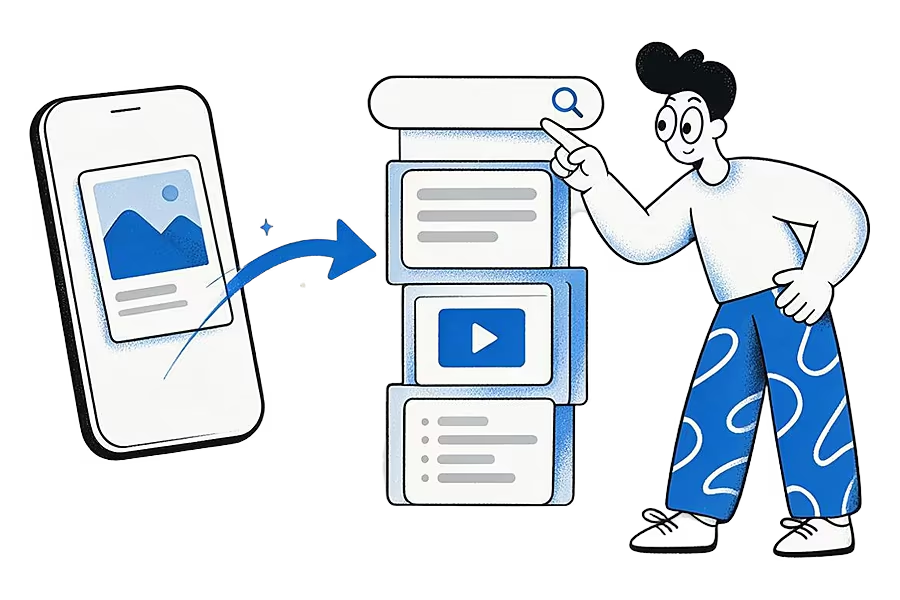
Share the post to an app that keeps it for you. Instagram's share button can hand a post's link to other apps on your phone, so you do not have to copy and paste anything. Ideafex is built for exactly this: tap Share, pick Ideafex, and the post lands on one searchable wall with its link, author and platform, next to everything else you save. We make Ideafex, and other save apps work in a similar way.
On Android
- Open the post or Reel and tap the Share icon (the paper plane).
- In the bottom row of options, scroll to the end and tap Share or More. This opens Android's own share menu. The label varies between app versions.
- Pick Ideafex from the list of apps. A "Saved" message appears and you stay in Instagram.
On iPhone
- Tap the Share icon on the post or Reel.
- In the bottom row, tap Share to or More to open the iPhone share sheet.
- Choose Ideafex. The first time, it may be hidden behind More at the end of the row of apps, where you can add it to your favourites. Apple explains this in Customize sharing options on iPhone.
- You see "Saved", the sheet closes and you are back in Instagram.
If you cannot find a share option, tap Copy link instead and paste it into the Ideafex web app with the + button. The same steps work in TikTok, Reddit, X and most other apps, which is the point of using the share sheet. The share from any app page shows the full flow.
What Ideafex keeps from an Instagram post
- On every plan: the original link, the platform and a link preview. You can add your own note, and search covers your notes, source names and page titles.
- On Pro: Ideafex also tries to fetch the caption, the author, the images and the video, and makes a transcript of videos it can download, so search can find a Reel by what was said in it. See video transcripts.
- Offline: if you have no signal, the save is queued on your phone and uploads when you reconnect.
Fetching is best-effort. Instagram sometimes blocks requests, and when that happens the idea keeps the link and whatever preview Ideafex could get. If the original post is later deleted, the idea and its link stay on your wall, and on Pro anything already fetched stays with it. Ideafex does not import your existing Instagram Saved list. To bring an old save across, open it in Instagram and share it to Ideafex.
Once your posts are in Ideafex, you can sort them into nested folders such as Recipes, Workouts or Travel, filter by platform, and search across everything at once. Plans are on the Ideafex pricing page.
Should you use Instagram's Saved list or a separate app?
If nearly everything you save comes from Instagram and you rarely go looking for old posts, Instagram's own Saved list and collections are enough, and they cost nothing. Sort as you save and you will find most things again.
A separate app earns its place:
- When your saves come from several apps
- When you want to search them by what they said
- When you want them to outlive the original post
Our guide to saving social media posts from every app walks through that setup, and the best read-it-later apps roundup compares apps if articles make up most of what you keep.
Quick answers
Tap your profile picture, tap the menu icon (three lines) in the top-right corner, then tap Saved. Open All posts to see everything, or tap a collection to see one group.
Saved videos and Reels are in the same Saved list as photos. Go to your profile, tap the menu icon, tap Saved and open All posts. Video thumbnails show a small video or Reels icon.
No. Instagram's Saved list is a grid sorted by date, with no search box. Collections help you group posts, and a save app such as Ideafex can keep them searchable outside Instagram.
It disappears from your Saved list, because a save points to the original post. If you shared it to Ideafex first, the link stays on your wall, and on Pro any caption or media already fetched stays too.
No. Instagram says saved posts and collections are private and only you can see them. Creators with professional accounts can see how many times a post was saved, but not by whom.
Keep the posts you save where you can search them
Share any Instagram post to Ideafex and it joins one searchable wall with everything else you save. Free on Android, iPhone and the web.


Related reading
Can People See What You Save on Instagram?
Instagram saves are private. What creators can and cannot see, how save counts work in insights, and when collaborative collections make saves visible.
Read more →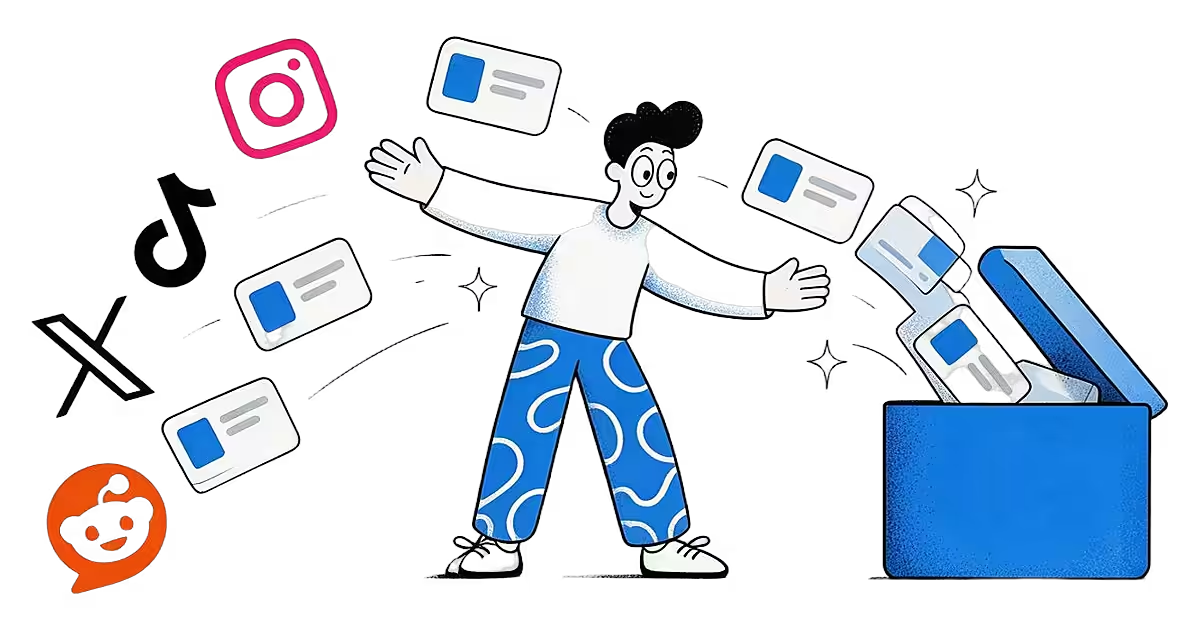
Save social media posts from every app in one searchable place
Share posts from Instagram, TikTok, X, Reddit or any other app to one searchable wall, then find them again by platform, folder or what they said.
Read more →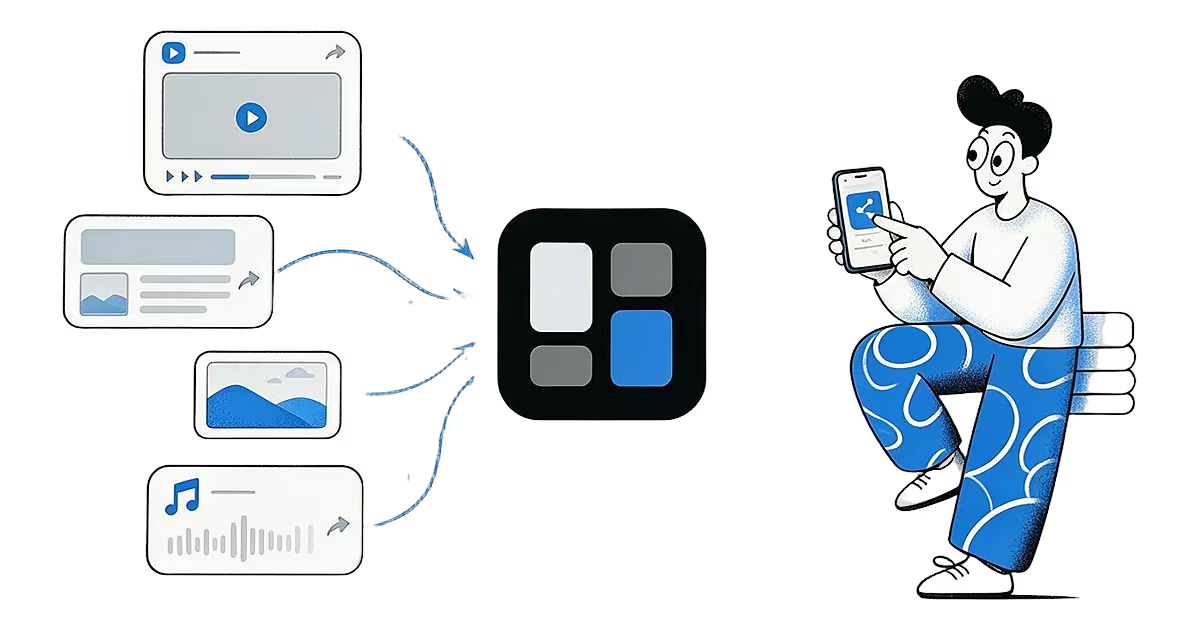
Share from any app: save to Ideafex from the share sheet
Tap Share in any app, pick Ideafex, and the post, link, text or file is saved without leaving the app, even offline.
Read more →