
You might have saves in five or six places at once: a recipe in Instagram's Saved tab, a workout in TikTok Favourites, a thread in X Bookmarks, a useful answer in Reddit's Saved list and a few more as screenshots in your camera roll. Each list works on its own, but none of them searches the others, and you have to remember which app you were in when you saved something.
This page shows how to save social media posts from every app into one place, what Ideafex keeps from each post, how to find things again, and where the limits are.
Why do saved posts get lost across apps?
Every social app has its own save button, and every save button leads to a list that only that app can see. That is fine when you save from one app. It stops working when the things you want to keep come from all of them.
- Saves are split by app. You have to guess which app a post was in before you can look for it.
- Saved lists are hard to search. Most are a scroll of thumbnails sorted by date, so finding one post from months ago means scrolling.
- Posts can disappear. If the author deletes a post or the account goes private, it can drop out of your Saved list too. The web loses pages all the time: Pew Research Center found that 38% of web pages that existed in 2013 were no longer accessible a decade later (Pew Research Center, "When Online Content Disappears"). Our glossary entry on link rot explains why this happens.
- Screenshots lose the source. A screenshot keeps the picture but not the link, the author or the caption you might want to search later.
How do you save social media posts from any app in one place?
Use the share button that every app already has. Ideafex adds itself to the system share sheet, so the same steps work in Instagram, TikTok, X, Reddit, YouTube, Facebook, Pinterest, LinkedIn, a browser or a chat app.
On Android
- Open the post and tap Share. In some apps it is an arrow or a paper plane, and in others it sits in the three-dot menu.
- Pick Ideafex from the list of apps. If you cannot see it, scroll the row of apps.
- A "Saved" message appears and you stay in the app you were using. The idea uploads in the background.
On iPhone
- Tap Share on the post.
- Choose Ideafex in the row of apps. The first time, it may be hidden behind More at the end of the row. Apple explains how to show and reorder apps there in Customize sharing options on iPhone.
- You see "Saved" and the share sheet closes. You are still in the same app.
On the web
- In the Ideafex web app, tap the + button.
- Choose Paste link.
- Paste the address of the post and it joins the same wall as everything you saved from your phone.
For a closer look at the share flow, including what you can share besides links, see Share from any app.
What does Ideafex keep from each post?
Every saved post becomes an idea on your wall. What it holds depends on your plan and on what the site allows Ideafex to fetch.
- On every plan: the original link (always kept), the platform, and a link preview with the title and the site's icon or logo. You can add your own note to the idea, and search covers it.
- On Pro: Ideafex also tries to fetch the post itself: the caption or post text, the author, the images and the video. For videos Ideafex can download, it also makes a transcript, so search can find a video by what was said in it. See video transcripts.
Fetching is best-effort. Some sites block it some of the time, and when that happens the idea keeps the link and whatever preview Ideafex could get. If a fetch fails, Ideafex tries again on its own a few times. YouTube links are kept as a preview with a thumbnail and title only, with no transcript.
Sharing the same post twice does not make a second copy. Ideafex tells you it is already saved and offers to open it.
Which apps can you save posts from?
Any app with a Share button that can send a link, text, an image or a file. Ideafex recognises the source of many of them and shows the platform's icon on the idea, including Instagram, TikTok, YouTube, Facebook, X, Reddit, Pinterest, LinkedIn, Threads, Bluesky, Snapchat, Tumblr, Medium, Substack, WhatsApp and Telegram. Anything else is saved as a website with its page title and icon.
On Pro, Ideafex tries to download media from posts on Instagram, TikTok, Facebook, X, Reddit, Pinterest and Snapchat. For other sites it keeps text and images where it can, and for articles it keeps the article text.
Reddit works a little differently from the others, so it has its own page: how to save Reddit posts and keep them searchable.
How do you find a saved post again?
Three tools do most of the work, and they combine.
- Search. Type a word you remember. On every plan, search looks through your notes, source names and page titles. On Pro it also covers captions, article text and transcripts.
- Filter by platform. Tap the filter icon and pick one or more platforms. The chips only show platforms you actually have ideas from, so the list stays short.
- Open a folder. Put ideas into folders such as Recipes, Trips or Work. An idea can sit in several folders at once, and folders can live inside other folders. See nested folders.
So "that pasta video from TikTok" becomes: filter by TikTok, search "pasta". If you saved it on Pro and the video downloaded, search also matches words spoken in it.
Can people see what you save?
In the apps themselves, saving is usually private. The Instagram Help Center says only you can see the posts you have saved, and the X Help Center page on Bookmarks says only you can see your bookmarks, though X shows a total bookmark count on posts.
Sharing a post to Ideafex happens on your phone. It does not like, save or comment on anything in your social accounts, so the person who posted it is not told. Your ideas are private to your Ideafex account, and deleting your account removes your ideas, folders and media.
What are the limits?
It is worth knowing these before you move your saving habit.
- Fetching depends on each site. Media and captions are fetched on Pro, best-effort. If a site blocks the request, you keep the link and the preview.
- YouTube is preview only. You get the link, title and thumbnail, with no download and no transcript.
- Transcripts need a downloaded video. When the video cannot be downloaded, there is nothing to transcribe.
- Ideafex does not import your old Saved lists. It saves what you share from now on. To bring an old save across, open it and share it to Ideafex.
- The browser extension is on Chrome, Edge and Firefox. There, the Ideafex extension saves links, selected text and screenshots; in other browsers you paste links into the web app.
- Free has 3 folders. Every folder at any depth counts. Pro has unlimited folders. Current plans are on the Ideafex pricing page.
Is one save app better than each app's own Saved list?
Sometimes it is not. If nearly everything you save comes from one app and you rarely look for old posts, that app's own Saved list or collections may be enough, and they cost nothing extra.
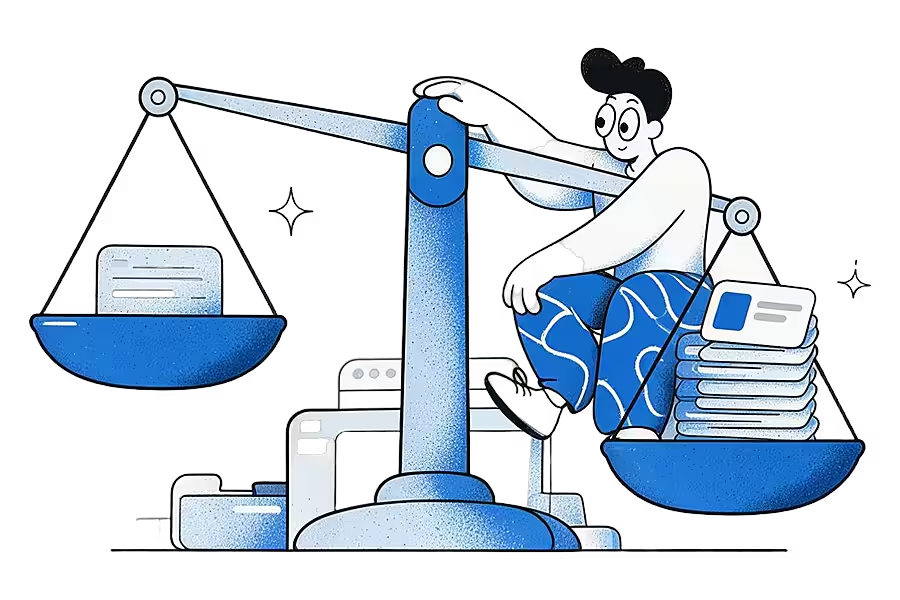
A single save app earns its place:
- When your saves come from several apps
- When you want to search them by what they said
- When you want them to outlive the original post
It also helps if you want an AI assistant to read what you saved: on Pro, Connect your AI lets Claude, ChatGPT or another MCP client search your ideas, read-only.
Save your next post in one tap
Ideafex is on Google Play and the App Store, with a web app too. Share a post from any app and find it again later.


How do you get started?
- Install Ideafex on Android or iPhone, or open the web app, and create an account.
- Share three things you would normally save: a post, an article and a video. Watch each one land on your wall.
- Make one or two folders for the topics you save most, and add those ideas to them from the idea's detail view.
- Next time you think "I saved that somewhere", search Ideafex first.
Questions about saving social media posts
Save it once, find it later
Save posts, articles and videos from any app to one searchable wall. Ideafex is free on the App Store, Google Play and the web at app.ideafex.si.
Related reading
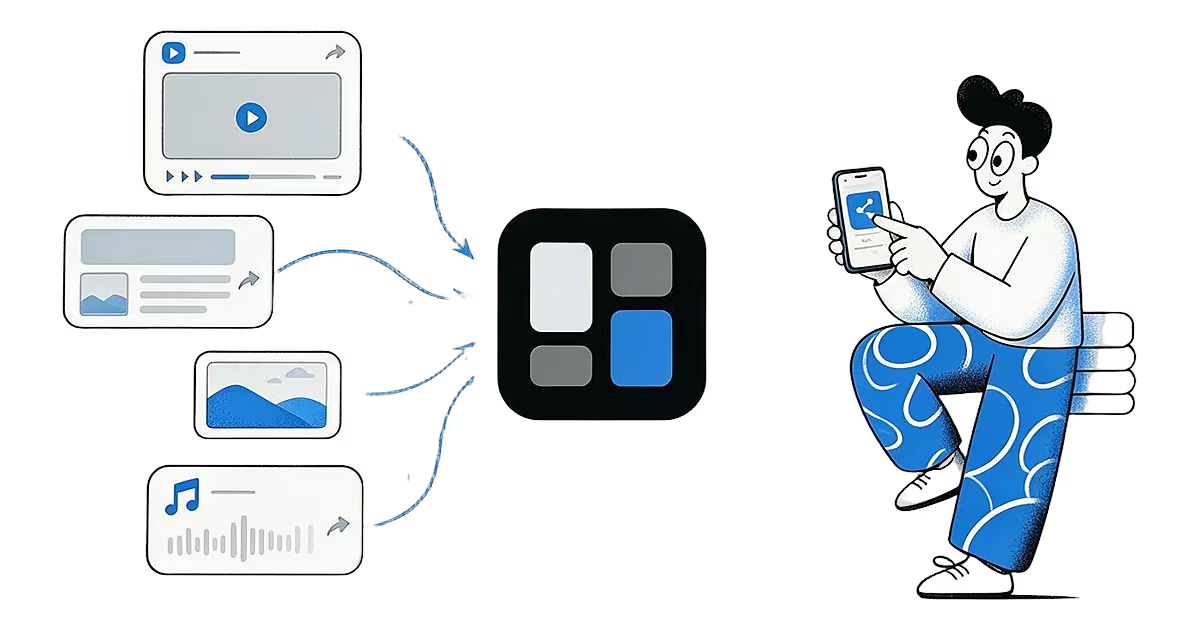
Share from any app: save to Ideafex from the share sheet
Tap Share in any app, pick Ideafex, and the post, link, text or file is saved without leaving the app, even offline.
Read more →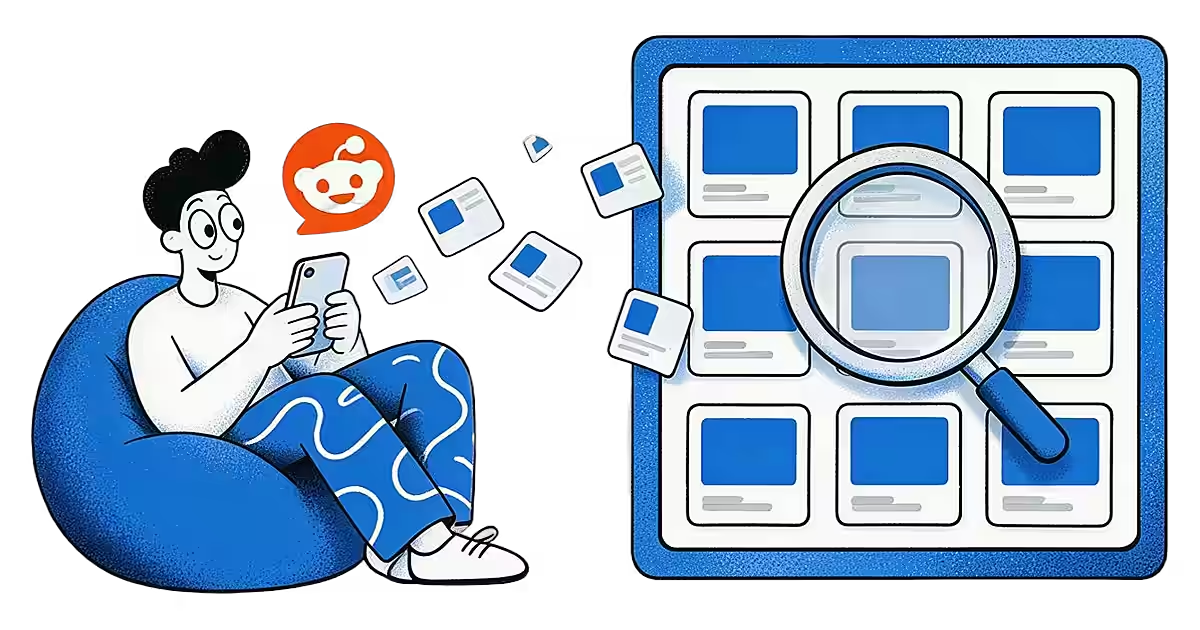
Reddit save posts: how saving works and how to keep posts searchable
Reddit's Save button, where saved posts go, why saving sometimes fails, and how to keep Reddit posts searchable alongside saves from other apps.
Read more →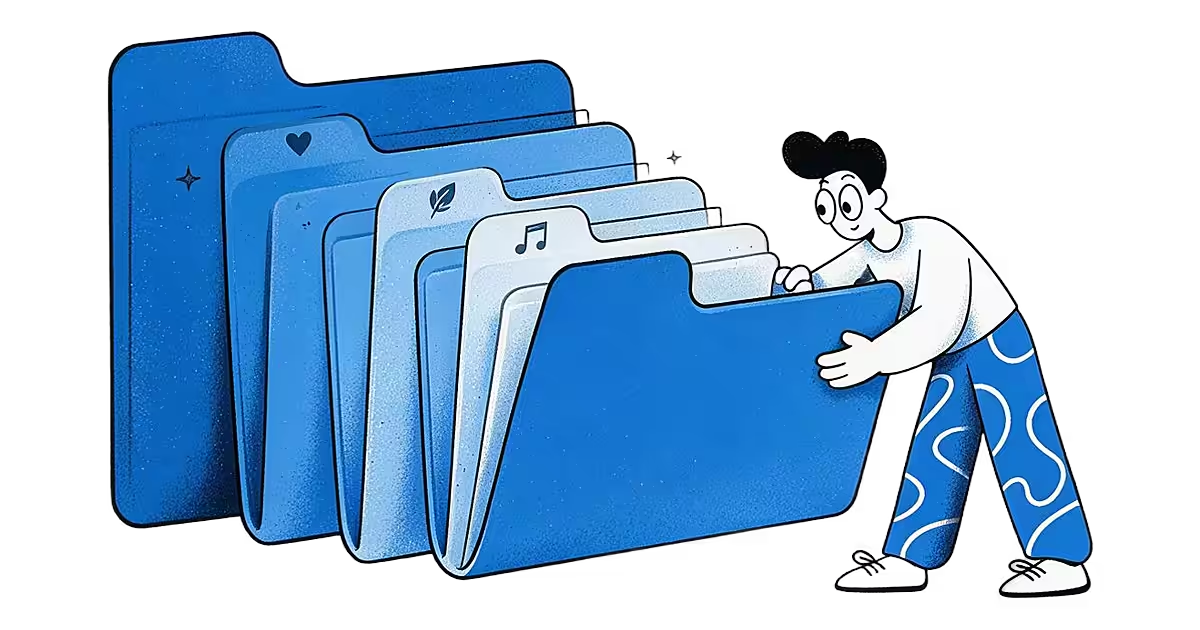
Nested folders: organise saved posts into folders that fit
Nested folders with icons and colours, where one idea can sit in several folders and folders combine with search and the platform filter.
Read more →
Share each post from its app to one save app instead of each app's own Saved list. In Ideafex you tap Share, choose Ideafex, and the post joins one searchable wall with its link, author and platform.