
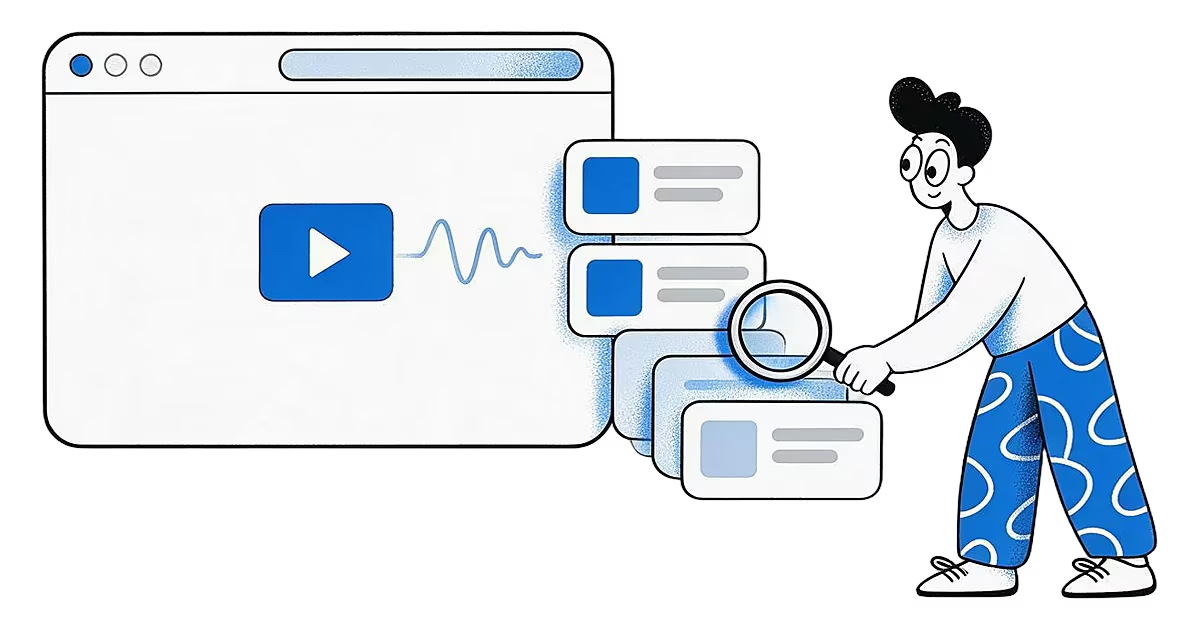
You remember what someone said in a video far better than the title, the account or the day you saved it. "The one where she said to rest the dough overnight." "The clip that explained compound interest with coffee." Video transcripts turn that memory into something you can type into a search box.
Can you search saved videos by what was said?
On Pro, yes, for videos Ideafex can download. A transcript is a text version of the spoken words in a video; the W3C's accessibility guidance describes it as the text of what is said and of important sounds (W3C WAI: Transcripts). When you save a post with a video Ideafex can download, it makes a transcript of the first video in that post and puts it into search alongside captions, titles and your notes.
How do video transcripts work in Ideafex?
- You save the video. Share it from the app you are watching in, or paste the link in the web app. See share from any app.
- Ideafex fetches it. On Pro, Ideafex tries to download the video in the background, along with the caption and author.
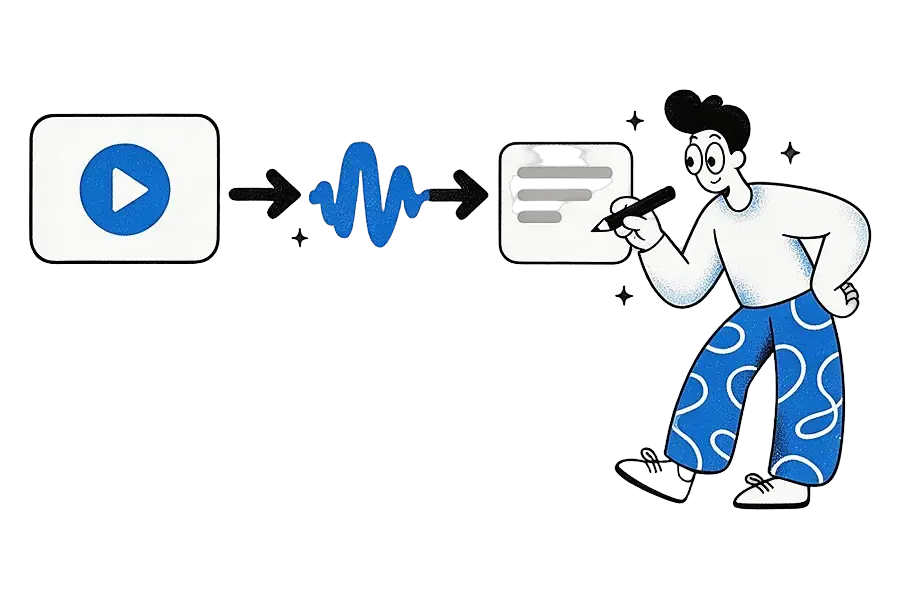
- It makes a transcript. When the download works, speech recognition turns the audio into text.
- The idea fills in. The card appears on your wall straight away and the transcript arrives on its own a little later. There is no processing screen to watch.
If the fetch fails, Ideafex retries by itself a few times. There is no retry button to press.
Which videos get a transcript?
Videos Ideafex can download. On Pro, Ideafex tries to download video posts from Instagram, TikTok, Facebook, X, Reddit, Pinterest and Snapchat. Downloading is best-effort: sites change and sometimes block requests, so a given video may not download. When it does not, the idea keeps its link, preview and any caption Ideafex could read, and there is no transcript for it.
If a post has more than one video, the transcript covers the first one. For the TikTok steps and Reels, see TikTok transcripts.
Why does YouTube have no transcript in Ideafex?
YouTube links are saved as a preview only: Ideafex keeps the link, the title, the channel where available, the duration and a thumbnail. It does not download YouTube videos, so there is nothing to transcribe. The same applies to Vimeo links.
YouTube has captions of its own. Its help centre explains how automatic captions are created for many videos (YouTube Help: Use automatic captioning), and you can read them on YouTube. If a line from a YouTube video matters, add it as a note on the idea so your own search finds it.
Which saved videos benefit most from a transcript?
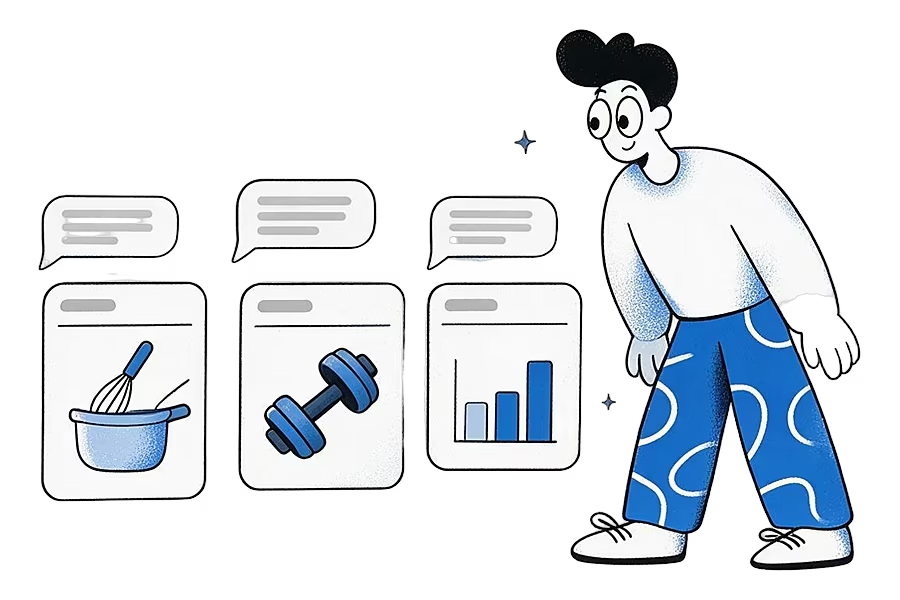
Videos where the useful part is spoken rather than shown. Recipes where the cook explains quantities out loud, workout clips with coaching cues, short explainers on money, science or history, interviews, talks and product reviews all fit. A dance clip or a silent timelapse gains little, because there is nothing to search. For the videos that matter, a one-line note still helps: write what you saved it for, and search finds the idea by your words as well as the speaker's.
Creators use transcripts to build a swipe file of hooks and phrasings they liked. Search for a phrase and every saved video that used it comes up, whichever app it came from.
Where do you see and search a transcript?
Open the idea. The detail view shows the video, the caption, the source and the transcript underneath. Search on the wall covers transcripts automatically, and it combines with the platform filter and folders, so you can search "dough" within TikTok ideas in your Baking folder.
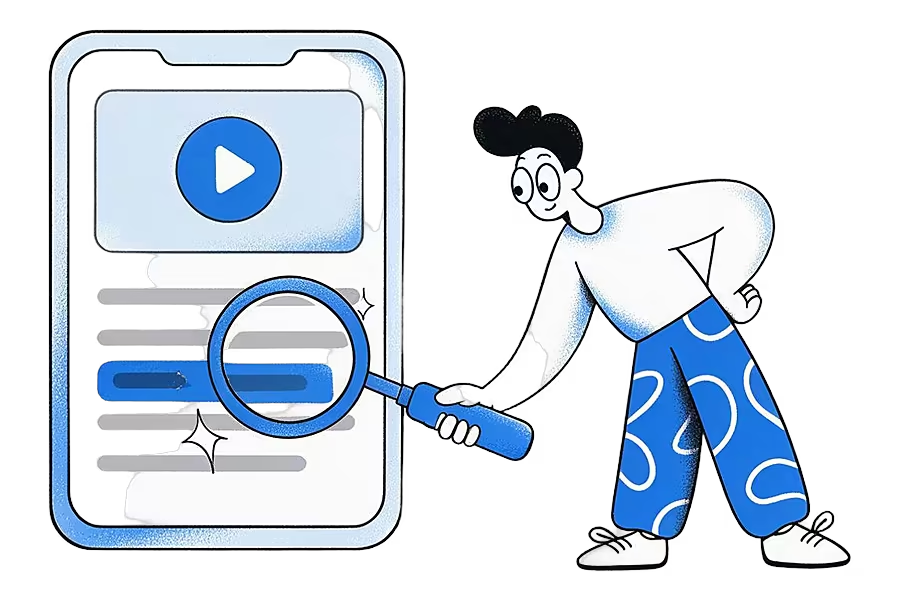
On your phone, transcripts are part of the copy of your ideas kept on the device, so searching them works offline too.
What happens on the Free plan?
On Free, Ideafex saves the link with a preview (title and icon) and does not download media or make transcripts. If you upgrade, links you saved recently are fetched for you. If you go back to Free later, transcripts and media already fetched stay visible; only new fetches stop. Current plans are on the Ideafex pricing page.
What are the limits?
- Transcripts exist only for downloaded videos. If the video could not be downloaded, there is no transcript.
- YouTube and Vimeo are preview only. No download and no transcript.
- Accuracy depends on the audio. Music over speech, heavy accents, crosstalk or a quiet speaker can produce mistakes, as with any automatic transcript.
- Only the first video in a post is transcribed.
- It is not a transcript tool. Ideafex does not offer transcript export, subtitles or AI summaries. The transcript is there so search and your AI can find the video.
How do transcripts help your AI assistant?
With Connect your AI on Pro, Claude, ChatGPT, Cursor or another MCP-compatible assistant can search your ideas and read an idea with its transcript. So you can ask "what did the cooking videos I saved say about hydration?" and get an answer drawn from what was actually said. Access is read-only.
Students and researchers use this to search lectures and explainers they saved; see saving research articles and videos. For everyday saves from social apps, see saving social media posts in one place, and for quick plan answers, the FAQ.
Find a video by one remembered line
Save videos from any app to Ideafex. On Pro, search covers what was said in videos Ideafex can download.


Questions about video transcripts
Yes, on Pro, for videos Ideafex can download. Ideafex makes a transcript and search covers it, along with captions, titles and your notes.
No. YouTube links are saved as a preview with the title and thumbnail. Ideafex does not download YouTube videos, so there is no transcript.
When Ideafex can download the video, yes. Downloading is best-effort and depends on what each site allows, so some videos will have only the link, preview and caption.
No. Media and transcripts are part of Pro. If you move from Pro to Free, transcripts already made stay visible.
Save it once, find it later
Save posts, articles and videos from any app to one searchable wall. Ideafex is free on the App Store, Google Play and the web at app.ideafex.si.
Related reading
Save research articles and videos, then search what they said
Save articles, videos and posts from your phone while you research, keep each source for citing, and search the full text and transcripts later.
Read more →
Save social media posts from every app in one searchable place
Share posts from Instagram, TikTok, X, Reddit or any other app to one searchable wall, then find them again by platform, folder or what they said.
Read more →
Connect Claude or ChatGPT to saved ideas (MCP)
A read-only MCP connection that lets your AI assistant search and read the posts, articles and videos you saved in Ideafex.
Read more →