
Research rarely happens at a desk with a reference manager open. You find a good article on the bus, a lecture clip on TikTok, a thread on X that points to a paper, and a forum answer that explains the method better than the textbook. By the time you sit down to write, half of it is lost in browser tabs and Saved lists. This page is a working method for keeping those sources together and finding them again. If many of your sources are Reddit threads, see also how to save Reddit posts and find them again.
What is the best way for students to save research articles and videos?
Save at the moment you find something, in one place, with the source attached. That rule matters more than the tool. In Ideafex it looks like this:
- Share it straight away. Tap Share in the app you are in and choose Ideafex. It takes a second and you stay where you were. See share from any app.
- Add a short note. Write why it matters: "counter-argument for section 2" or "good definition of X". Your notes are searchable.
- File it into a folder later. Folders can be nested, so you might have Dissertation, then Chapter 1, Chapter 2 and Methods inside it.
- Search when you write. Type the word you remember, not the title you have forgotten.

How do you save sources from your phone while you study?
Use the share button in whatever app you are reading or watching:
- On Android, pick Ideafex from the share sheet.
- On iPhone, pick Ideafex from the row of apps, or add it from More the first time.
You can also highlight a passage of text in many apps, tap Share and save just that passage as an idea.
Saving works offline, which helps in libraries and lecture halls with poor signal. The idea appears on your wall straight away and uploads when you reconnect. On a laptop, paste links into the web app, or use the browser extension for Chrome, Edge or Firefox to save selected text and screenshots from what you are reading.
How do you search the full text of what you saved?
Search covers your notes, source names and page titles on every plan. On Pro, Ideafex also fetches captions and the text of articles you save, and makes transcripts of videos it can download, and search covers all of them. So you can find a lecture clip by a phrase the speaker used, or an article by a term in its third paragraph. Read more about video transcripts.
Two limits matter for research:
- Fetching is best-effort, so a site that blocks requests leaves you with the link and preview only.
- YouTube links are saved as a preview with no transcript, so for YouTube lectures you will want to note the key points yourself or use YouTube's own captions.
How do you organise sources by essay, module or chapter?
Make a folder per project and nest folders inside it. One idea can belong to several folders, which suits research well: a source about sampling bias can live in both "Methods" and "Literature review" without making a copy. Each folder can have its own icon and colour, so a busy drawer stays readable. Opening a folder shows just its ideas, and you can combine that with search and the platform filter. Details are on the nested folders page.
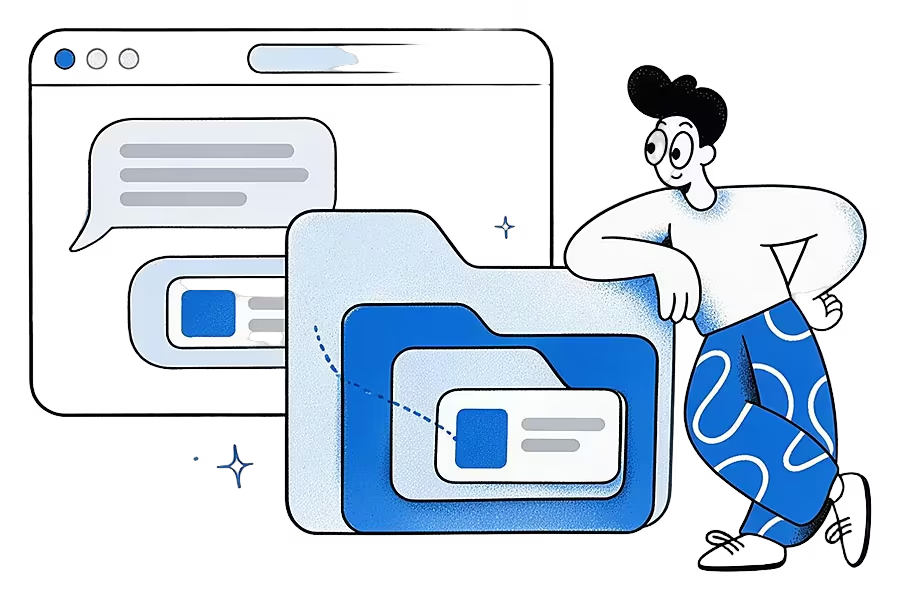
The Free plan includes up to 3 folders in total, counting folders at every depth. Pro has unlimited folders, which most people running several modules will want. Current plans are on the Ideafex pricing page.
What about links that break?
Sources go missing. Pew Research Center found that 38% of web pages from 2013 were no longer accessible ten years later, and that 54% of Wikipedia pages had at least one broken link in their references (Pew Research Center, "When Online Content Disappears"). This is called link rot.
Ideafex always keeps the original link. On Pro it also keeps the article text, the post's media and video transcripts it managed to fetch, so you still have the words you needed if the page later disappears. It is a useful safety net, though not a formal archive: for a thesis, check your institution's guidance on archiving web sources.
Can an AI assistant help with your saved research?
Yes, on Pro. Connect your AI lets Claude, ChatGPT, Cursor or another MCP-compatible assistant search and read your ideas, including article text and transcripts. You could ask "which of my saved sources discuss sample size?" and get answers drawn from what you saved. Access is read-only, so the assistant cannot change or delete anything. Use it to find and compare sources, and check your university's rules on AI use before it goes anywhere near your writing. There is more on this idea in using AI with a second brain.
What are the limits for research?
- Ideafex is not a reference manager. It does not format citations or export a bibliography. Keep a tool like Zotero for that if your course needs one.
- It has no highlights or annotations. You can save a passage of text as an idea and add notes, but you cannot highlight inside an article.
- PDFs show their first page as a preview. Ideafex saves PDFs you share, but it is not a PDF reader.
- Fetching is best-effort. Some sites block it, and YouTube is preview only.
- It has no shared folders. Each wall is private, so group projects need another tool for sharing.
If your research is mostly long-form reading with highlights, a dedicated reader may suit you better. Our Ideafex vs Readwise comparison covers that trade-off fairly.
Save your next source in one tap
Share an article, video or post from any app and search it later by what it said.


Questions from students and researchers
One you will use the moment you find a source. Ideafex saves articles, videos and posts from any app's share button, keeps the link, and on Pro keeps article text and transcripts so you can search them.
Yes, on Pro. Ideafex fetches the article text and search covers it. On Free, search covers your notes, page titles and source names.
On Pro, for videos Ideafex can download, it makes a transcript you can search. YouTube links are preview only, with no transcript.
No. It keeps the link, platform and, when fetched, the author and caption, which helps you cite. Use a reference manager to format citations and bibliographies.
Save it once, find it later
Save posts, articles and videos from any app to one searchable wall. Ideafex is free on the App Store, Google Play and the web at app.ideafex.si.
Related reading
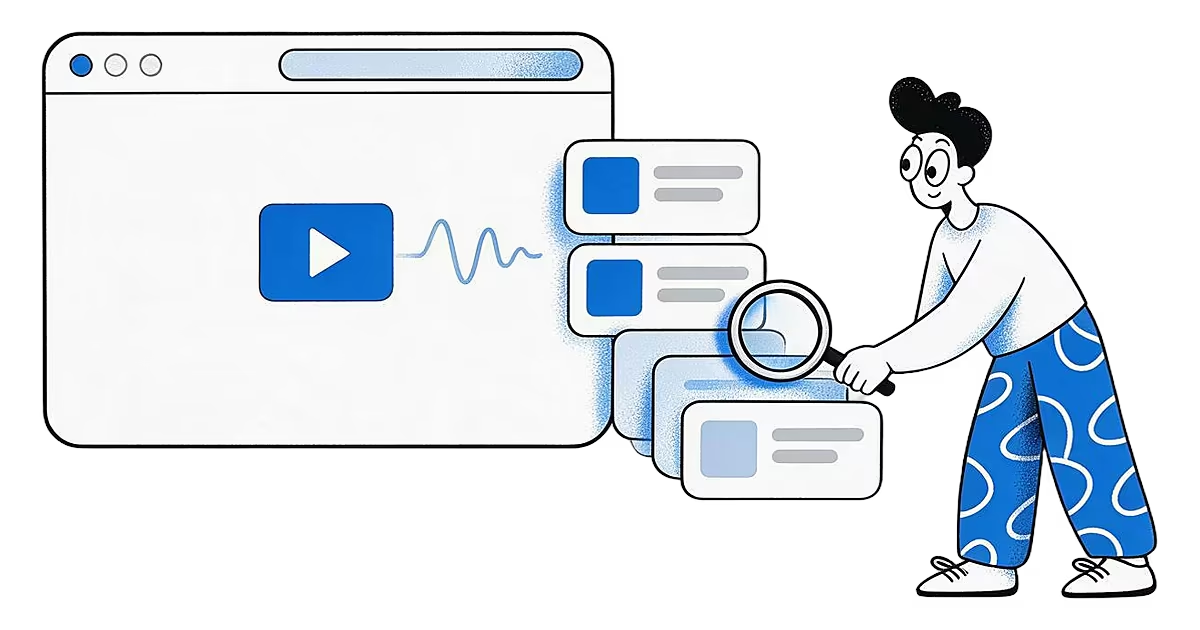
Video transcripts: search saved videos by what was said
On Pro, Ideafex makes a searchable transcript for videos it can download, so you can find a saved clip by a phrase you remember.
Read more →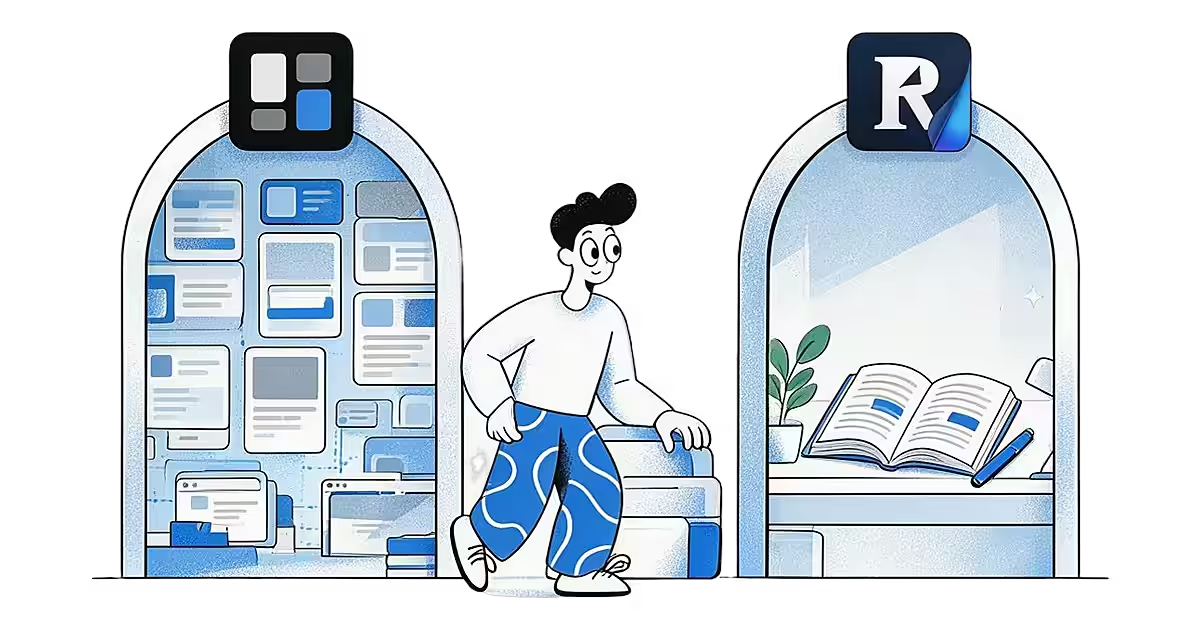
Readwise Reader vs Ideafex: A Reading App or a Saving App?
Readwise Reader is built for deep reading. Ideafex is built for saving posts, articles and videos from any app. A fair comparison.
Read more →
A second brain AI can read: use Claude with what you save
Turn the posts, articles and videos you save into a second brain that Claude, ChatGPT or Cursor can search and read, with read-only access you approve.
Read more →