
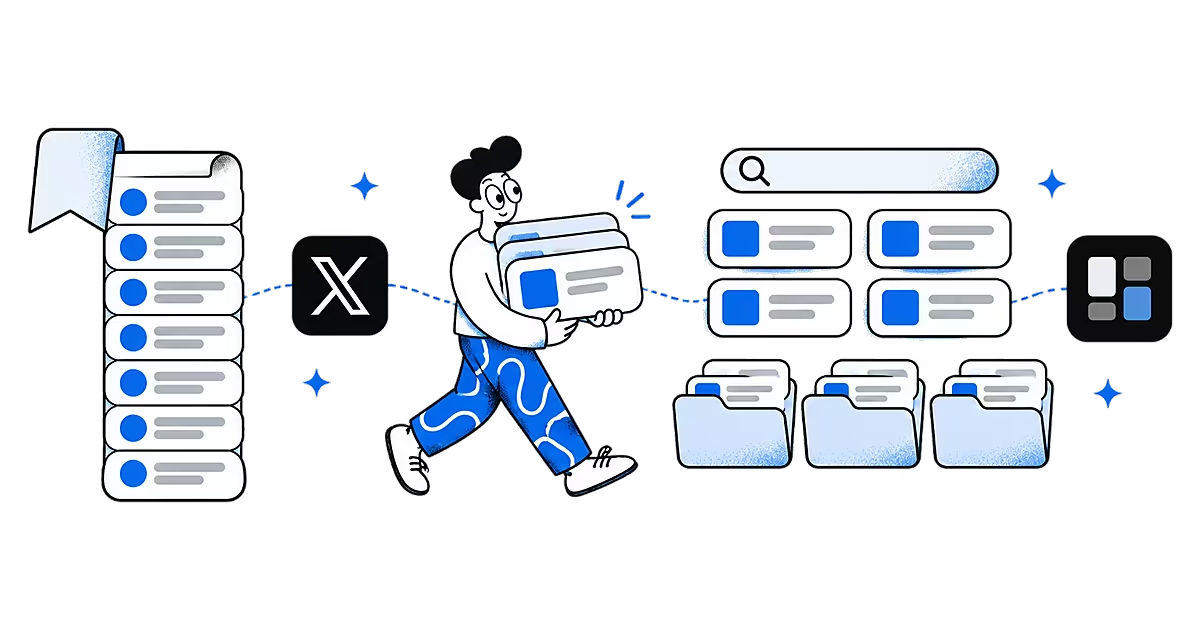
X bookmarks (still called Twitter bookmarks by most people) are a private list of posts you want to come back to: a thread worth rereading, a tool someone recommended, a chart you want to quote. Bookmarking takes one tap. This page covers how bookmarks work on X, what they cannot do, and how to keep the posts you save from X searchable next to everything else you save.
How do you bookmark a post on X?
X's help article About Bookmarks describes the steps:
- Find the post and tap the share icon, or the bookmark icon if your app shows one under the post.
- Choose Bookmark.
- To remove it later, open the post from your Bookmarks and use the same menu.
X changes its layout from time to time, so the icons on your screen may differ slightly.
Where are your X bookmarks?
Open Bookmarks from the navigation or profile menu, in the app or on x.com. Bookmarks are listed with the newest first. From the menu at the top of the Bookmarks timeline you can also clear all of them at once.
Are X bookmarks private?
Yes. Only you can see your Bookmarks list. Posts do show a total bookmark count, but X's help page on bookmark counts says it shows how many people bookmarked a post, not who.

Can you organise and search X bookmarks?
Bookmark folders are a paid feature. X's Premium help page lists Bookmark Folders among the Premium tools, notes that folders are always private, and that every bookmark also stays in All Bookmarks. Without Premium, you have one long list.

The help pages we checked describe saving, folders and removing bookmarks; they do not describe a search inside Bookmarks. When you remember a phrase from a thread but not the account, that list is hard to work through.
How do you save X posts to Ideafex?
Sharing a post to Ideafex keeps it on your own wall with a search box, next to saves from Instagram, TikTok, Reddit and the web. It is a good place for the bookmarks you actually want to find again.
On Android
- Open the post in the X app and tap Share.
- In X's share menu, choose Share via (or the option that opens the system share sheet).
- Pick Ideafex. If you have folders, tick any under "Save to folders" and tap Save. You see "Saved to Ideafex" and stay in the app.
On iPhone
- Open the post in the X app and tap Share.
- In X's share menu, choose Share via to open the iPhone share sheet.
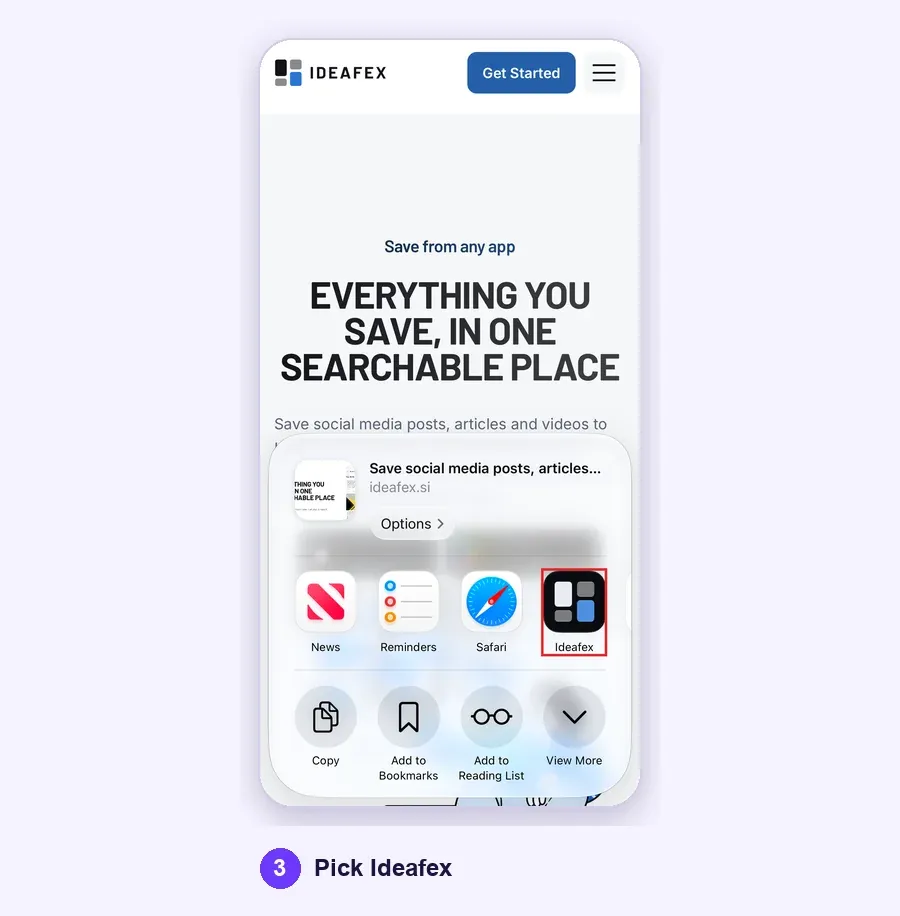
- Pick Ideafex. If it is not in the row of apps, tap More and add it; Apple explains this in Customize sharing options on iPhone. If you have folders, pick any under "Save to folders" and tap Save. You see "Saved to Ideafex", the sheet closes and the idea is on your wall.
On a computer
- In Chrome, Edge or Firefox with the Ideafex extension, right-click the link and choose Save link to Ideafex.
- In any other browser, copy the address, open the web app, click + Add idea and paste the link into the note.
With no connection, the save is queued on your phone, still shows "Saved" and uploads later (offline sync). If you share something you already saved, Ideafex says "Already saved" instead of making a second card.
What does Ideafex keep from an X post?
- Every plan: the link, the X platform badge and a link preview. Any note you add is searchable, so "pricing teardown thread" finds the post even if X shows little in the preview.
- Pro: Ideafex also tries to fetch the post text, the author, the photos and the video. For a video Ideafex can download, it makes a transcript, so search finds the clip by what was said. See video transcripts.
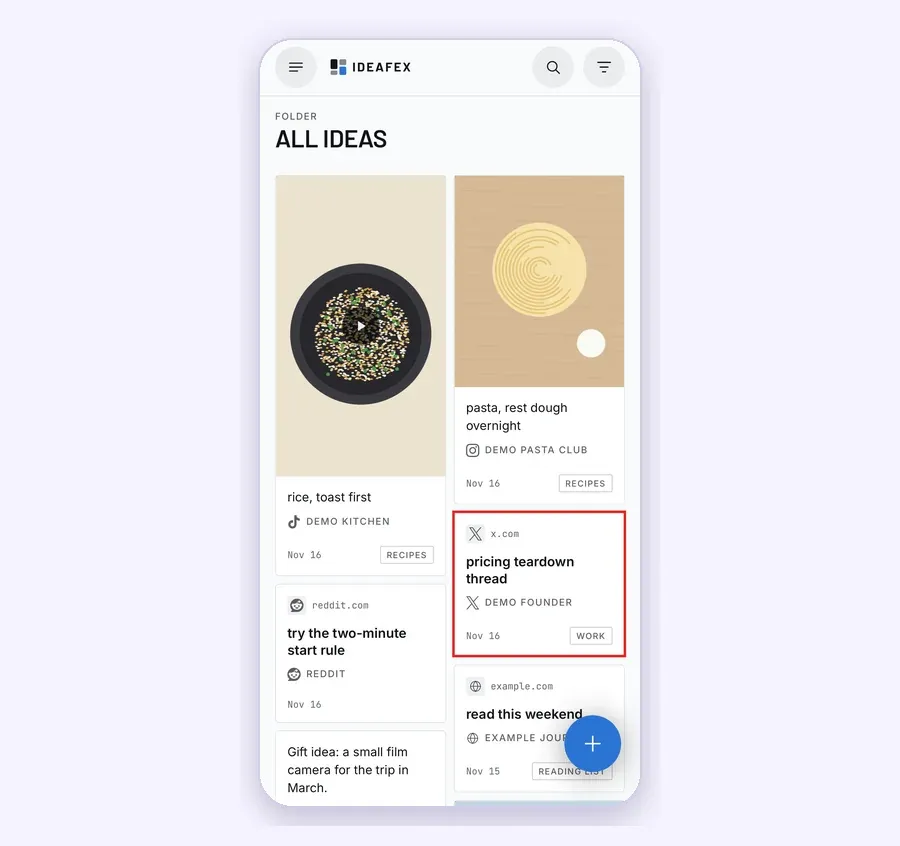
The platform filter shows only your X ideas, and folders work on the Free plan too (up to 3), so you can sort posts without a Premium subscription. One post can sit in more than one folder.
Make your X bookmarks searchable
Share a post from X to Ideafex and find it later by its text, its author or a word in your note.


What are the limits?
- No import from X Bookmarks. Ideafex cannot read your Bookmarks list. Share the posts you still need across.
- Only the post you share. Ideafex keeps that post. It does not copy the replies or the rest of a long thread, so share the posts that matter or open the original link.
- Fetching is best-effort. X does not always allow the request, and posts from protected accounts cannot be fetched. You still keep the link, preview and your note.
- Post text, media and transcripts are Pro. Free keeps the link, preview and notes. Current plans are on the Ideafex pricing page.
- Your X bookmark stays separate. Sharing to Ideafex does not bookmark, like or repost anything on X, and nobody on X is told.
Are X bookmarks enough on their own?
If you only save a few posts and reread them inside X, yes. Bookmarks are free, private and one tap away. They fall short when X is one of several places you save from and you want one search across all of them. Our guide to saving social media posts in one place covers that, and the same share flow works for Instagram posts, Reddit posts and TikTok videos. With AI access on Pro, Claude, ChatGPT or another MCP client can search those saved posts for you, read-only.

Questions about X bookmarks
Open Bookmarks from the navigation or profile menu, in the app or on x.com. Bookmarks are private to your account.
No. X shows a total bookmark count on posts, but not who bookmarked them.
Yes. X's Premium help page lists Bookmark Folders as a Premium feature. Ideafex folders work on the Free plan, up to 3, and unlimited on Pro.
The X help pages we checked do not describe a search inside Bookmarks. In Ideafex, search covers your notes on every plan and the post text on Pro.
No. Ideafex has no import from X. Share the posts you still need to Ideafex from X's share menu, and new saves land there from then on.
Save it once, find it later
Save posts, articles and videos from any app to one searchable wall. Ideafex is free on the App Store, Google Play and the web at app.ideafex.si.
Related reading

Save social media posts from every app in one searchable place
Share posts from Instagram, TikTok, X, Reddit or any other app to one searchable wall, then find them again by platform, folder or what they said.
Read more →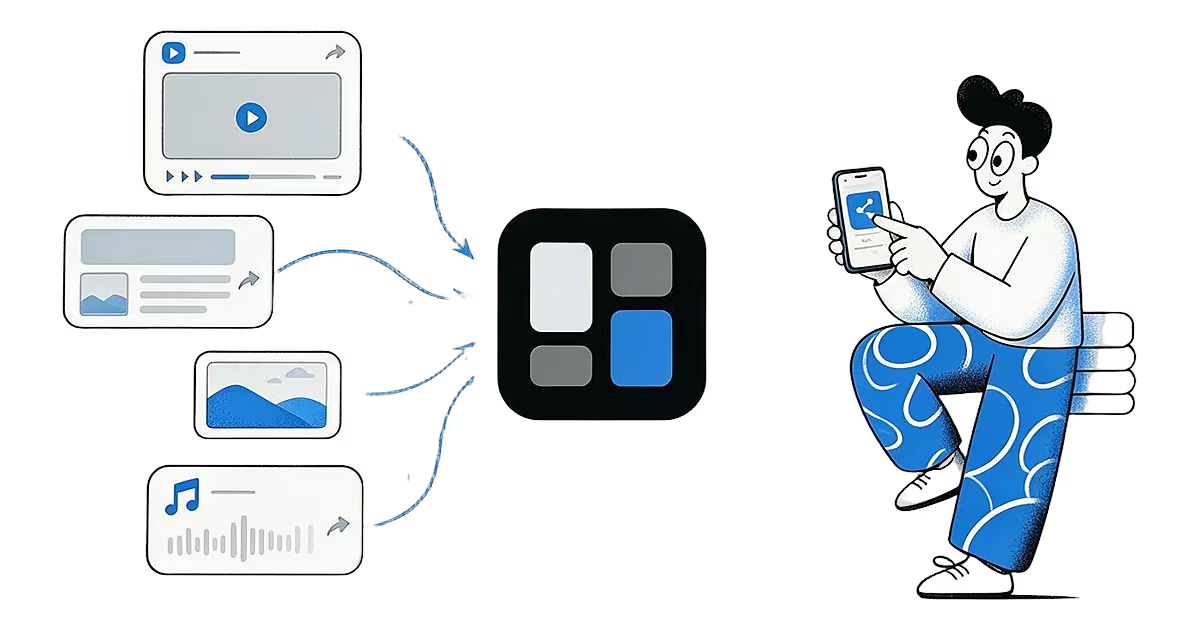
Share from any app: save to Ideafex from the share sheet
Tap Share in any app, pick Ideafex, and the post, link, text or file is saved without leaving the app, even offline.
Read more →
Nested folders: organise saved posts into folders that fit
Nested folders with icons and colours, where one idea can sit in several folders and folders combine with search and the platform filter.
Read more →