
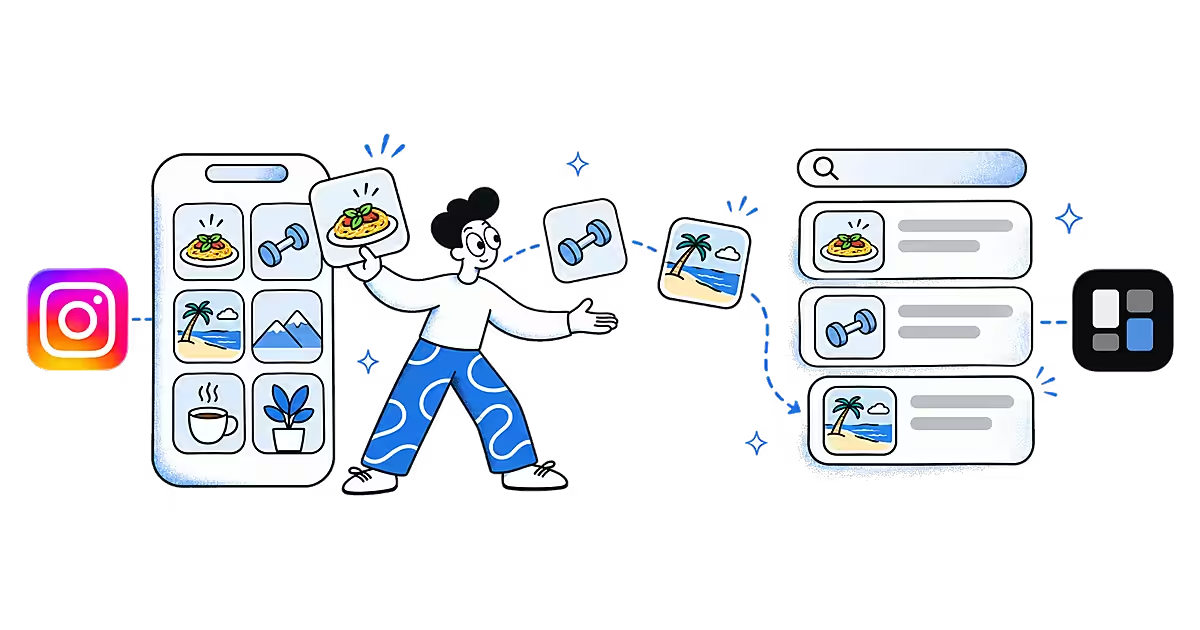
Instagram's Save button is the quickest way to keep a recipe, a workout or a place to visit. The trouble starts later: the Saved list is a grid of thumbnails, newest first, and finding one post among hundreds means scrolling. This page covers where Instagram saved posts live, what the Saved list can and cannot do, and how to keep the posts that matter somewhere you can search.
Where are your Instagram saved posts?
Everything you save goes to one private section of your profile, as the Instagram Help Centre page on saving posts describes:
- In the app:
All posts shows everything; collections show smaller groups. - Tap your profile picture.
- Tap the menu (three lines) in the top-right corner.
- Tap Saved.
- On instagram.com: open your profile and choose the Saved tab.
Photos, carousels, videos and Reels all sit in the same list. There is no separate folder for Reels. Collections, which the Help Centre page on collections covers, are how Instagram lets you group saves. A post in a collection also stays in All posts. For the full save steps, see our guide on how to save Instagram posts and find them again.
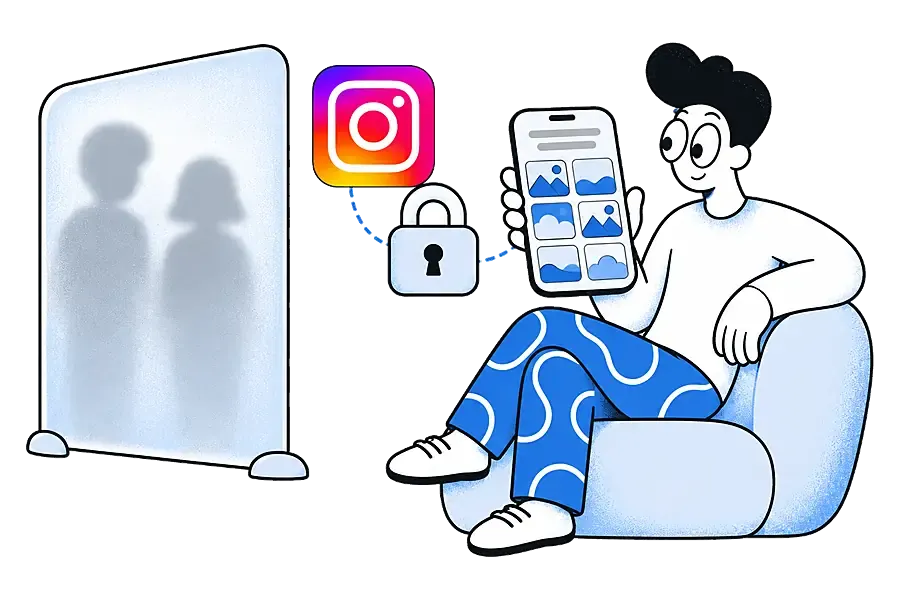
Can other people see your saved posts?
No. When Instagram launched collections, it said saved posts and collections "are also private" and "only you can see them" (Instagram's announcement). The exception is a collaborative collection you choose to share. More detail is in can people see what you save on Instagram.
Can you search your Instagram saved posts?
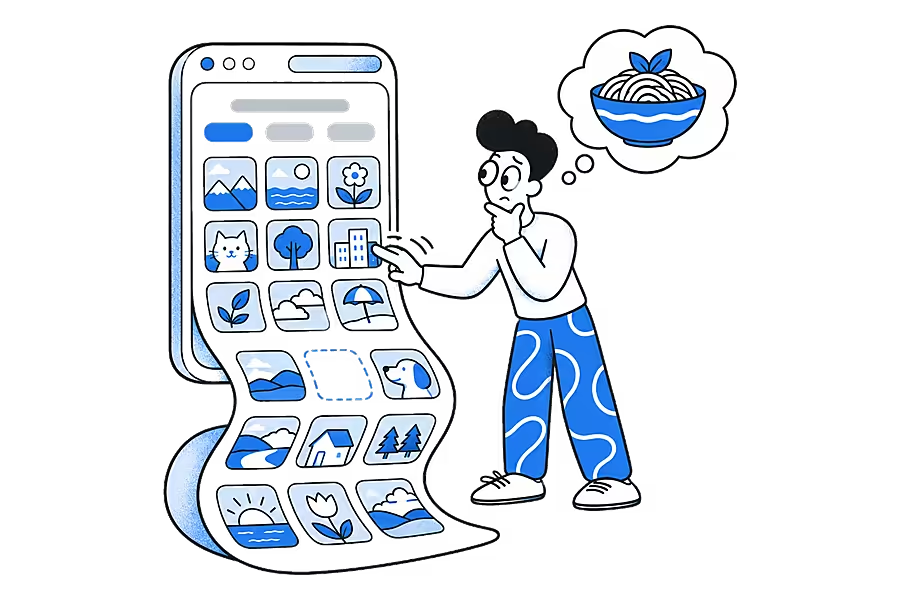
Instagram's help pages explain saving and collections, but we could not find a way to search inside Saved described in them. In practice you scroll, or you open a collection if you sorted the post when you saved it. That works for a few dozen posts. It breaks down when you remember a caption or something the creator said, but not when you saved it.
There is a second risk. Your Saved list points at someone else's post. If they delete it or their account becomes private, you may lose access to it, and with it the recipe or tip you saved. Pages and posts vanish more often than most people expect; our glossary entry on link rot explains why.
How do you save Instagram posts to Ideafex?
Sharing a post to Ideafex keeps it on your own wall, next to saves from every other app, with a search box.
On Android
- Open the post or Reel in Instagram and tap Share.
- Instagram shows its own share panel first. Look for the option that opens the system share sheet, often Share to or More, or tap Copy link and paste it in Ideafex with + and Note.
- Pick Ideafex. If you have folders, tick any under "Save to folders" and tap Save. You see "Saved to Ideafex" and stay in the app.
On iPhone
- Open the post or Reel in Instagram and tap Share.
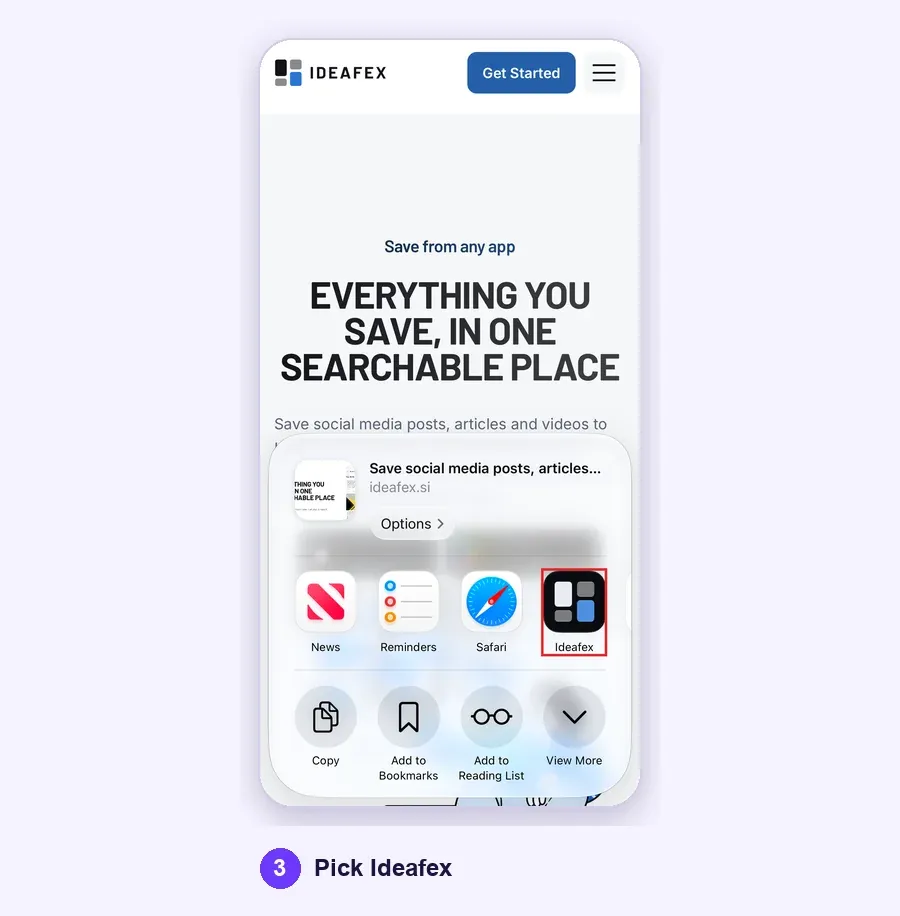
- In Instagram's share panel, choose the option that opens the iPhone share sheet, often Share to or More.
- Pick Ideafex. If it is not in the row of apps, tap More and add it; Apple explains this in Customize sharing options on iPhone. If you have folders, pick any under "Save to folders" and tap Save. You see "Saved to Ideafex", the sheet closes and the idea is on your wall.
On a computer
- In Chrome, Edge or Firefox with the Ideafex extension, right-click the link and choose Save link to Ideafex.
- In any other browser, copy the address, open the web app, click + Add idea and paste the link into the note.
With no connection, the save is queued on your phone, still shows "Saved" and uploads later (offline sync). If you share something you already saved, Ideafex says "Already saved" instead of making a second card.
What does Ideafex keep from an Instagram post?
- Every plan: the link, the Instagram platform badge and a link preview. Any note you add is searchable, so a one-line note such as "pasta, rest dough overnight" makes the post easy to find.
- Pro: Ideafex also tries to fetch the caption, the author, the images (including carousel slides) and the video. For a video Ideafex can download, it makes a transcript of the first video, so search finds a Reel by what was said. See video transcripts.
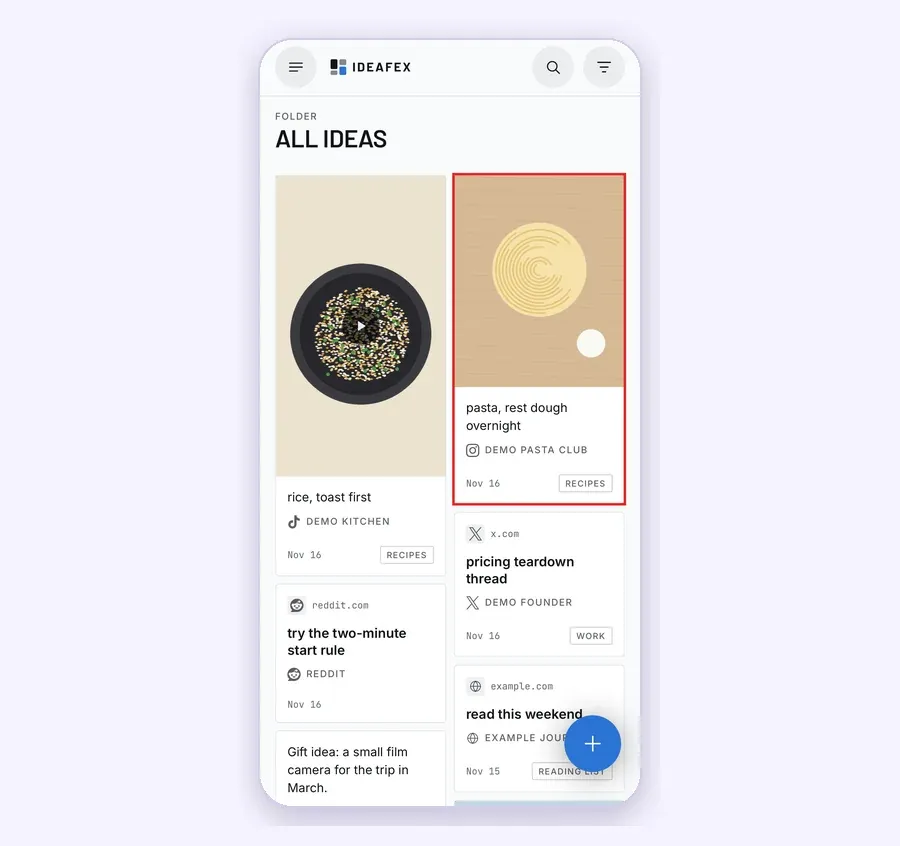
On your wall, the platform filter shows only your Instagram ideas, and folders let one post sit in both "Dinner ideas" and "Weekend". Anything Ideafex already fetched stays with the idea if the original post is later removed.
Make your Instagram saves searchable
Share a post or Reel to Ideafex and find it later by its caption, a word in your note or, on Pro, what was said in the video.


What are the limits?
- No import from Instagram Saved. Ideafex cannot read your Saved list. Share the posts you care about across one by one.
- Fetching is best-effort. Instagram does not always allow the request, and posts from private accounts cannot be fetched. When fetching fails, you keep the link, preview and your note.
- Comments are not copied. Ideafex keeps the post, not the discussion under it.
- Media, captions and transcripts are Pro. Free keeps the link, preview and notes. Current plans are on the Ideafex pricing page.
- Ideafex is not a downloader. It does not save videos to your camera roll. Media it fetches on Pro is shown inside your idea.

Is Instagram's Saved list enough on its own?
For a handful of posts you only ever open inside Instagram, yes. It is free, private and built in. It gets harder when Instagram is one source among many: a Reel recipe, a TikTok tutorial, a Reddit thread and an article all answer the same question, and you want one search across them. That is what our guide to saving social media posts in one place covers, with the same flow for Reddit posts, X bookmarks and TikTok favorites.
Questions about Instagram saved posts
Tap your profile picture, tap the menu (three lines) in the top-right corner and tap Saved. On instagram.com, open your profile and choose the Saved tab.
No. Instagram says saved posts and collections are private and only you can see them, unless you add posts to a collaborative collection you share.
We could not find a search inside Saved in Instagram's help pages; you scroll or open a collection. In Ideafex, search covers your notes on every plan and, on Pro, captions and transcripts of videos it could download.
No. Ideafex does not like, save or comment on anything in your Instagram account. Your ideas are private to your Ideafex account.
No. Ideafex is not a downloader. On Pro it tries to fetch the media and a transcript so you can watch and search the Reel inside Ideafex, best-effort.
Save it once, find it later
Save posts, articles and videos from any app to one searchable wall. Ideafex is free on the App Store, Google Play and the web at app.ideafex.si.
Related reading

Save social media posts from every app in one searchable place
Share posts from Instagram, TikTok, X, Reddit or any other app to one searchable wall, then find them again by platform, folder or what they said.
Read more →
How to Save Instagram Posts and Find Them Again
Instagram's save and collections steps, where saved posts and Reels live, the limits of the Saved list, and how to keep saved posts searchable outside Instagram.
Read more →
Video transcripts: search saved videos by what was said
On Pro, Ideafex makes a searchable transcript for videos it can download, so you can find a saved clip by a phrase you remember.
Read more →