

TikTok favorites are where most people keep the videos they mean to come back to: a recipe, a workout, a travel tip, a product someone tested. Adding a video takes one tap. Finding it again a month later is harder, because Favorites is a grid of thumbnails and what you remember is usually something the person said. This page covers how Favorites works and how to keep the TikTok videos that matter searchable.
How do you add a video to your TikTok favorites?
- While the video plays, tap the Favorites icon (the bookmark shape) in the column of buttons on the right.
- Or tap Share and choose Add to Favorites, or press and hold the video.
- Tap the icon again to remove the video.
TikTok moves its buttons from time to time, so the labels on your screen may differ slightly.
Where are your TikTok favorites?
Go to your Profile and open the Favorites tab (the bookmark icon). Videos are there, along with saved sounds, effects and other items. You can group favorite videos into collections, which work like folders.
Can you search your TikTok favorites?
We could not find a search inside Favorites in TikTok's help pages. In practice you scroll the grid or open a collection. That is fine for twenty videos and slow for two hundred, especially when you remember "the one where she said to toast the rice first" but not the account.
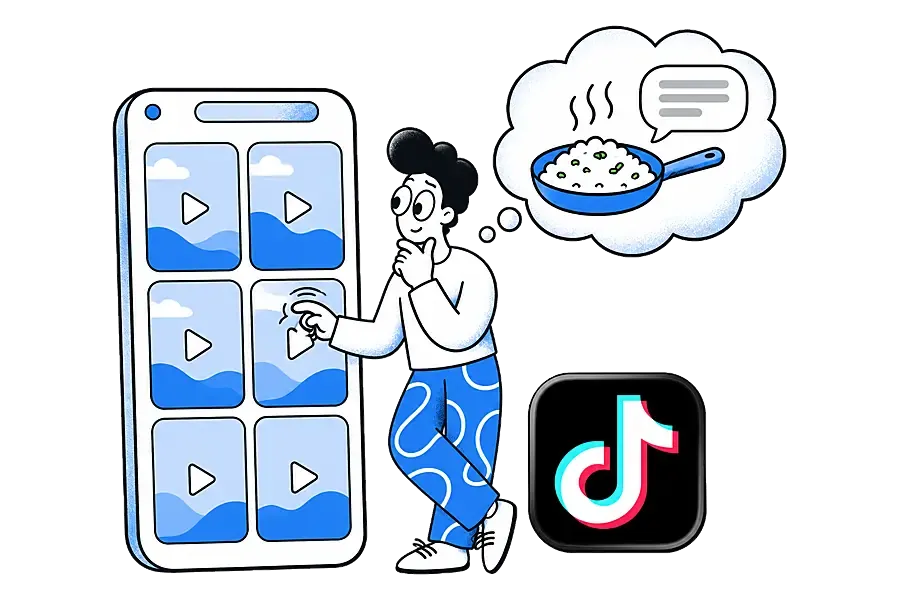
Favorites also depends on the original video. If the creator deletes it or makes it private, it can drop out of your list. Our glossary entry on link rot explains why saved links break over time.
How do you save TikTok videos to Ideafex?
Sharing a video to Ideafex keeps it on your own wall, next to saves from Instagram, X, Reddit and the web, with a search box.
On Android
- Open the video in TikTok and tap Share.
- TikTok shows its own share panel first. Scroll the row of apps and tap More to open the system share sheet, or tap Copy link and paste it in Ideafex with + and Note.
- Pick Ideafex. If you have folders, tick any under "Save to folders" and tap Save. You see "Saved to Ideafex" and stay in the app.
On iPhone
- Open the video in TikTok and tap Share.
- In TikTok's share panel, scroll the row of apps and tap More to open the iPhone share sheet.
- Pick Ideafex. If it is not in the row of apps, tap More and add it; Apple explains this in Customize sharing options on iPhone. If you have folders, pick any under "Save to folders" and tap Save. You see "Saved to Ideafex", the sheet closes and the idea is on your wall.

On a computer
- In Chrome, Edge or Firefox with the Ideafex extension, right-click the link and choose Save link to Ideafex.
- In any other browser, copy the address, open the web app, click + Add idea and paste the link into the note.
With no connection, the save is queued on your phone, still shows "Saved" and uploads later (offline sync). If you share something you already saved, Ideafex says "Already saved" instead of making a second card.
What does Ideafex keep from a TikTok video?
- Every plan: the link, the TikTok platform badge and a link preview. Any note you add is searchable, so "rice, toast first" finds the video straight away.
- Pro: Ideafex also tries to fetch the caption, the creator and the video. When the video downloads, Ideafex makes a transcript of what was said, so search finds the video by its spoken words. This is best-effort: TikTok does not always allow the request, and when it does not, you keep the link, preview and any caption Ideafex could read. See TikTok transcripts for the steps, or video transcripts for every platform.
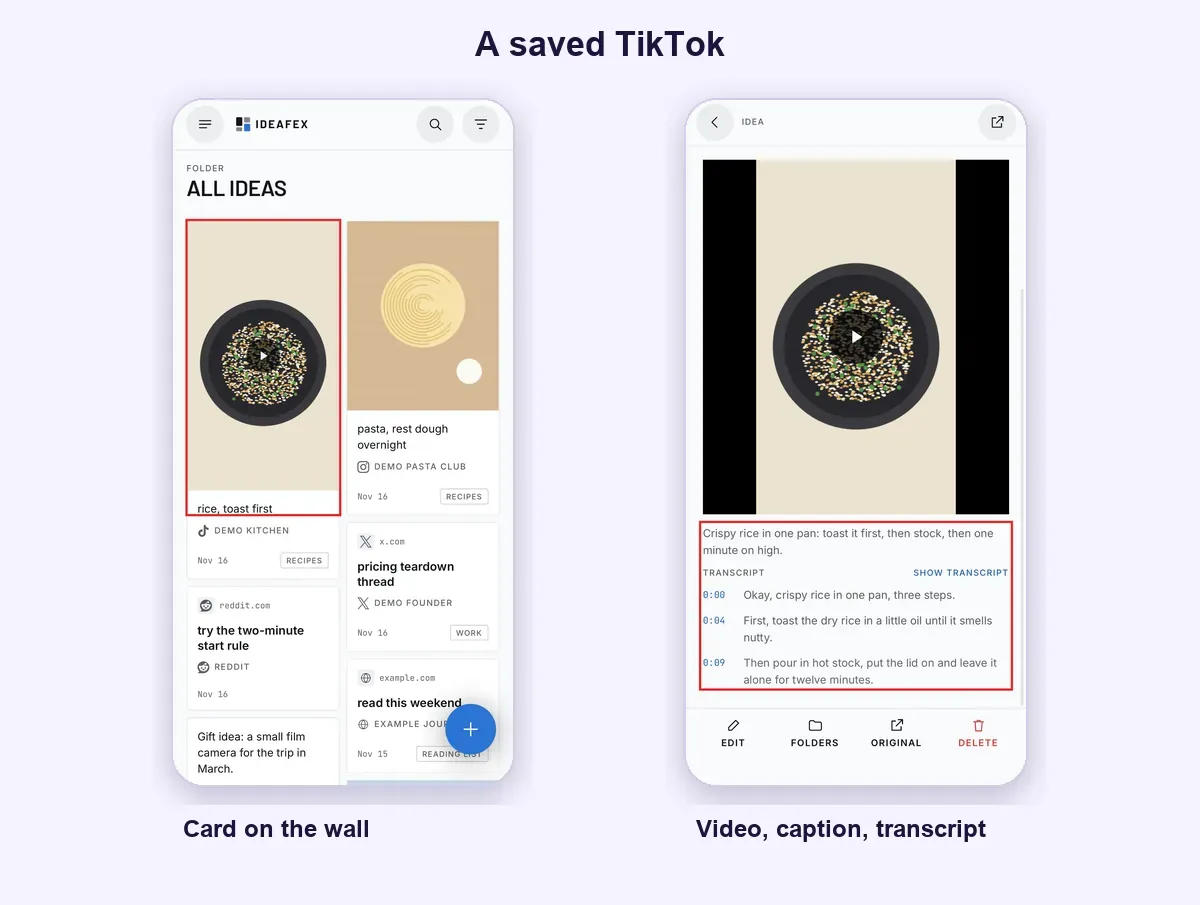
The platform filter shows only your TikTok ideas, and folders let one video sit in both "Weeknight dinners" and "Try this weekend".
Find TikTok videos by what was said
Share a TikTok to Ideafex and find it later by its caption, your note or, on Pro, the words spoken in the video.


What are the limits?
- Ideafex is not a TikTok downloader. It does not save videos to your phone or camera roll, and it does not remove watermarks. Media it fetches on Pro is shown inside your idea.
- Transcripts are Pro and best-effort. They exist only for videos Ideafex could download. Accuracy depends on the audio: music over speech or a quiet speaker can cause mistakes. Only the first video in a post is transcribed.
- YouTube is different. YouTube links are saved as a preview only, with no transcript.
- No import from Favorites. Ideafex cannot read your TikTok Favorites. Share the videos you care about across.
- Comments are not copied, and private videos cannot be fetched.
- Sharing is not liking. Ideafex does not like, favourite or comment on anything in your TikTok account. TikTok may count the use of its Share button, as it does for any share. Current plans are on the Ideafex pricing page.

Are TikTok favorites enough on their own?
If you only rewatch a few videos inside TikTok, yes. Favorites is free and built in. It falls short when the same question is answered by a TikTok, a Reel and a Reddit thread, and you want one search across all of them. Our guide to saving social media posts in one place covers that, and the same share flow works for Instagram posts and X bookmarks. With AI access on Pro, your AI assistant can search saved videos by their transcripts, read-only.

Questions about TikTok favorites
Go to your profile and open the Favorites tab, the bookmark icon. Favorite videos are there, and you can group them into collections.
We could not find a search inside Favorites in TikTok's help pages. In Ideafex, search covers your notes on every plan and, on Pro, captions and transcripts of videos it could download.
Not to your phone. Ideafex is not a downloader. On Pro it tries to fetch the video so you can watch and search it inside Ideafex, best-effort.
On Pro, yes, for videos Ideafex could download: it makes a transcript and search covers it. When a video cannot be downloaded, you keep the link, preview and your note.
Ideafex does not like, favourite or comment on anything. TikTok may count the use of its Share button, as it does for any share.
Save it once, find it later
Save posts, articles and videos from any app to one searchable wall. Ideafex is free on the App Store, Google Play and the web at app.ideafex.si.
Related reading

Save social media posts from every app in one searchable place
Share posts from Instagram, TikTok, X, Reddit or any other app to one searchable wall, then find them again by platform, folder or what they said.
Read more →
Video transcripts: search saved videos by what was said
On Pro, Ideafex makes a searchable transcript for videos it can download, so you can find a saved clip by a phrase you remember.
Read more →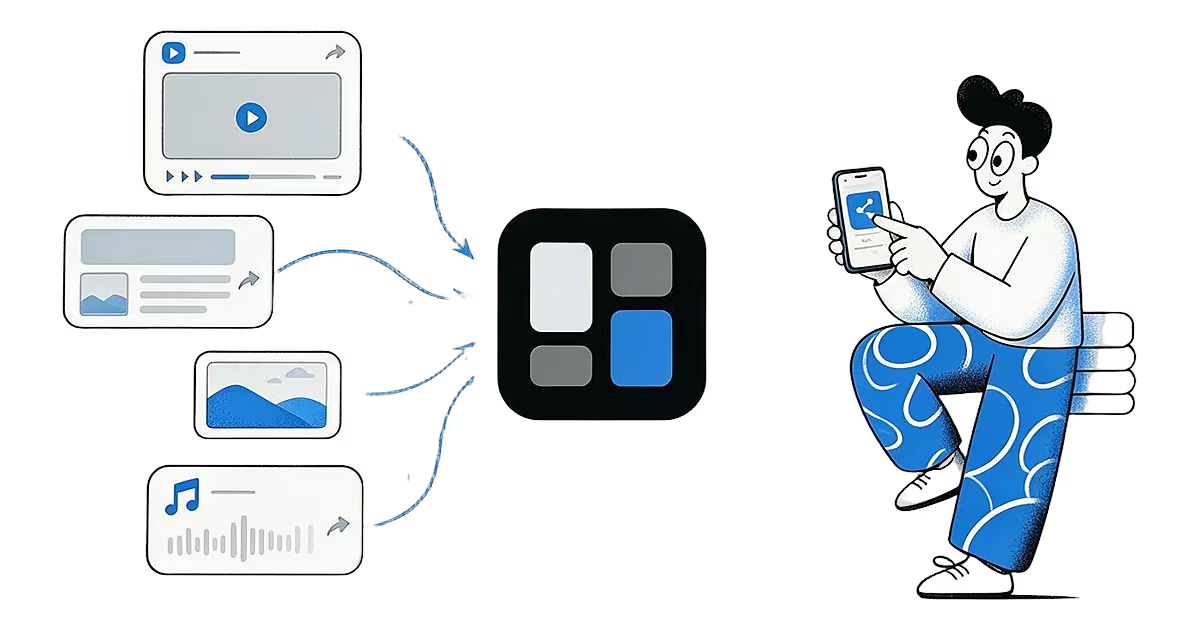
Share from any app: save to Ideafex from the share sheet
Tap Share in any app, pick Ideafex, and the post, link, text or file is saved without leaving the app, even offline.
Read more →